The Role of Audio Design in Student Projects and Presentations
A practical guide exploring how audio design elevates student projects and presentations: covering voice recording, background music, sound effects, and editing habits across formats like video essays, podcasts, and slide decks.
Kuba RogutPublished Updated 7 min read
Audio design often receives less attention than visuals, yet it can shape how a student project is understood and remembered. In modern classrooms, presentations are no longer limited to text-heavy slides. Students now create video essays, podcasts, recorded pitches, documentaries, and multimedia portfolios. In all of these formats, sound plays a central role.
Good audio design can improve clarity, hold attention, and make an academic message feel more polished. Poor sound can do the opposite. Even a strong idea may lose impact if the voice recording is unclear, the music is distracting, or volume levels shift too often. That is why audio design matters for student projects and presentations.
Why Audio Design Matters in Academic Work
Audio is more than a technical detail. It shapes mood, guides attention, and supports understanding. In student work, it can make a presentation sound confident, organized, and engaging.
Audio Creates a Strong First Impression
When a teacher or classmate starts watching a recorded presentation, the first few seconds matter. A clean voice track suggests preparation and care. Crackling audio or uneven volume can create a weaker impression, even before the content begins.
Students often spend hours improving slide layouts, fonts, and graphics. They should give similar attention to sound quality. A clear opening narration can make a project feel more professional from the start.
Sound Helps the Audience Stay Focused
Audio can direct attention in subtle ways. A calm speaking pace helps listeners follow the structure. A brief sound cue can mark transitions. Soft background music, when used carefully, can make a video project feel more cohesive.
This is especially useful in digital learning. Many instructors review recorded assignments online. Strong audio design helps the audience stay connected, even without live interaction.
Before looking at specific tools, it helps to understand what audio can add to a student presentation:
- It improves speech clarity and message delivery.
- It supports audience attention during longer presentations.
- It adds emotional tone to video-based assignments.
- It strengthens transitions between sections or ideas.
- It makes digital projects feel more polished and complete.
These advantages matter in both creative and formal academic settings. Whether the task is a class report or a capstone presentation, effective sound design can raise the overall quality.
Managing both presentation quality and written assignments at the same time can quickly become overwhelming for students.
In many academic projects, students are required to manage both multimedia presentations and written assignments at the same time. This can become especially challenging when deadlines overlap and expectations remain high. In such situations, some students turn to a StudyMoose essay buying service to manage their workload more effectively and ensure that their written content meets academic standards. Combining this support with strong audio design helps create presentations that are both polished and engaging, with clear structure and consistent quality across all elements.
Core Elements of Audio Design for Student Projects
Audio design includes several parts, and each one affects how the final presentation feels. Students do not need studio-level equipment, but they do need to understand the basics.
Voice Recording Quality
The human voice is often the most important sound in a project. If narration is hard to hear, the entire message becomes weaker. This is why microphone placement, room acoustics, and speaking technique matter.
A student should record in a quiet room with little echo. Soft furnishings can help reduce harsh reflections. It also helps to keep a steady distance from the microphone and speak at a natural pace.
Background Music and Atmosphere
Music can support a project, but it should never compete with speech. Light background music may work well in creative presentations, promotional-style pitches, or reflective video essays. In more formal academic work, silence may be the better choice.
The key is balance. Music should add texture, not distraction. It must also match the tone of the topic. Serious themes need a restrained soundscape, while a more dynamic student campaign may allow brighter audio choices.
Sound Effects and Transitions
Sound effects can mark sections, highlight key moments, or support storytelling. Still, they should be used sparingly. Too many effects make a project feel cluttered.
The most effective audio details are often subtle ones. A short transition sound between chapters or sections can make a presentation easier to follow without overwhelming the content.
Students should focus on a few practical audio components during production:
- Clear narration with stable volume
- Low background noise and minimal echo
- Music that supports, rather than dominates, the message
- Simple transition sounds used with purpose
- Balanced editing across the full presentation
When these elements work together, the final result feels smoother and more credible. The audience can focus on the ideas instead of being distracted by technical flaws.
Best Uses of Audio in Different Student Formats
Different assignments need different sound strategies. Audio design should match the purpose of the project rather than follow one fixed formula.
Audio in Slide Presentations
In narrated slides, the voice should do more than read text. It should expand on key points, explain visuals, and guide the audience through the argument. This creates a stronger learning experience than repeating what is already on the screen.
Short pauses also matter. They give listeners time to process charts, diagrams, and quotations. A rushed delivery can make even a well-researched presentation feel confusing.
Audio in Video Essays and Documentaries
Video-based student projects often rely heavily on sound. Narration, ambient sound, interviews, and music all shape the viewing experience. In this format, audio design supports both storytelling and structure.
For example, a documentary about urban space may use street ambience to create realism. A history video essay may use quiet background music to maintain tone. In each case, audio supports meaning.
Audio in Podcasts and Oral Assignments
Podcasts, oral reflections, and recorded discussions depend almost entirely on sound. In these formats, weak audio quality becomes even more noticeable. Clear diction, pacing, and editing are essential.
| Project Type | Best Audio Focus | Common Risk |
|---|---|---|
| Slide presentation | Clear narration and pacing | Reading slides too mechanically |
| Video essay | Narration, music, and transitions | Music overpowering speech |
| Podcast assignment | Voice warmth and editing | Background noise |
| Portfolio or demo reel | Polished sound identity | Inconsistent volume |
| Group presentation | Balanced speakers and levels | Uneven microphone quality |
Choosing the right audio style for each format helps students sound more intentional. It also makes the presentation better suited to the assignment's goals.
Practical Steps for Better Student Audio Design
Students do not need expensive software to improve sound. A few smart production habits can make a major difference.
Plan the Audio Before Recording
Many problems begin when audio is treated as an afterthought. A better approach is to plan narration, music, and transitions before editing starts. This saves time and creates a cleaner structure.
A simple script or outline helps the speaker stay focused. It also reduces filler words, awkward pauses, and repeated phrases. As a result, the presentation sounds more confident.
Edit with Clarity in Mind
Editing should improve understanding, not add unnecessary effects. Students should check volume consistency, remove obvious noise, and cut distracting pauses. Even basic editing tools can handle these tasks well.
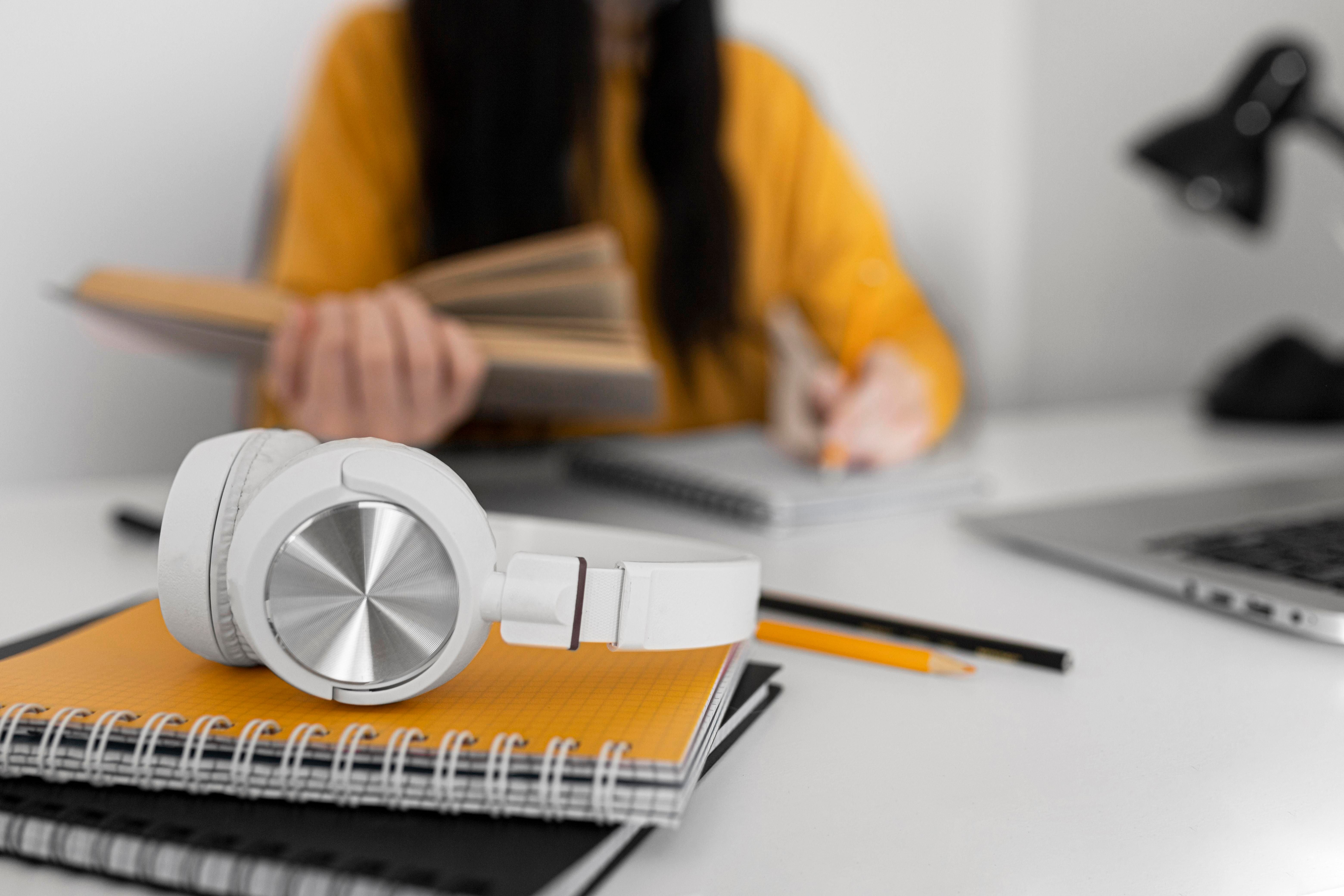
It is also useful to listen through headphones and speakers. That makes it easier to catch issues that may be missed on one device.
A simple workflow can help students produce stronger audio without overcomplicating the process:
- Record in a quiet space with a steady microphone position.
- Test the sound before making the full recording.
- Use a short script to improve pacing and structure.
- Edit out noise, long pauses, and uneven levels.
- Review the final version on more than one device.
Following these steps improves both quality and confidence. It also reduces the chance of submitting a project with avoidable technical problems.
Common Audio Mistakes Students Should Avoid
Good audio design is often about restraint. Students sometimes add too much in an effort to make a project feel impressive. In practice, this can weaken the final result.
Overusing Music or Effects
Background music should not fill every second. Silence can be useful, especially when a speaker is explaining a complex point. Too many sound effects can also make a project feel less academic.
Ignoring Consistency
A presentation should sound unified from beginning to end. If one section is quiet and another is too loud, the audience may lose focus. Consistency helps the work feel reliable and polished.
Several common mistakes appear again and again in student presentations:
- Loud music under spoken narration
- Abrupt changes in volume between clips
- Echo caused by recording in empty rooms
- Unclear pronunciation from rushing through the script
- Decorative effects that do not support the content
Avoiding these issues does not require perfection. It simply requires attention to how the audience will experience the sound.
Conclusion
Audio design plays an important role in student projects and presentations because it supports clarity, engagement, and professionalism. In many academic formats, sound is not secondary to visuals — it is part of the message itself.
Students who improve narration, manage background sound, and edit with purpose can make their work more effective. Strong audio design helps ideas land more clearly and makes a project feel complete. In a learning environment shaped by digital media, that advantage is becoming more valuable every year.