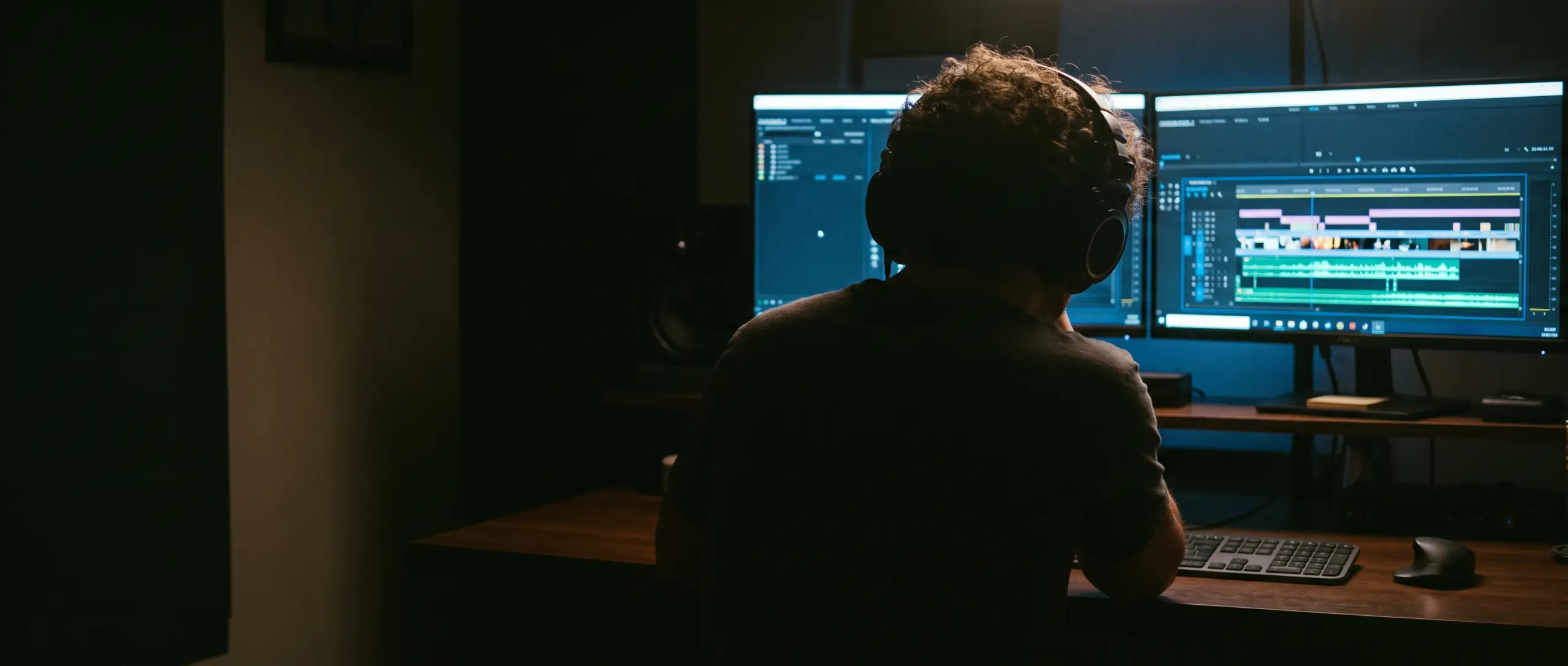
Describe the whoosh, hit or room tone your edit needs and get it in seconds. Royalty-free and ready for the timeline.
Real sounds from the library, each made from one prompt.
“Jet plane breaking the sound barrier”
“A heavy metal door slamming shut with a resonant boom”
“A boat's wake splashing against the shoreline”
“The metallic sound of a bullet casing hitting the ground”
Library sounds almost fit. Describe the exact moment, like "door slam in a tiled bathroom, slight echo", and the sound matches the picture.
Type a sentence instead of scrolling through thousands of files. A sound takes 5 to 15 seconds, with up to four takes to choose from.
Every sound is royalty-free for commercial use, so it can go in YouTube videos, client edits and ads without a separate license.
Type the sound you hear in your head. Add the material, the distance, the mood or the length.
Generate up to four variations side by side and keep the one that fits.
Download it and drop it into your edit, game or DAW. Every sound is licensed for commercial use.
Pick one and it'll be waiting in the generator after you sign up.
Every plan includes commercial use. Pick the amount of credits you need.
Contact us at support@sfxengine.com
Describe the sound, generate it and download the WAV file. It drops into Premiere Pro, DaVinci Resolve, Final Cut, CapCut or any other editor like any other audio clip.
Yes. Every sound you generate is royalty-free for commercial use, including monetized YouTube videos, client projects and ads.
Up to 47 seconds. Hits and whooshes work best at 1 to 3 seconds; ambience and room tone can run longer.
Name the sound, the material and the space: "heavy wooden door closing in a stone hallway" gets closer than "door". Add the length if timing matters.
Describe it and hear it in seconds.