Create Free Thunder Sound Effects in Seconds
Stop searching and start creating. Learn how to generate custom, free thunder sound effects for any project using a powerful AI tool. Download instantly.
Kuba RogutPublished 12 min read
If you've ever spent hours digging through free sound libraries for the perfect thunderclap, you know the frustration. You find something that's almost right, but not quite. Maybe the crack is too sharp, or the rumble isn't long enough.
What if you could just ask for the exact sound you need and get it instantly? That's where AI sound generation comes in. Forget settling for "good enough"—we're going to walk through how to create custom, completely free thunder sound effects using a tool like SFX Engine.
Stop Searching, Start Creating
For any creative project—a tense film scene, an atmospheric video game, or a moody podcast intro—the right sound is everything. A distant rumble can build suspense, while a sudden, sharp crack can make an audience jump. The problem with traditional libraries is you're limited to what someone else has already recorded and uploaded.
This guide flips that script. I'll show you how to take control and generate the precise thunder SFX your project demands. It's faster, more specific, and gives you a unique sound that perfectly fits your vision, all without spending a dime.
Why Does Custom Sound Matter?
The need for high-quality, specific audio isn't just a feeling; it's a massive market trend. The global sound effects industry was valued at roughly $2.5 billion in 2023 and is on track to nearly double by 2032. You can read more about the growth of the sound effects market and see just how vital unique audio has become.
The real shift here is moving from being a finder of sounds to a creator of them. Instead of trying to fit a pre-made sound effect into your scene, you get to create a sound effect that perfectly serves your scene. It's a small change in process that has a huge impact on the final product.
When you first land on an AI sound generator like SFX Engine, you'll see how simple the whole idea is.
The interface is intentionally minimal. There's no complex dashboard or confusing filters, just a text box waiting for your description. This is where the magic happens. You just type what's in your head—"low, rolling thunder in the distance followed by light rain"—and let the AI do the heavy lifting.
Traditional Libraries vs AI Sound Generation
Thinking about the old way versus the new way helps put the benefits into perspective. One is about searching and compromising; the other is about describing and creating.
| Feature | Traditional Free Libraries | AI Sound Effect Generation |
|---|---|---|
| Specificity | Limited to what's available. You might find "thunder," but not "a single sharp thunder crack echoing in a valley." | Highly specific. Your prompt dictates the exact sound, giving you pinpoint control over the final result. |
| Uniqueness | Low. The same popular SFX are used across thousands of projects, which can make your work feel generic. | High. Every generated sound is unique to your prompt, ensuring your project has its own distinct audio identity. |
| Time Investment | Can be very high. You often have to sift through dozens of similar-sounding files to find one that's close enough. | Minimal. It takes just a few seconds to type a prompt and generate a sound. Fine-tuning is a matter of seconds, not hours. |
| Creative Control | Very little. You can edit the audio after downloading, but you're stuck with the core characteristics of the original file. | Complete. You control everything from the type of thunder to the environment it's in, directly from your text prompt. |
| Cost | Free, but often with licensing restrictions or quality limitations. | Free. Platforms like SFX Engine offer free generations and downloads with a simple, royalty-free license. |
Ultimately, while free libraries have their place, they can't compete with the speed and creative freedom that AI tools now offer. For something as nuanced as the sound of a storm, being able to direct the performance yourself is a game-changer.
Getting Started with the AI Sound Generator
Jumping into an AI sound generator for the first time is surprisingly easy. To start making your own unique soundscapes, head over to the main Parakeet AI platform and set up a free account. All it usually takes is an email, and that's your ticket to generating and downloading free thunder sound effects instantly.
Once you’re logged in, you'll find the interface is built for getting things done quickly. The text prompt field is your command center—this is where you’ll type out exactly what you want to hear. You'll also spot some helpful categories to give the AI a little more context.
Navigating to Weather Effects
For creating storm sounds, your first move is to click on the ‘Weather’ category. This immediately tunes the AI into the right sonic environment. After that, it’s all about the text prompt. This is where you get to be creative and guide the AI from a broad concept to a very specific sound.
This whole process is designed to be a straight line from your idea to a ready-to-use audio file.
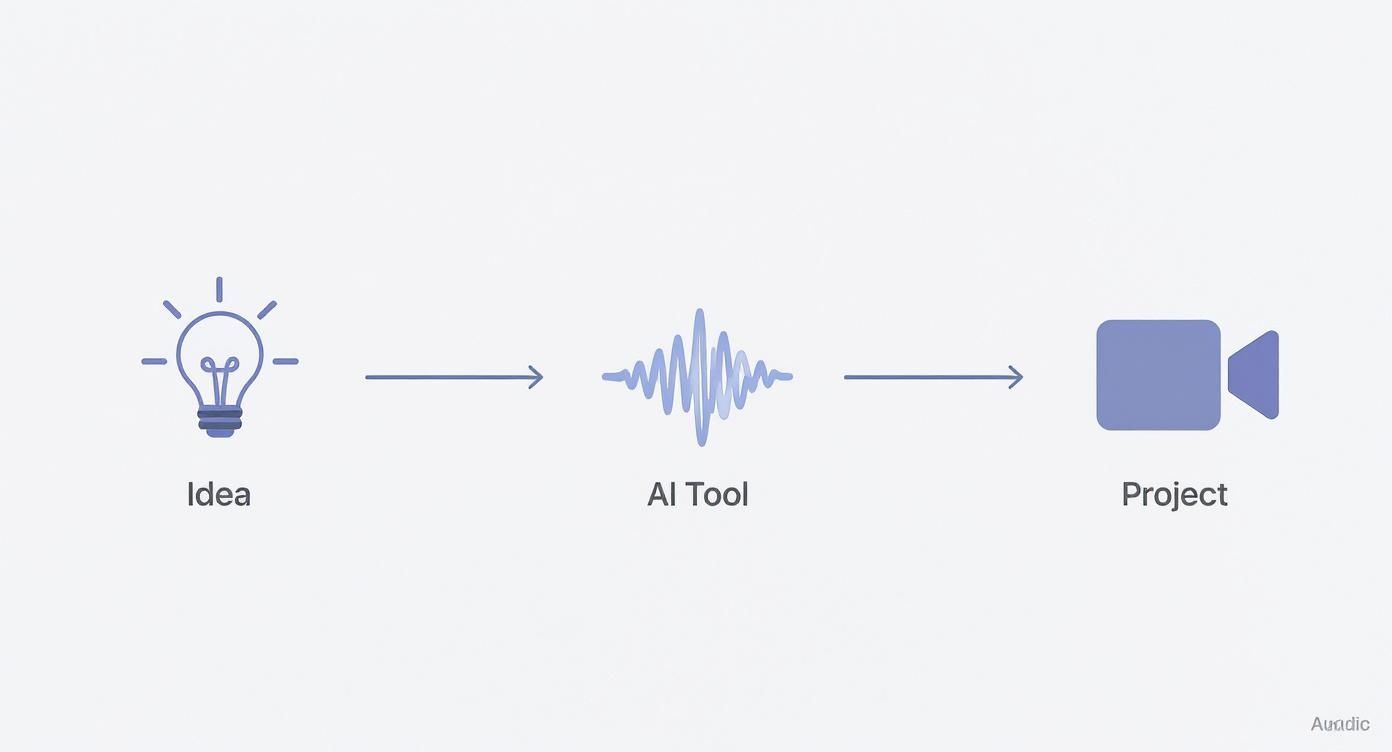
The beauty of this is that you’re not just finding a sound; you’re creating it from scratch. No more sifting through massive libraries or editing pre-made clips to fit your project.
Don't stress about getting your first prompt perfect. Just think of it as a rough sketch. Typing something simple like "distant rolling thunder" is all you need to get a custom sound effect in seconds. You can always tweak and refine from there.
If you're curious about what else is possible, our complete guide on the free AI sound generator is a great next step. The trick is to just start simple and play around. You'll quickly get a feel for how the AI translates your words into powerful, custom audio for any creative project.
How to Write Prompts for Realistic Thunder

This is where the magic happens. You go from simply using sounds to actually creating them. The quality of your free thunder sound effects comes down almost entirely to how you write your text prompt. Typing in "thunder" will get you a generic, stock sound. But a truly descriptive prompt? That's how you get a specific, high-quality asset that fits your project perfectly.
Think of it like you're a film director. You wouldn't just tell an actor to "be sad." You'd give them the context, the motivation, the specific flavor of sadness their character is feeling. It's the same idea here. You aren't just asking for a sound; you're painting a picture and describing the thunder's role in that scene.
The Anatomy of a Powerful Prompt
From my experience, the best prompts almost always nail three key things: the storm's distance, its intensity, and the environment it's happening in. When you break your idea down this way, you can translate the sound in your head into a command the AI can actually understand and execute with precision.
Here’s a simple framework to follow:
- Distance: Where is the thunder coming from? Is it cracking right overhead, or is it a low grumble miles away? Use words like distant, close, overhead, and approaching to set the stage.
- Intensity: What’s the character of the sound? Is it a gentle rumble, a sudden, sharp crack, a deep boom, or an ominous growl? Powerful, descriptive adjectives are your best friend here.
- Environment: What else is going on? Adding details like during a light rain, in a windy forest, or echoing across a vast canyon adds a layer of realism that makes all the difference.
When you weave these elements together, you get something much more powerful. For instance, "a sharp, close lightning crack followed by a deep rumble" tells a much more compelling story than just "thunderclap." This level of detail is the secret to getting great results, and it's a core concept you can learn more about in our guide on how to create sounds of any kind.
Think of your prompt as the blueprint for the sound effect. The more detail in the blueprint, the more intricate and accurate the final sound will be. Don't be shy—get poetic and descriptive. The AI loves specifics.
Real-World Prompt Examples
Let's put this into a practical scenario. Say you’re designing the audio for a video game scene. The player is hiding in a cave as a massive storm rages just outside. A generic thunderclap just isn't going to sell that moment.
You need something with atmosphere. Try a prompt like, "Distant, rolling thunder with heavy rain, muffled as if heard from inside a cave." See what we did there? The keywords "muffled" and "inside a cave" tell the AI to process the sound from a specific listening point, creating a much more immersive experience for the player.
Today's audio expectations are higher than ever, especially with immersive formats like Dolby Atmos becoming more common. Listeners expect realism. Experimenting with your prompts is hands-down the best way to generate your own high-quality, free thunder sound effects that meet—and exceed—those expectations.
Fine-Tuning Your Custom Thunder Sounds
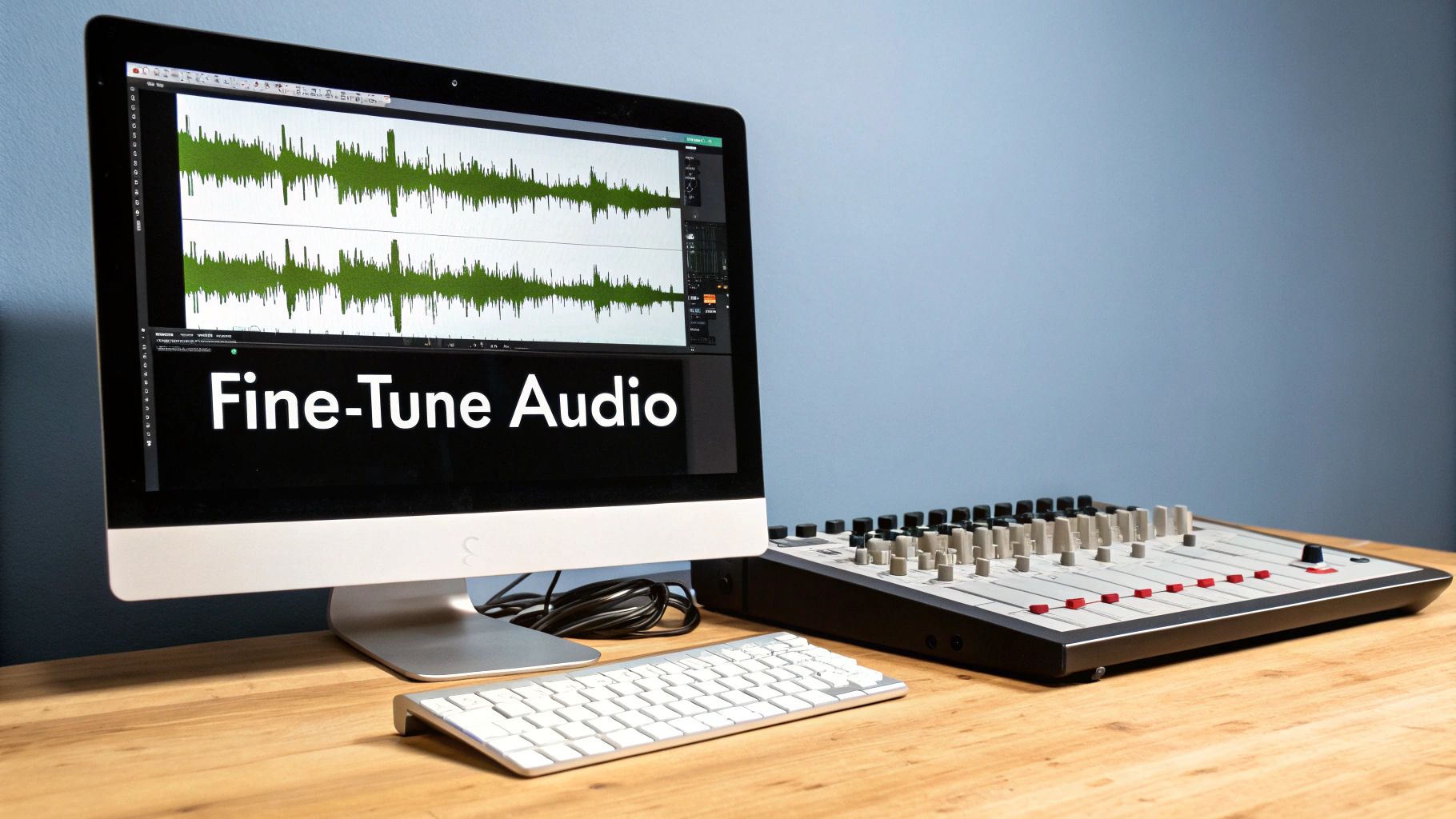
So, you've used your prompt and the AI has kicked back a solid thunder sound. That's a great start, but the real magic happens next. Think of that first generation as your raw clay—it's time to get your hands dirty and shape it into exactly what you need.
This is where you transform a generic sound into your sound. For instance, maybe you got a sharp thunderclap, but your scene is set on a vast, open moor. That sound needs to feel huge and distant. By simply cranking up the reverb with the available sliders, you can create that sense of echoing across an empty landscape. It's these small adjustments that sell the entire atmosphere.
Adjusting the Core Sound Characteristics
Most good sound generators give you a handful of essential controls to play with. Getting familiar with them is key to dialing in the perfect free thunder sound effects.
- Duration: Need to build suspense as the storm rolls in? Stretch out a low rumble to make it last longer. Want a sudden jolt? Shorten a sharp crack to make it more abrupt and startling.
- Echo and Delay: This is fantastic for adding realism. A subtle delay can make it sound like the thunder is bouncing off distant mountains or buildings, instantly grounding your audio in a physical space.
- Reverb: This is all about the environment. High reverb can make it sound like you're in a massive cave or cathedral, while almost no reverb gives you a dry, intimate sound, as if the storm is right outside a small room.
Your first attempt is almost never the final version. I always treat the initial sound as a baseline, then spend time tweaking the sliders and generating new takes until it just feels right. It’s a process of listening and refining.
Creating Useful Variations
Here’s a pro tip that will save you a ton of time: once you have a sound you mostly like, don't start over. Instead, use the "create variation" feature. This tells the AI to generate a few new versions that are similar to your current one but with subtle differences.
This is an absolute game-changer for building a convincing soundscape. Think about it—in a real storm, no two thunderclaps are identical. If your scene is five minutes long, you can’t just loop the same effect without it sounding fake. By generating five or six variations, you can create a dynamic and believable storm where each rumble and crack is unique. This small step makes a world of difference and gives your project a much more professional feel.
You've put in the work and crafted the perfect storm. Now, it's time to get that sound out of the SFX Engine and into your project.
Let's walk through how to download your audio and put it to work.
Once your thunder is ready, you'll see a download button right next to the audio player. It’s a simple click, but first, you have to make a quick decision on the file format. This choice actually matters quite a bit and really depends on what you're building.
Picking the Best File Format: WAV vs. MP3
You’ll usually see two main options: WAV and MP3.
Think of WAV as the high-resolution, master copy. It's an uncompressed format, meaning it keeps every single bit of audio data intact. If you're working on a film, a broadcast project, or professional music production where quality is king, always go with WAV.
On the other hand, MP3 is the practical, lightweight option. It’s a compressed file, so it’s much smaller. This makes it perfect for web animations, mobile games, or social media videos where fast loading times are crucial. For most everyday uses, the slight dip in quality is virtually unnoticeable.
Here's the best part: every sound you make and download from SFX Engine is 100% royalty-free. That means you can use it in your personal and commercial projects without ever worrying about licensing fees or giving credit.
Bringing Your Thunder to Life
With your new sound effect saved to your computer, all that's left is to import it into your creative software.
If you're editing video in a program like DaVinci Resolve or Adobe Premiere Pro, it's as easy as dragging and dropping the audio file right onto your timeline. From there, you can start layering it with dialogue, music, and other effects to build your soundscape.
It's this kind of easy access that makes tools like this so valuable. Even with simple tools, the demand for high-quality audio integration is massive. The commercial sound effects software market was valued at an incredible $14.26 billion back in 2022, which really shows how much creators rely on powerful audio tools. If you're curious about that industry trend, you can read up on the sound effects software market growth.
For a more detailed, step-by-step guide, be sure to check out our full post on how to download sounds from the platform.
Got Questions About AI Thunder Sounds?
Jumping into any new creative tool, especially one powered by AI, naturally brings up a few questions. When you're looking to generate free thunder sound effects, you want to know what you're getting into before you start dropping them into your projects. Let's tackle some of the things people often ask.
So, Can I Actually Use These Sounds in My Projects?
This is usually the first question on everyone's mind, and it's a big one. Can you use these AI-generated sounds in a monetized YouTube video, a podcast, or even a video game you plan to sell?
Absolutely. Every single thunder sound you create is 100% royalty-free. You can use them in both personal and commercial projects, and you never have to worry about giving credit. This means you can build up your own unique audio library without the usual licensing headaches you find on most sound effect sites.
But Does AI Thunder Sound… Real?
It's a valid concern. Can a sound generated by an algorithm really hold up against a high-quality field recording of an actual storm? You might be surprised. The technology has come a long way, and AI can now produce incredibly realistic audio, often in uncompressed formats like WAV.
But here’s the real advantage AI offers: endless customization. A professional sound library might have a great recording of a distant rumble, but it won't have "a thunderclap echoing inside a giant's cavern." With AI, you can create hyper-specific sounds that simply don't exist anywhere else.
The point isn't just to copy reality; it's to create the perfect sound for your specific vision. AI puts you in the director's chair, letting you craft the sound instead of just searching for it.
Another thing people worry about is the learning curve. Surely a tool this powerful must be complicated, right? Not at all. The entire process is built to be straightforward. If you can type out a simple description of the sound you're imagining, you have all the skill you need to generate professional-quality free thunder sound effects in a matter of seconds.
Ready to brew the perfect storm? With SFX Engine, you can generate custom, royalty-free sound effects instantly. Start creating for free at sfxengine.com.