The 12 Best Apps for Content Creators in 2026
Discover the best apps for content creators in 2026. A detailed guide covering video editing, audio, design, and streaming tools for every workflow.
Kuba RogutPublished 21 min read
In today's fast-paced digital landscape, the right tools can be the difference between content that connects and content that gets lost in the noise. Whether you're a filmmaker, podcaster, streamer, or social media manager, your workflow depends on a suite of apps that are powerful, efficient, and cost-effective. But with countless options flooding the market, how do you build the perfect tech stack? This guide cuts through the clutter to bring you a definitive, categorized list of the best apps for content creators. We'll dive deep into each tool's practical use cases, standout features, honest limitations, and pricing structures, giving you the actionable insights needed to elevate your production quality, streamline your process, and focus on what you do best: creating.
From AI-powered audio generation with SFX Engine to comprehensive video editing suites like DaVinci Resolve and Adobe Creative Cloud, we’ve analyzed the essential software for every stage of production. For any content creator, visual appeal is non-negotiable, and understanding how to make photos look professional involves mastering composition, lighting, and the right editing tools, many of which we cover here. This resource is designed to be your go-to reference, helping you make informed decisions without wading through endless marketing copy.
Each entry includes direct links and detailed breakdowns, moving beyond generic feature lists to provide real-world context. You'll find out which app is ideal for a specific task, how to set it up quickly, and why it deserves a spot in your toolkit. Forget the trial-and-error approach; this comprehensive list provides a clear roadmap to building an efficient, powerful, and scalable creative workflow.
1. SFX Engine
SFX Engine is an AI-powered sound effect studio that fundamentally changes how creators source and design audio. Instead of searching through static libraries for a sound that almost fits, this platform allows you to generate completely custom, royalty-free sound effects on demand from a simple text prompt. It's a standout solution for video editors, game developers, and podcasters who need unique, high-quality audio without the high cost or licensing complexities of traditional sound design.
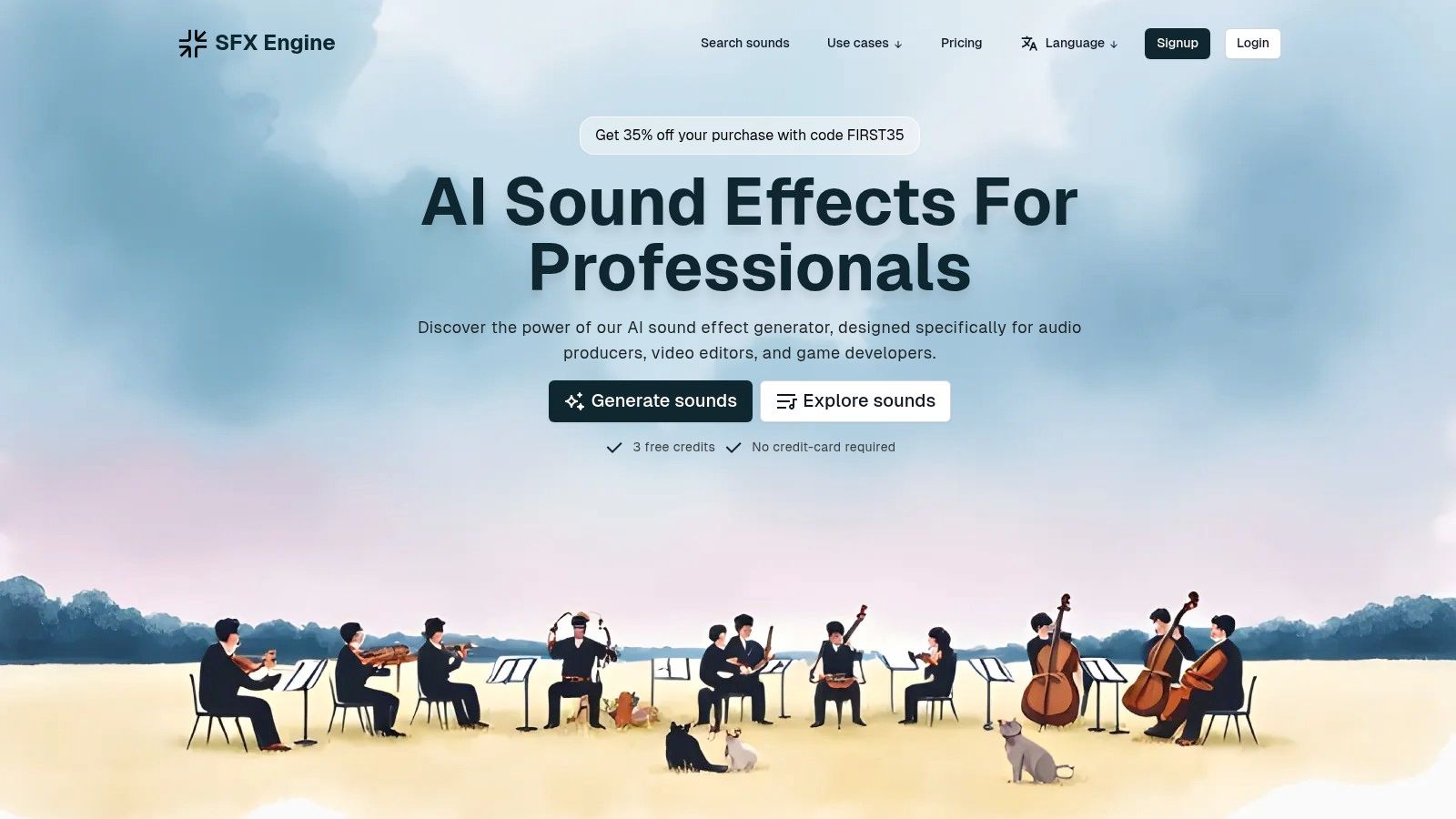
The platform's core strength is its generative AI, which produces infinite variations of sounds. This makes it one of the best apps for content creators needing specific audio cues, from the precise "clink of a sword hitting a shield" for a game to "gentle rolling thunder in the distance" for a film's atmosphere. All generated audio includes a full commercial license, clearing it for use in any project without additional fees.
Key Features & Use Cases
- AI-Powered Generation: Create unique sounds from text prompts like "futuristic user interface beep" or "creature growl, deep and guttural." This is ideal for projects requiring a distinct sonic identity.
- Royalty-Free Licensing: A critical benefit for professionals. Every sound you generate is cleared for commercial use in films, games, ads, and social media, eliminating legal risks.
- Flexible Pricing: The platform uses a credit-based system. You can start with a free basic tier or choose from scalable subscription plans (Starter, Creator, Pro) that offer more credits, API access, and priority support for high-volume workflows.
- Integration Ready: With API access on higher tiers, SFX Engine can be integrated directly into production pipelines, which is a significant advantage for game studios and creative agencies.
This tool is a powerful asset for any creator who values speed, customization, and legal simplicity in their audio workflow.
Website: https://sfxengine.com
2. Apple App Store
For creators embedded in the Apple ecosystem, the App Store is the definitive, high-quality marketplace for discovering essential tools. More than just a download portal, it serves as a curated discovery platform where creators can find everything from professional video editors like Final Cut Pro to mobile-first apps like LumaFusion. The editorial curation, with its "Today" stories and themed collections, often highlights powerful new apps for content creators that might otherwise go unnoticed.
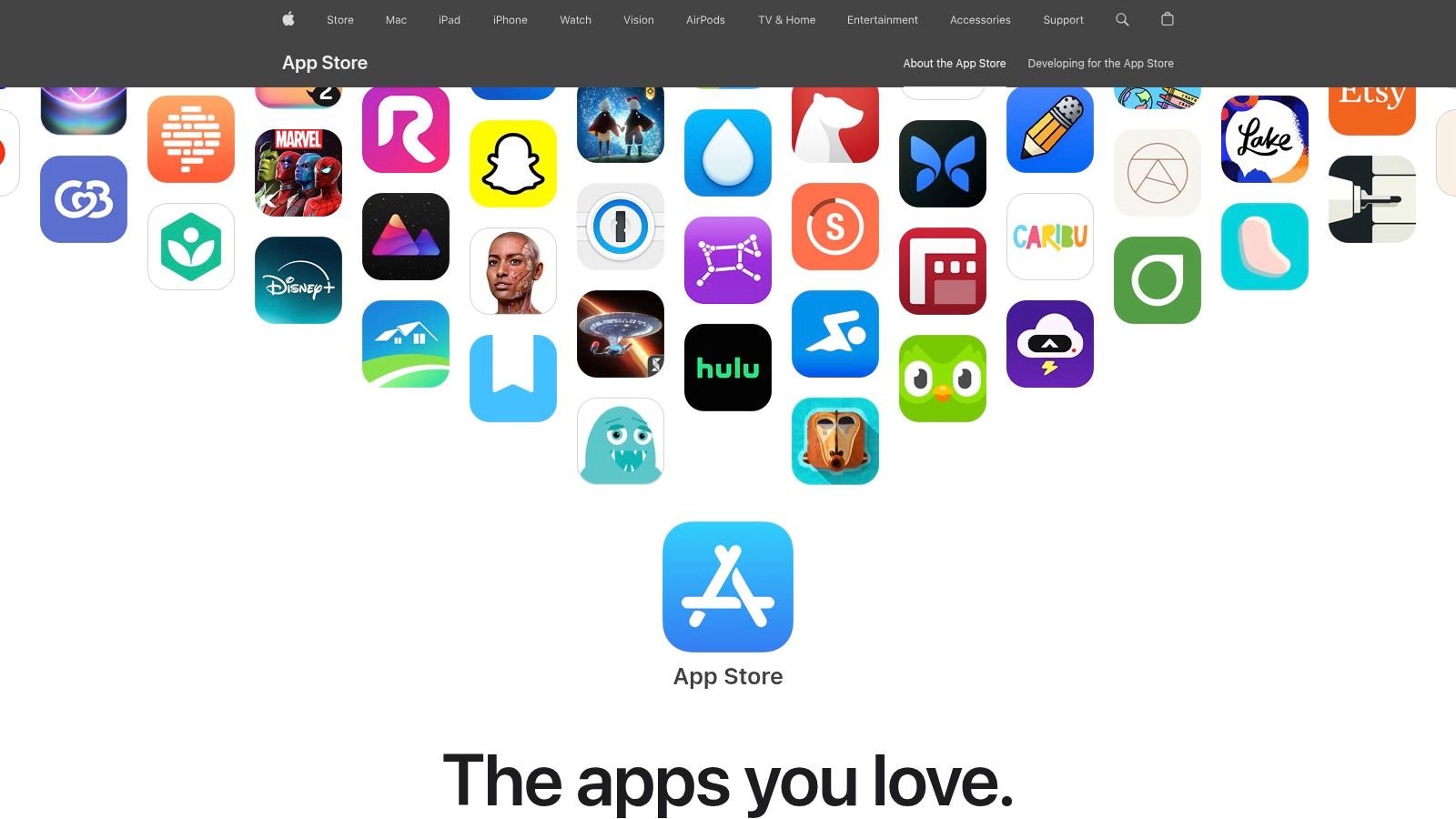
Its strict review process ensures a high standard of security and quality, which is crucial when entrusting your creative projects to an application. This vetting process means you are far less likely to encounter malware or poorly performing apps. App pages provide transparent privacy labels, user reviews, and clear in-app purchase details, helping you make informed decisions before downloading.
Why It's a Go-To Resource
The App Store excels in providing a seamless and secure experience. Secure payments, family sharing options, and a straightforward refund process through Apple Support add a layer of trust. The integration between macOS, iOS, and iPadOS allows for fluid workflows, though creators should note that some professional apps require separate purchases for desktop and mobile versions.
- Pros: Strong trust and safety screening, consistent app updates, reliable support.
- Cons: Exclusive to the Apple ecosystem, some pro apps have separate pricing for different devices.
Quick Tip: Use the "Today" tab not just for discovering new apps, but also for tips and tutorials on using popular creation tools more effectively.
Link: Apple App Store
3. Google Play Store
For the vast majority of creators using Android devices, the Google Play Store is the essential gateway to a massive universe of applications. It's the primary channel for discovering mobile-first creator apps, ranging from powerful video editors like CapCut to indispensable design tools like Canva. Its personalized recommendations and robust search filters make it easy to find the specific tools needed for any creative workflow, whether you're designing a thumbnail or scheduling social media posts on the go.
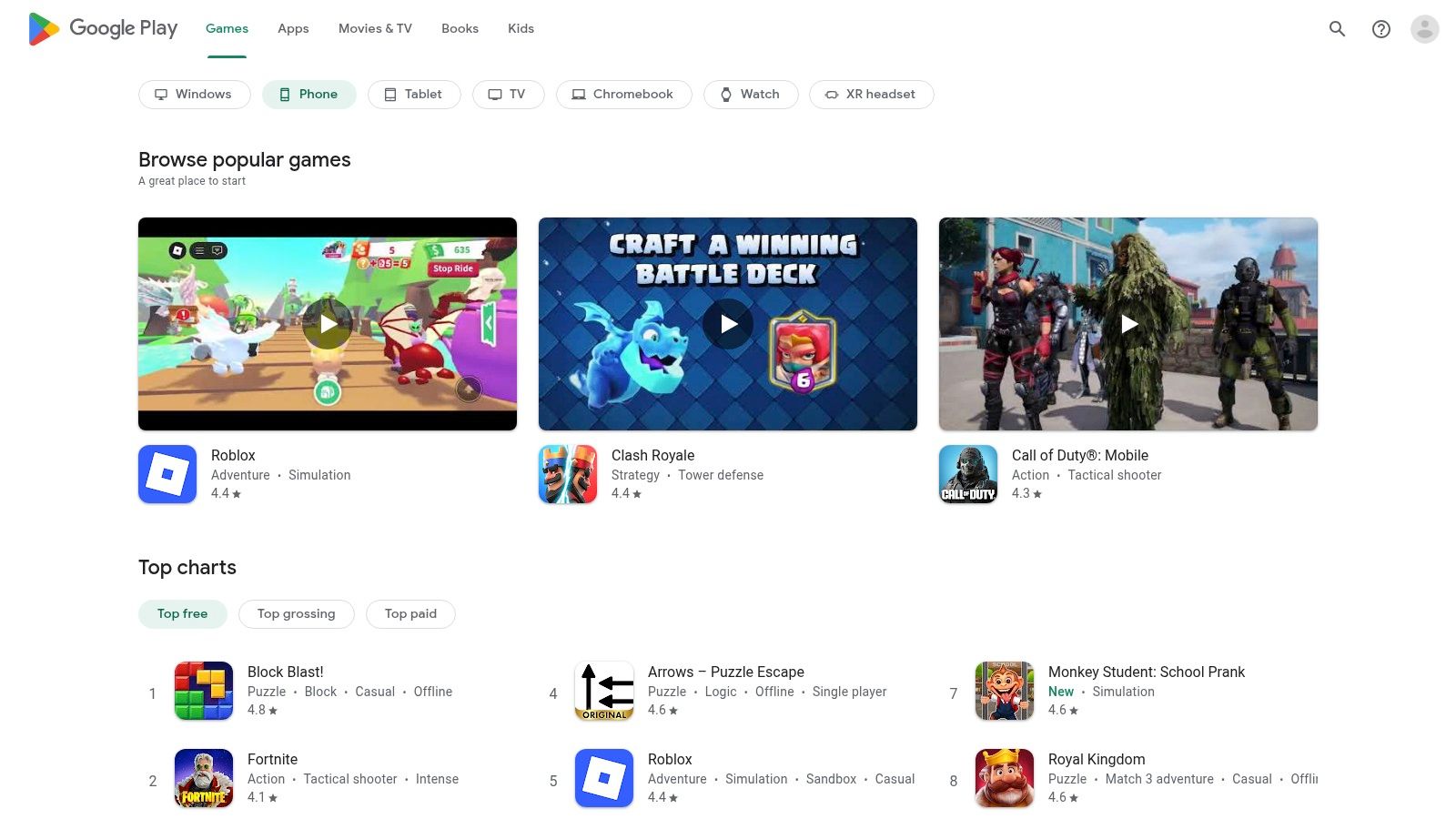
Google's Play Protect service provides a crucial layer of security, actively scanning apps for malware to ensure a safer download experience. The platform's user-centric design offers transparent reviews, clear permission requirements, and straightforward subscription management directly within your Google account. This transparency helps creators confidently select high-quality, secure apps, making it a reliable source for finding the best apps for content creators on the Android platform.
Why It's a Go-To Resource
The Google Play Store’s strength lies in its sheer volume and accessibility across a wide range of devices and price points. Centralized subscription management and the Play Pass service, which offers access to hundreds of premium apps for a single fee, provide excellent value. While its review process is less stringent than Apple's, its open nature fosters a broader and more diverse selection of niche tools for every type of creator.
- Pros: Massive app catalog and strong device filtering, easy management of subscriptions and refunds.
- Cons: Evolving policies on external billing can be confusing, quality control can be less consistent than on curated platforms.
Quick Tip: Use the "Offers" tab to find deals on premium creator apps and in-app purchases, helping you access powerful tools at a lower cost.
Link: Google Play Store
4. Adobe Creative Cloud (Adobe.com)
Adobe's Creative Cloud is the definitive hub for industry-standard creative software, offering a comprehensive suite of tools that form the backbone of countless professional workflows. It serves as the official portal for accessing powerhouse applications like Premiere Pro for video editing, Photoshop for image manipulation, and Audition for audio engineering. The platform centralizes access to over 20 integrated desktop and mobile apps, ensuring creators have the right tool for every stage of production.
This ecosystem is far more than a collection of apps; it’s a deeply integrated workflow solution. Assets can move seamlessly between programs, like editing a graphic in Illustrator and seeing it update instantly in an After Effects composition. The recent integration of Firefly AI brings powerful generative capabilities directly into apps, while add-ons like Adobe Stock provide access to a vast library of high-quality assets. The website clearly outlines individual, team, and student plans, along with free trials.
Why It's a Go-To Resource
Adobe Creative Cloud is the industry standard for a reason: its power, depth, and cross-app integration are unparalleled, making it one of the best sources for apps for content creators. While the subscription model can be a significant investment, the constant updates and addition of new features provide continuous value. The learning curve for professional apps like Premiere Pro is steep, but the platform's extensive tutorials and community support help new users get up to speed.
- Pros: Industry-standard tools and deep ecosystem, frequent updates and strong cross-app integration.
- Cons: Subscription costs can be high, steeper learning curve compared with simpler tools.
Quick Tip: Explore Adobe Express, included in many plans, for quickly creating social media graphics, simple videos, and web pages using your core brand assets from other Creative Cloud apps.
Link: Adobe Creative Cloud Plans
5. Blackmagic Design – DaVinci Resolve/Resolve Studio
For creators seeking an all-in-one post-production powerhouse, the Blackmagic Design website is the direct gateway to DaVinci Resolve. The platform offers a completely free, yet astonishingly powerful version of its software that integrates professional editing, color correction, visual effects (Fusion), and audio post-production (Fairlight) into a single application. This makes it one of the best apps for content creators who need a comprehensive, Hollywood-caliber toolset without an initial investment.
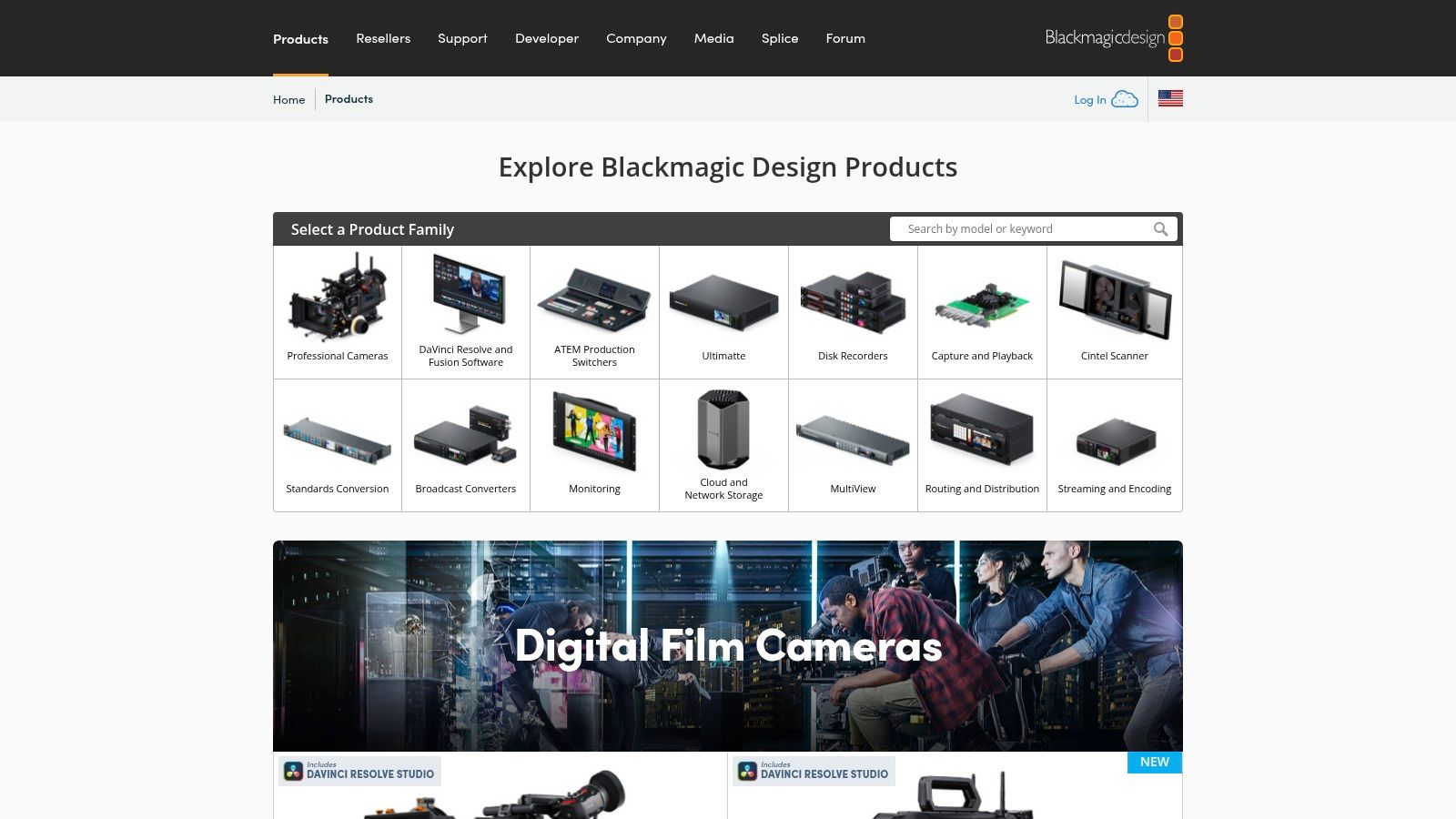
The website clearly delineates between the free version and the paid Resolve Studio, which unlocks advanced features like the DaVinci Neural Engine, more visual effects, and multi-user collaboration tools via Blackmagic Cloud. A key differentiator is the Studio version’s one-time perpetual license, a cost-effective alternative to subscription-based models common in other professional NLEs. The site serves as a hub for downloads, training materials, and community forums, providing robust support for new and experienced users alike.
Why It's a Go-To Resource
DaVinci Resolve stands out by consolidating multiple specialized roles into one cohesive workflow, eliminating the need to switch between different applications for editing, grading, or audio mixing. Its industry-leading color correction tools are unparalleled, while its free version offers more power than many paid alternatives. As you can explore in this video production software comparison, this makes it an incredible value proposition for creators at every level.
- Pros: Best-in-class color tools and powerful free offering, perpetual Studio license is cost-effective long term.
- Cons: Hardware demanding for advanced workflows, advanced grading and VFX have a steep learning curve.
Quick Tip: Start by learning one "Page" (like Edit or Color) at a time. The modular design can feel overwhelming, but mastering one section before moving to the next makes the learning process manageable.
Link: Blackmagic Design – DaVinci Resolve/Resolve Studio
6. Apple Final Cut Pro
For video creators committed to the Apple ecosystem, Final Cut Pro is a powerhouse non-linear editor known for its incredible performance and intuitive design. It stands out with its unique Magnetic Timeline, which simplifies editing by automatically managing clip collisions and sync issues. This makes it one of the best apps for content creators, especially YouTubers and social media managers who need to produce high-quality videos quickly and efficiently.
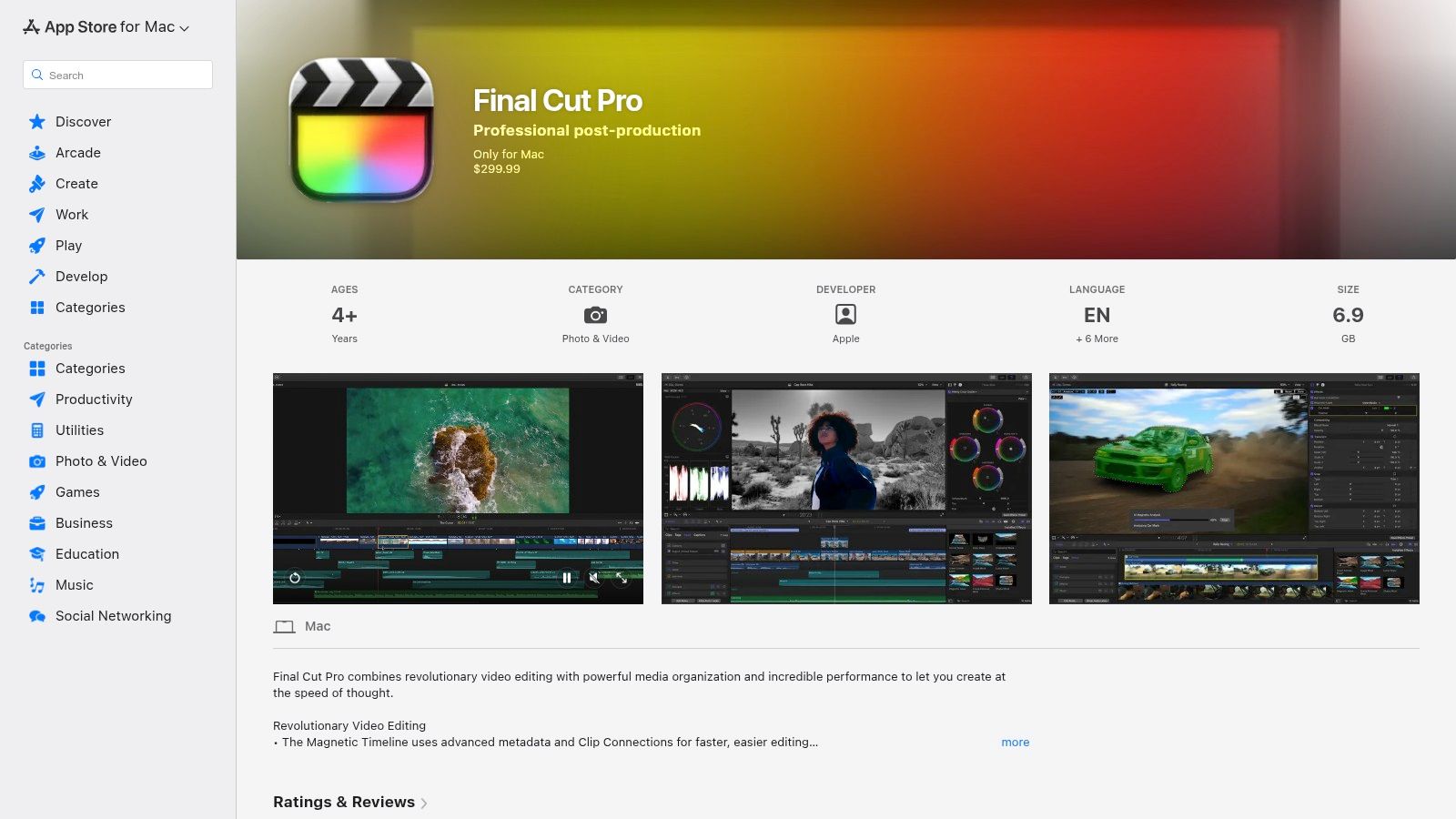
The software is heavily optimized for Apple Silicon, delivering blazing-fast rendering and real-time playback even with complex 4K and 8K projects. On-device AI features like the Scene Removal Mask and automatic transcription for captions streamline once-tedious tasks. A key advantage is its business model: a one-time purchase, which is a welcome alternative to the subscription-based models common in the industry.
Why It's a Go-To Resource
Final Cut Pro excels in speed and simplicity without sacrificing professional-grade power. Its robust proxy workflows allow for smooth editing of large files on less powerful machines, like a MacBook Air. The tight integration with other Apple apps like Motion and Compressor creates a cohesive and powerful post-production environment. Its generous 90-day free trial gives creators ample time to determine if its workflow fits their needs before committing.
- Pros: Extremely fast performance on Apple Silicon, one-time purchase model, intuitive Magnetic Timeline.
- Cons: Exclusive to macOS, different workflow paradigm than Adobe or DaVinci Resolve.
Quick Tip: Before importing large 4K or 8K files, use the "Create Proxy Media" option on import. This creates lightweight versions of your clips for faster, smoother editing, and you can switch back to the original high-quality files for the final export.
Link: Apple Final Cut Pro
7. Canva (Canva Pro)
For creators who need to produce high-quality visual content without a steep learning curve, Canva Pro is an indispensable design platform. It transforms complex design tasks into simple, template-driven workflows, making it one of the best apps for content creators focused on social media, marketing, and branding. The platform offers access to over 100 million premium stock photos, videos, audio tracks, and graphics, eliminating the need for separate asset subscriptions.
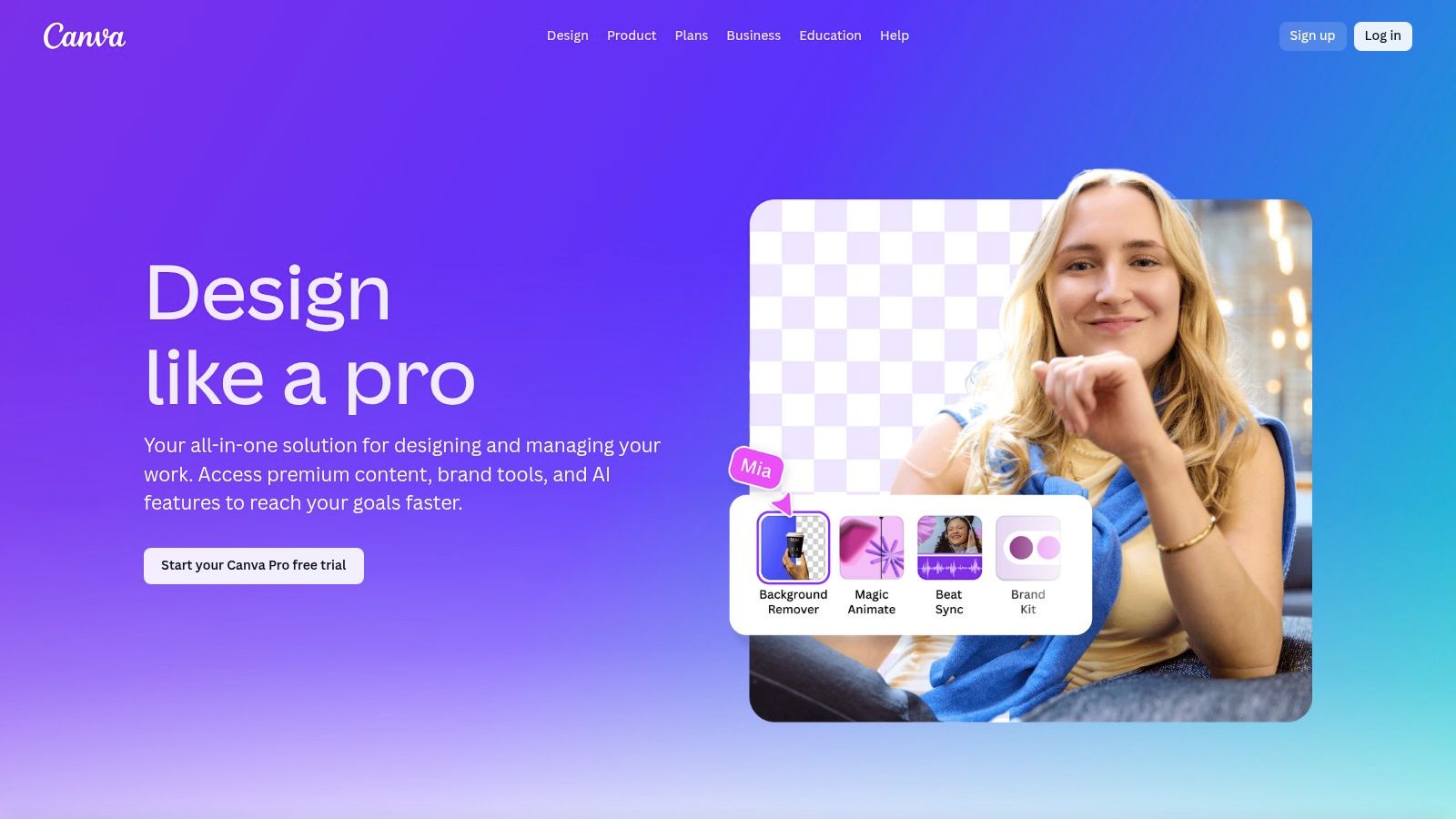
Canva’s strength lies in its speed and accessibility. Creators can design anything from YouTube thumbnails and podcast cover art to video intros and social media stories in minutes. Its suite of over 25 AI-powered tools, like Magic Write and Magic Eraser, further streamlines the creative process. The platform also includes practical features like a content scheduler for social platforms and Brand Kits to maintain visual consistency across all your projects.
Why It's a Go-To Resource
Canva Pro democratizes design, enabling solo creators and small teams to achieve professional results quickly. The collaboration features allow for seamless teamwork, while the vast template library provides endless inspiration for any niche. While its video and audio editing capabilities are more lightweight than dedicated professional software, it excels at producing polished short-form content for digital channels, making it a crucial tool for modern content workflows.
- Pros: Extremely fast for non-designers with a huge template library, strong social and lightweight video tools for quick publishing.
- Cons: Advanced motion and audio editing is lighter than pro NLEs, team pricing has evolved so it's best to verify current terms.
Quick Tip: Use the Brand Kit feature to upload your logos, fonts, and color palettes. This will ensure all your designs, from social posts to video overlays, are perfectly on-brand with just one click.
Link: Canva (Canva Pro)
8. CapCut
For creators laser-focused on short-form video, CapCut has become an indispensable tool. Developed by ByteDance, the parent company of TikTok, it is perfectly engineered for producing content for platforms like TikTok, Reels, and Shorts. Its intuitive interface on mobile, desktop, and web simplifies complex editing tasks into a few taps, making it one of the best apps for content creators who need to produce high volumes of engaging videos quickly.
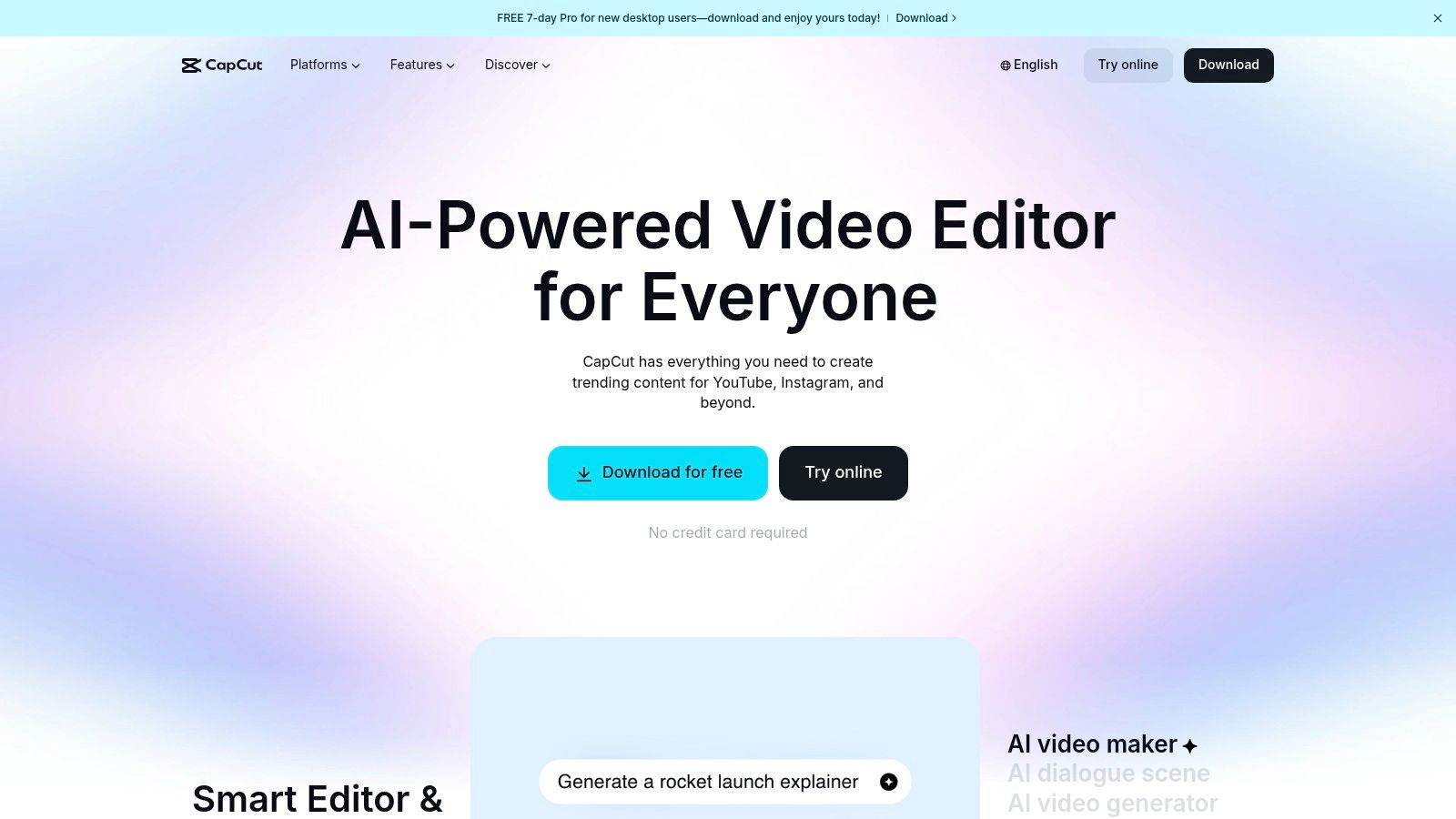
The platform’s strength lies in its vast library of trending templates, effects, and sounds, allowing creators to effortlessly jump on the latest trends. Features like one-click background removal, automatic captions, and speed ramping are built-in and remarkably effective. With cloud synchronization, you can start a project on your phone and finish it on your desktop, providing a flexible workflow that adapts to your needs. The free version is incredibly robust, though a Pro subscription unlocks advanced features and removes watermarks.
Why It's a Go-To Resource
CapCut excels by removing the technical barriers to creative video editing. The massive community of users constantly contributes new templates, which means you rarely have to start a project from scratch. Its seamless integration with TikTok is a significant advantage, but its powerful, easy-to-use tools make it a go-to editor for any social media platform. The addition of team collaboration features further expands its utility for creative agencies and groups.
- Pros: Very fast for social edits with a large community of templates, cross-device workflows and cloud synchronization.
- Cons: Pricing tiers and feature availability can vary by platform and region, occasional user complaints about billing.
Quick Tip: Explore the "Templates" tab to find viral video formats. You can replace the clips with your own content for an almost instant, trend-aligned video.
Link: CapCut
9. Descript
For creators who work with spoken-word content, Descript fundamentally changes the editing workflow by turning audio and video into an editable text document. It’s an all-in-one editor that allows you to cut, rearrange, and polish your recordings simply by editing the auto-generated transcript. This approach is incredibly efficient for podcasters, YouTubers creating tutorials, and marketers repurposing long-form interviews into social media clips.
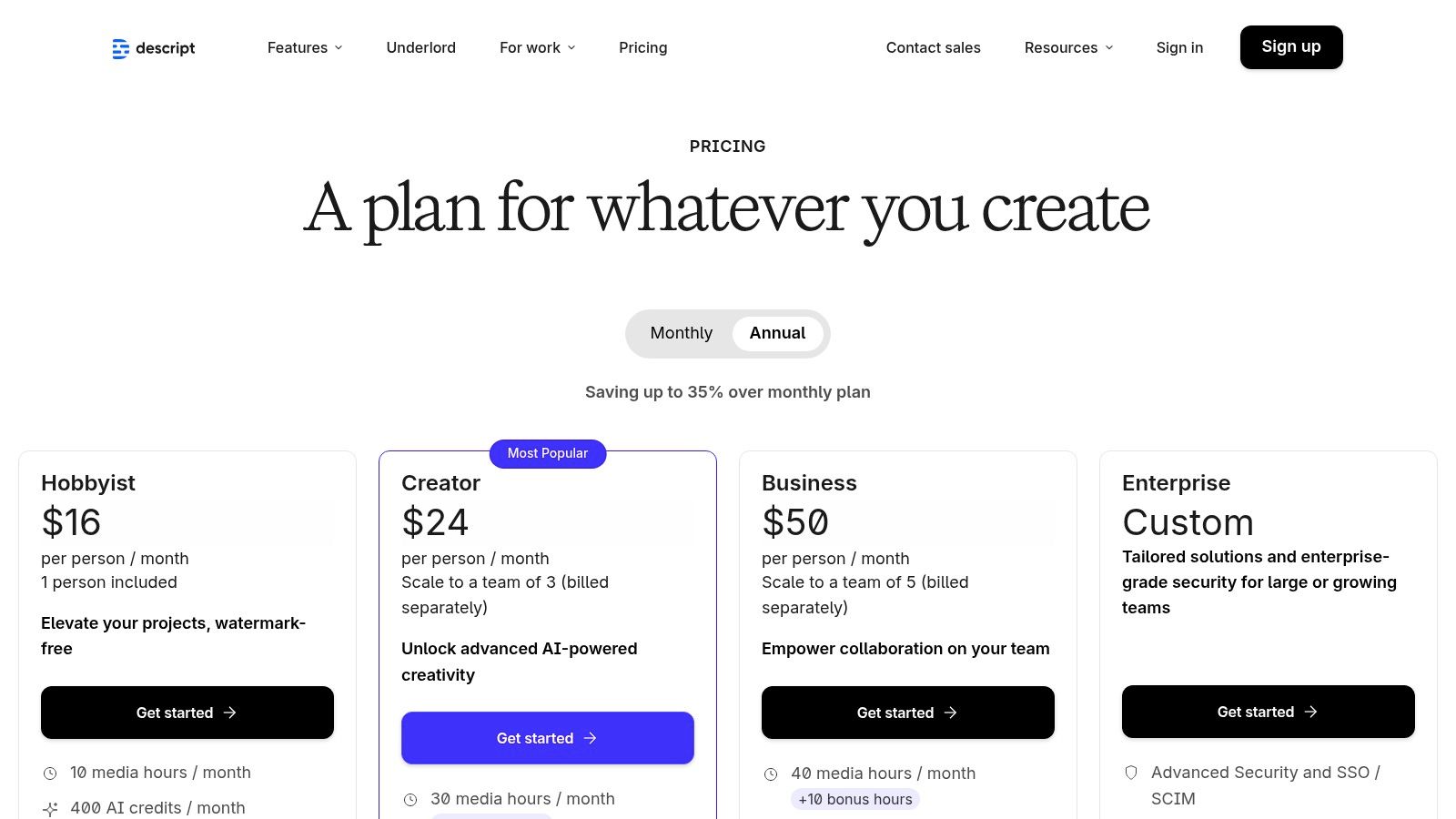
The platform's AI-powered features are what make it one of the best apps for content creators today. Its "Filler Word Removal" tool can instantly delete every "um" and "uh" with a single click, while Studio Sound enhances voice recordings to a professional, studio-like quality. The Overdub feature even lets you create an AI clone of your voice to correct mistakes or add new words, saving hours of re-recording time.
Why It's a Go-To Resource
Descript excels at dramatically speeding up the most tedious parts of dialogue editing. Instead of hunting for specific moments on a timeline, you can just search for a word in the transcript and edit it directly. Its built-in screen recorder and publishing features also make it a comprehensive tool for creating and sharing content from start to finish. For a deeper dive into how it stacks up, explore more about the best podcast editing software.
- Pros: Very fast dialogue cleanup and repurposing workflow, excellent for podcasts and tutorials, powerful AI voice tools.
- Cons: Hour and credit limits on certain plans can be restrictive, complex video projects may still require a traditional editor.
Quick Tip: Use the "Remove Filler Words" feature and then manually review the transcript. Sometimes the AI can be overzealous, so a quick check ensures natural-sounding pauses are preserved.
Link: Descript
10. Figma
Figma has evolved from a UI/UX design tool into an essential creative hub for content creators. Its browser-based platform is perfect for designing everything from YouTube thumbnails and social media graphics to complete channel branding kits and promotional landing pages. The real-time collaboration allows creators to work seamlessly with editors, managers, or other team members on designs, getting instant feedback and making changes on the fly without passing files back and forth.
Its power is extended through a massive ecosystem of community-made plugins and templates. Creators can find plugins to remove backgrounds, add mockups, or even integrate AI to generate design elements. With recent additions like FigJam for whiteboarding, Slides for presentations, and AI features to speed up workflows, it has become one of the best apps for content creators looking to manage all their static visual assets in one place.
Why It's a Go-To Resource
Figma centralizes the entire visual branding process, ensuring consistency across all platforms. Creators can build component libraries for logos, color palettes, and fonts, making it incredibly efficient to produce on-brand content quickly. While its motion capabilities are limited, its strength lies in creating polished static assets that can be easily exported for use in video editors or on social media platforms. The free tier is remarkably generous, making it accessible to creators at any stage.
- Pros: Real-time co-editing and strong collaboration workflows, powerful plugin ecosystem, excellent for building brand kits and social design systems.
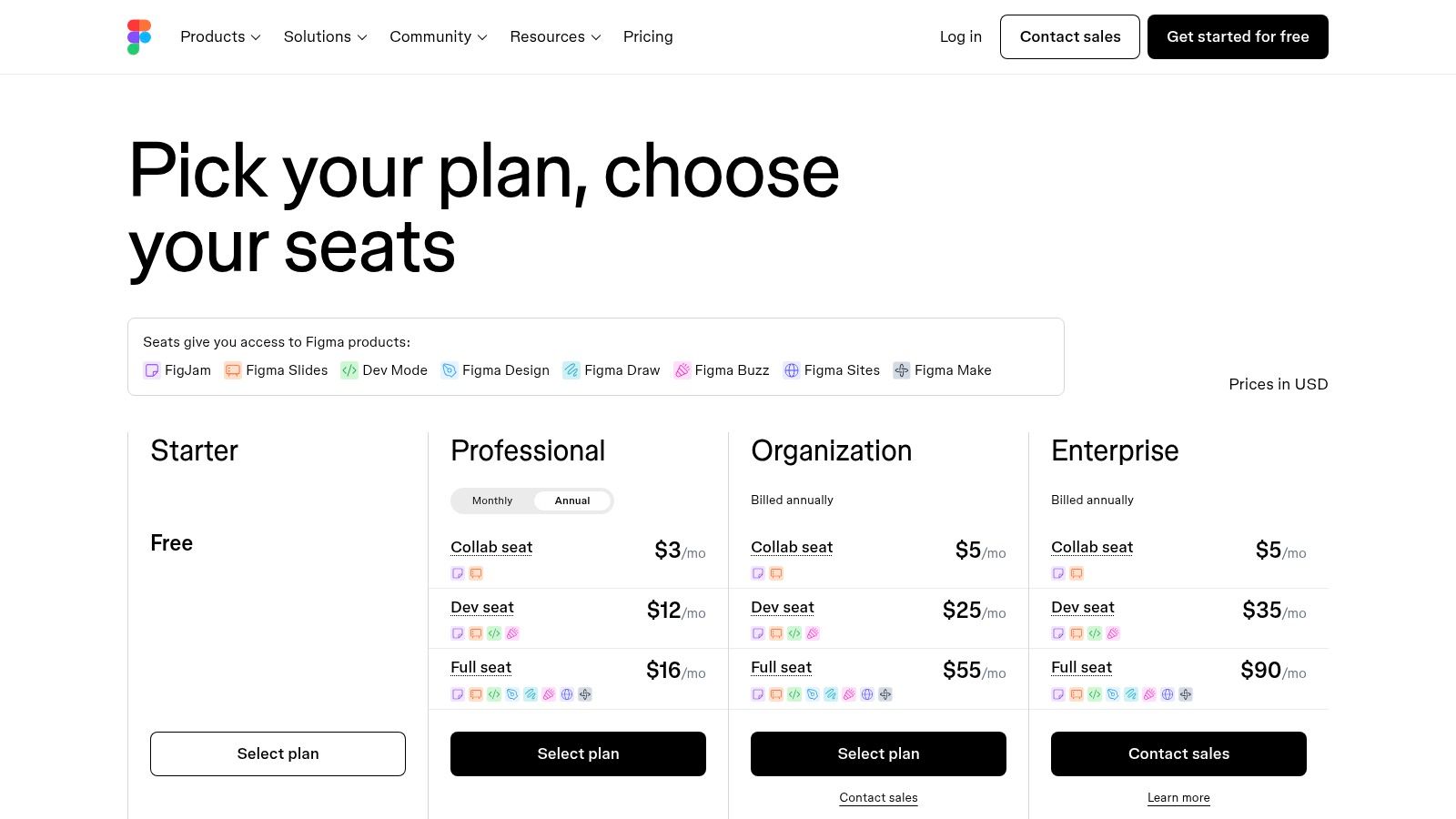
- Cons: Seat-based pricing can become expensive as teams scale, motion and video capabilities are limited.
Quick Tip: Create a "Component Library" file for your channel with your logo, color palette, and font styles. When you need a new thumbnail, you can drag and drop these elements to ensure perfect brand consistency every time.
Link: Figma
11. OBS Studio
For any creator involved in live streaming or screen recording, OBS Studio is the undisputed open-source champion. As the official hub for this powerful software, the website provides a secure, direct download for Windows, macOS, and Linux. It’s far more than just a screen recorder; it's a complete production suite allowing you to create complex scenes with multiple sources, including webcams, capture cards, images, and text overlays.
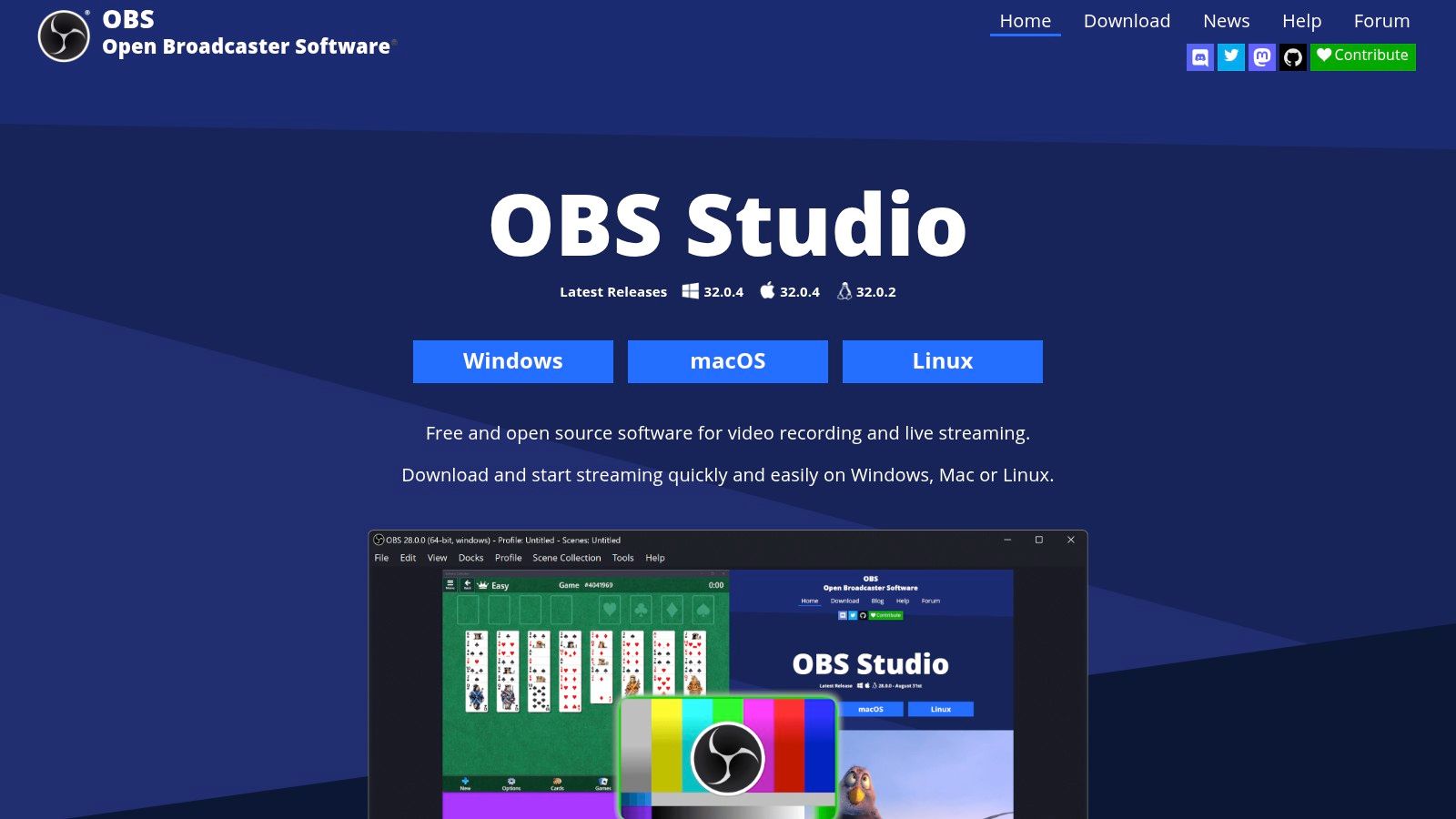
This high degree of customization is what makes OBS one of the best apps for content creators, from gamers on Twitch to educators recording tutorials. Its Studio Mode lets you preview and adjust scenes before pushing them live, while advanced audio mixing with per-source filters and VST plugin support gives you granular control over your sound. The platform is entirely free, supported by a massive community that contributes plugins and support.
Why It's a Go-To Resource
OBS Studio offers professional-grade broadcasting tools without any cost, making it accessible to everyone. Its robust plugin ecosystem allows for deep integrations with platforms like YouTube and Twitch, enabling custom stream docks and real-time alerts. While the initial setup can be complex for beginners, the extensive online guides and community forums on the official site provide invaluable assistance for mastering its powerful features.
- Pros: Completely free and open-source, highly customizable with extensive community and plugin support.
- Cons: Steeper learning curve compared to simpler tools, requires downloading from the official site to avoid malicious versions.
Quick Tip: Use the "Auto-Configuration Wizard" on your first launch to automatically test your system and recommend optimal settings for streaming or recording.
Link: OBS Studio
12. Setapp
Setapp is a subscription service that provides access to a curated collection of over 260 Mac and iOS applications for a single monthly fee. For creators, this is like having a pre-vetted toolkit, offering everything from advanced screen recorders and GIF makers to project management and writing apps. Instead of purchasing dozens of individual software licenses, you get a comprehensive suite that supports your entire workflow, making it one of the best apps for content creators looking for value and variety.
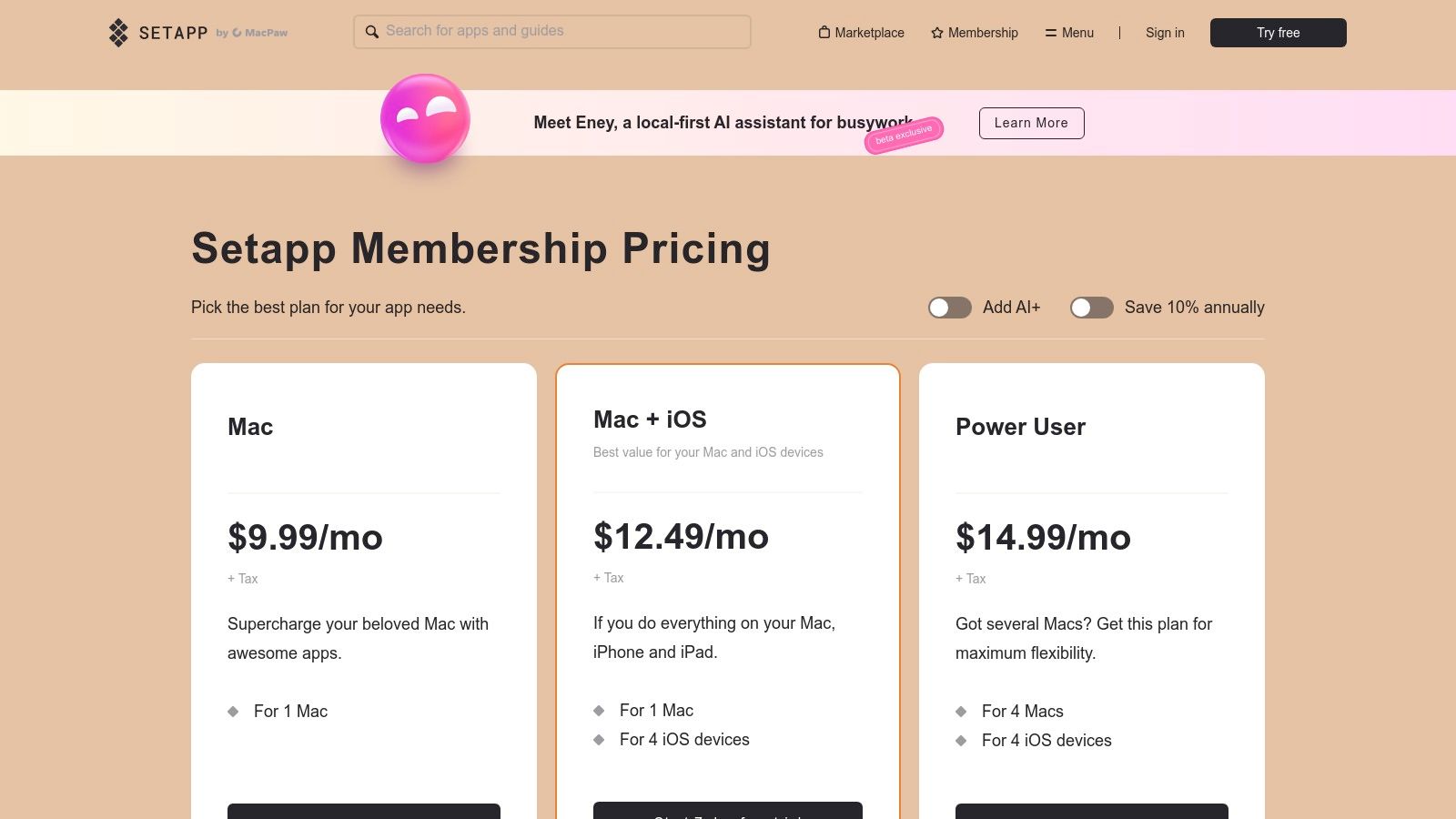
The platform eliminates the friction of discovering, vetting, and purchasing individual tools. You can experiment with professional-grade software like Ulysses for writing, CleanMyMac X for system maintenance, and Paste for clipboard management without any extra cost. All apps are the full versions with all updates included, so you never encounter surprise paywalls or feature limitations after installation.
Why It's a Go-To Resource
Setapp’s core value lies in its high-quality curation and incredible cost-effectiveness, provided you use several of its bundled apps. The unified billing and simple interface make managing your software effortless. While it is heavily focused on the Mac ecosystem, its cross-platform options are growing, providing a more integrated experience for users with iPhones and iPads.
- Pros: Exceptional value if you need multiple Mac utilities, no in-app upsells or separate paid upgrades, unified and simple billing.
- Cons: Mac-centric service with a more limited iOS catalog, does not include major industry-standard software like Adobe or Final Cut Pro.
Quick Tip: Use the "Collections" feature within Setapp to discover curated app bundles tailored for specific tasks, such as "Video Content Creation" or "Get Things Written," to quickly build out your ideal workflow.
Link: Setapp
Top 12 Content-Creator Apps — Quick Feature Comparison
| Product | Core features | Quality ★ | Target audience 👥 | Price/Value 💰 & USP ✨ |
|---|---|---|---|---|
| 🏆 SFX Engine | AI text→SFX generator; infinite variations; API & background music; royalty‑free | ★★★★☆ | 👥 Audio producers, video editors, game devs, filmmakers, podcasters | 💰 Free Basic (3–30 credits); Starter $10/mo; Creator $25; Pro $90; ✨ Pay‑per‑credit + commercial license, API |
| Apple App Store | Curated marketplace; editorial features; secure payments & app pages | ★★★★☆ | 👥 iOS/macOS users & app developers | 💰 Free to browse; dev fees apply; ✨ Trusted curation & safety |
| Google Play Store | Large Android/ChromeOS catalog; device filtering; personalized recommendations | ★★★★☆ | 👥 Android users & app developers | 💰 Free to browse; developer fees; ✨ Massive catalog & device compatibility |
| Adobe Creative Cloud | 20+ apps (Photoshop, Premiere, Audition); cross‑app workflows; Firefly AI | ★★★★★ | 👥 Professional creatives, agencies, teams | 💰 Subscription (higher cost); ✨ Industry‑standard tools & integrated AI/Stock |
| Blackmagic Design – DaVinci Resolve | NLE + color grading + Fusion VFX + Fairlight audio; free + Studio perpetual | ★★★★★ | 👥 Filmmakers, colorists, post teams | 💰 Free + one‑time Studio license; ✨ Best‑in‑class color & all‑in‑one post suite |
| Apple Final Cut Pro | Magnetic Timeline; Apple Silicon optimizations; on‑device AI tools | ★★★★☆ | 👥 macOS video editors, YouTubers, social teams | 💰 One‑time purchase; ✨ Extremely fast native performance |
| Canva (Canva Pro) | Templates, 100M+ assets, AI design tools, Brand Kits | ★★★★☆ | 👥 Solo creators, marketers, small teams | 💰 Subscription (Pro); ✨ Huge template library for fast social graphics |
| CapCut | Mobile/desktop/web editor; templates, auto captions, cloud sync | ★★★★☆ | 👥 Short‑form video creators, social editors | 💰 Free + paid features; ✨ Fast social templates & cloud workflows |
| Descript | Text‑based audio/video editing; Overdub, Studio Sound; screen recorder | ★★★★☆ | 👥 Podcasters, educators, talking‑head/video repurposers | 💰 Tiered plans with hour/credit limits; ✨ Text‑first edit & AI voice tools |
| Figma | Browser collaboration, versioning, plugins, AI features | ★★★★☆ | 👥 Designers, product teams, brand teams | 💰 Seat‑based pricing; ✨ Real‑time co‑editing & rich plugin ecosystem |
| OBS Studio | Multisource streaming/recording, VST support, plugin ecosystem | ★★★★☆ | 👥 Streamers, educators, screen recorders | 💰 Free (open‑source); ✨ Highly customizable and extensible |
| Setapp | Curated Mac/iOS app bundle with unified billing & updates | ★★★★☆ | 👥 macOS users who need multiple productivity/creative apps | 💰 Flat monthly fee; ✨ Access dozens of premium apps under one plan |
Building Your Perfect Creator Stack
Navigating the vast landscape of digital tools can feel overwhelming, but building a powerful, efficient workflow is one of the most significant investments you can make in your creative career. We've explored a wide range of applications, from industry-standard video editors like DaVinci Resolve and Final Cut Pro to versatile design platforms like Canva and Figma. The goal isn't to master every tool on this list; it's to strategically select the ones that solve your most pressing challenges and amplify your unique creative voice. The search for the "best apps for content creators" ends not with a single definitive answer, but with a personalized toolkit tailored to your specific needs.
Your ideal creative stack is a living ecosystem, not a static collection of software. It should evolve as your skills grow, your content changes, and your business scales. The key is to build a foundation that handles the heavy lifting, freeing you up to focus on what truly matters: the art of creation itself.
Key Takeaways for Crafting Your Workflow
Reflecting on the tools we've covered, several core principles emerge for building an effective creator stack:
- Prioritize Your Core Medium: A filmmaker's "must-have" list will look drastically different from a podcaster's. Start by anchoring your toolkit with the most powerful application for your primary format. If you're a video editor, your non-linear editor (NLE) is the sun in your solar system. If you're a podcaster, an audio-centric workflow tool like Descript is your command center.
- Embrace Specialization: Don't expect one app to do everything perfectly. A robust stack leverages the strengths of specialized tools. Use OBS Studio for flawless live streaming, Figma for intricate UI/UX design, and an innovative tool like SFX Engine for generating limitless, royalty-free sound effects that a generic library could never provide. This modular approach ensures you're always using the best tool for the job.
- Budget Wisely with Subscriptions: The subscription model, exemplified by Adobe Creative Cloud and Setapp, offers immense value but requires careful management. Audit your subscriptions quarterly. Are you truly using all the apps in that bundle? Could a one-time purchase or a free alternative serve you better? A lean, intentional toolkit is often more powerful than a bloated, expensive one.
Actionable Next Steps: From List to Launch
Reading about the best apps for content creators is just the first step. True progress comes from implementation. Here’s how to move forward:
- Identify Your Biggest Bottleneck: What is the single most time-consuming or frustrating part of your current process? Is it finding the right sound effects? Creating social media graphics? Transcribing interviews? Pinpoint that pain point.
- Trial One New Tool: Choose the single application from this list that most directly addresses your bottleneck. Almost every paid tool we've mentioned offers a free trial or a capable free tier. Commit to using it on your next project.
- Evaluate and Integrate: After the trial, ask yourself: Did this tool save me time? Did it improve the quality of my output? If the answer is yes, find its permanent place in your workflow. If not, don't be afraid to discard it and try another.
Finally, remember that creation doesn't end when you export your file. Getting your work seen is a critical part of the process. For those developing mobile applications or content for app-based platforms, discoverability is key. Understanding the ecosystem and leveraging the best App Store Optimization tools can be just as important as the NLE you choose, ensuring your hard work finds the audience it deserves.
Your perfect creator stack is out there, waiting to be assembled. It's a unique combination of power, efficiency, and creativity that reflects you. Start building it today, one carefully chosen app at a time, and unlock the next level of your creative potential.
Ready to elevate your audio from generic to unforgettable? Stop scrolling through tired sound libraries and start creating the exact sound you need, instantly. Discover the power of generative audio with SFX Engine and see why it’s a game-changer for filmmakers, podcasters, and game developers looking for unique, royalty-free sound. Try SFX Engine today and hear the difference.