December 31, 2025 · Kuba Rogut
Great audio can transform a good game into an unforgettable one, while poor audio can instantly shatter immersion and frustrate players. From harsh, clipping explosions that hurt the ears to repetitive footstep sounds that become an infamous meme, many developers, both indie and AAA, fall into the same sonic traps. These issues often stem from subtle oversights in mixing, implementation, or asset management, but their impact on the final product is significant. This listicle breaks down the eight most common game audio mistakes that can detract from a professional, polished experience.
We will move beyond generic advice and dive deep into practical, actionable solutions. For each mistake, we'll dissect why it happens, analyze its negative effect on gameplay, and provide step-by-step guidance to fix it. You will learn how to balance your mix for clarity, implement dynamic sound systems to avoid repetition fatigue, and build immersive soundscapes that pull players into your world. Whether you are a solo developer managing all aspects of your project or a sound designer on a large team, mastering these fundamentals is crucial. Avoiding these pitfalls will help you create a rich, dynamic, and engaging soundscape that captivates players from the main menu to the end credits.
One of the most jarring and frequent common game audio mistakes is improper level management, which leads to digital clipping. Clipping occurs when an audio signal's amplitude exceeds the maximum level a system can handle, resulting in a harsh, distorted sound that instantly breaks player immersion. It’s like a digital scream that signifies a lack of polish and attention to detail.
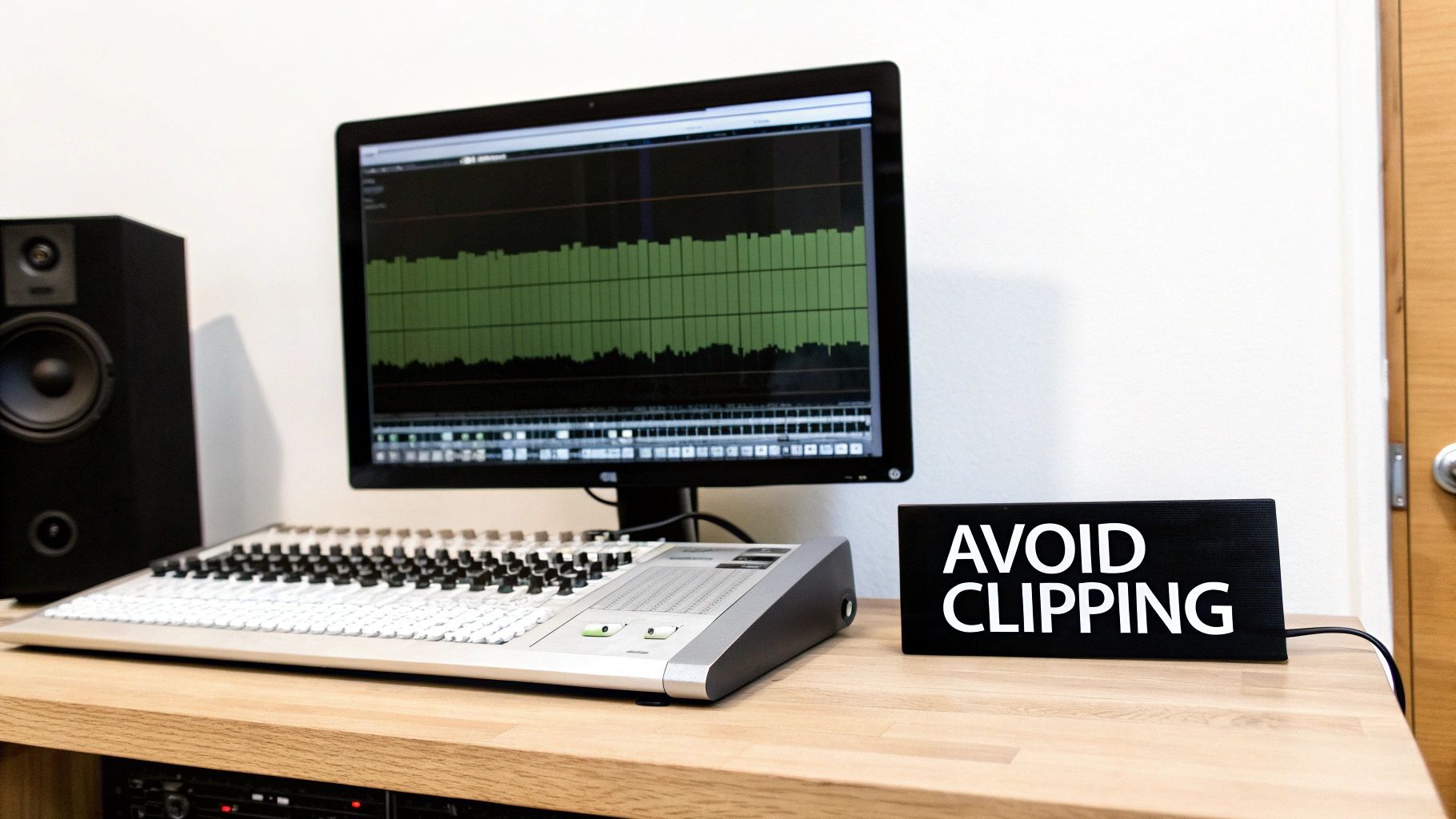
This problem is especially prevalent in games where multiple sounds can trigger simultaneously. An explosion, a character's dialogue, and background music might sound fine individually, but their combined volume can easily push the main output "into the red," creating unpleasant digital distortion. Many early mobile games suffered from this, where loud, compressed sound effects would clip aggressively, causing listener fatigue and a cheap-sounding experience.
Clipping is a direct result of poor gain staging and mixing without sufficient headroom. When every sound is pushed to its maximum volume, there's no space for them to coexist. The solution lies in a disciplined approach to mixing and mastering within the game engine and your Digital Audio Workstation (DAW).
Here are actionable tips to prevent clipping:
By properly managing your levels, you ensure a clean, professional, and immersive audio experience. For a deeper dive into preparing your game's audio for its final output, explore our guide on how to master audio for games and media.
One of the most immersion-breaking yet common game audio mistakes is the overuse of a single sound effect for a recurring action. When every footstep, gunshot, or UI click sounds identical, it creates auditory repetition fatigue, making the game world feel static, artificial, and predictable. The human ear is incredibly skilled at detecting patterns, and this lack of variation quickly pulls the player out of the experience.
This issue stands out in games requiring repetitive actions. Think of resource gathering in a survival game where every axe swing is the same, or the relentless, unchanging thud-thud-thud of footsteps during a long trek. Games like Red Dead Redemption 2, with its countless variations of horse hoof sounds on different surfaces, or Minecraft, with its subtly different block-breaking noises, demonstrate how sonic variety makes a world feel alive and responsive.
Repetition fatigue often stems from a limited asset pool or a failure to implement dynamic audio systems. The solution is to build a library of sound variations and use game engine logic to create a more natural and less predictable soundscape. This approach tricks the brain into perceiving each sound as a unique, organic event.
Here are actionable tips to avoid repetition:
By building variety into your sound design from the start, you can prevent listener fatigue and create a far more believable and engaging world.
A surprisingly common game audio mistake is the neglect of ambient audio, creating a world that feels sterile and hollow. Developers often pour resources into punchy, foreground sound effects like footsteps and weapon fire but forget the foundational soundscape that makes a virtual environment believable. A rich, layered ambience is what breathes life into a game, establishing mood, providing spatial context, and immersing the player in the world.

Without a proper soundscape, a bustling city feels empty, and a dense forest feels like a cardboard cutout. Games like The Last of Us or Skyrim excel because their worlds feel tangible; the subtle sound of wind whistling through ruins, distant wildlife, or the specific hum of a cave tells a story all on its own. This sonic foundation turns a collection of assets into a cohesive, living place.
This oversight often stems from focusing solely on interactive sounds, which are perceived as more critical to gameplay. However, ambient audio is the canvas upon which all other sounds are painted. The fix involves a strategic, layered approach to world-building with sound, creating a sense of depth and realism that supports the entire experience.
Here are actionable tips to build a compelling soundscape:
One of the most immersion-breaking common game audio mistakes is neglecting spatial audio and proper panning. When sounds feel flat and disconnected from the game world, players lose a critical sense of presence and situational awareness. Effective spatial audio allows a player to pinpoint the location of a sound- its direction, distance, and even elevation- creating a believable and engaging three-dimensional soundscape.
This is not just an aesthetic choice; it’s a core gameplay mechanic in many genres. In tactical shooters like Valorant or competitive games like Call of Duty, hearing enemy footsteps from the correct direction is vital information. Similarly, the award-winning binaural audio in Hellblade: Senua's Sacrifice uses spatialization to drive its narrative and create a deeply personal psychological experience. Without it, the world feels static and unconvincing.
This issue often stems from treating audio as a 2D layer instead of an integral part of the 3D world. It can also result from a lack of technical knowledge or failing to test on common playback systems like headphones. The fix involves a combination of game engine features, middleware tools, and sound design principles to simulate how sound behaves in a real environment.
Here are actionable tips to improve spatial audio:
By carefully placing sounds within a 3D space, you provide players with critical feedback and deepen their connection to the game world. To better understand the technology behind this, explore our detailed explanation of what is spatial audio and how it works.
One of the most insidious common game audio mistakes is the inadequate integration of audio middleware like Wwise or FMOD. Simply dropping sound files into a game engine is not enough. Without a properly configured audio engine structure, developers face unpredictable behavior, inconsistent mixes, and a complete inability to manage complex, dynamic soundscapes. It’s the architectural equivalent of building a house without a proper foundation.
This issue manifests when audio sounds great in isolation but falls apart during gameplay. For instance, multiple explosions might sound muddy and overpowering, or crucial dialogue gets lost beneath the score. Games like DOOM Eternal and the Hitman series showcase masterful middleware implementation, where the audio dynamically adapts to gameplay intensity, player location, and narrative cues, creating a truly immersive experience that would be impossible without a robust backend setup.
This problem arises from treating the audio engine as an afterthought rather than a core system. A flat, unorganized structure where all sounds are routed directly to the master output is a recipe for chaos. The solution is to design and implement a hierarchical and dynamic mixing architecture from the very beginning of the development cycle.
Here are actionable tips for proper integration:
Building a solid audio framework is crucial for a professional-sounding game. For a foundational guide on getting started, review our post on how to add sound effects to a game.
One of the more subtle yet damaging common game audio mistakes is using audio assets with inconsistent technical specifications. Mixing files with varying sample rates, bit depths, and compression formats creates a disjointed and unprofessional sonic landscape. A crisp, high-fidelity 48kHz sound effect followed by a muddy, artifact-ridden 22.05kHz voice line can instantly shatter player immersion.
This problem often arises from sourcing assets from multiple libraries or team members without a standardized workflow. A pristine explosion sound might be 24-bit/48kHz, while a footstep from an older library is 16-bit/44.1kHz. When played back-to-back, the difference in clarity and quality becomes jarring, signaling a lack of technical polish and making the game feel cheap.
Inconsistency stems from a lack of a clear technical audio pipeline and poor asset management. Without a defined standard, developers inadvertently mix and match formats, leading to playback issues, unnecessary CPU overhead from real-time sample rate conversion, and audible degradation. The solution is to establish and enforce strict asset standards from the project's inception.
Here are actionable tips to ensure consistent audio quality:
One of the most overlooked but critical common game audio mistakes is assuming your game’s audio will sound the same everywhere. Developers often mix audio on high-quality studio monitors or headphones, forgetting that players will experience it on a vast range of devices, from tinny phone speakers and cheap earbuds to surround sound systems and premium gaming headsets.
This oversight can completely ruin the intended experience. A bass-heavy explosion that sounds epic in the studio might be completely inaudible on laptop speakers. Similarly, subtle but critical audio cues, like an enemy's footsteps, could be lost on a mobile device, while dialogue balanced perfectly for speakers might sound overpowering and harsh in headphones. This inconsistency directly impacts gameplay, accessibility, and immersion.
This problem arises from designing audio in a controlled, ideal environment without accounting for real-world playback scenarios. The solution is to integrate a comprehensive testing plan that covers a representative sample of your target audience's hardware. This ensures your audio mix translates effectively across different listening conditions.
Here are actionable tips to ensure device compatibility:
Poorly integrated dialogue is one of the most glaring common game audio mistakes, capable of shattering a player's connection to the narrative. When voice acting feels disconnected from the game world, whether through mismatched audio quality, abrupt cutoffs, or poor mixing, it creates a jarring experience. The issue goes beyond just technical glitches; it's about the voice-over failing to inhabit the game's acoustic space, making characters feel like they are speaking from a sterile recording booth rather than a bustling city or a damp cave.
This problem manifests in several ways: dialogue might be too loud or too quiet compared to sound effects, it might lack the environmental reverb of its surroundings, or a character's calm, whispered line might play during an intense combat sequence. Games like The Witcher 3 excel by dynamically adjusting dialogue volume and tone based on the context, ensuring voice-overs always feel like a natural part of the world. In contrast, poorly implemented dialogue can make a high-stakes moment feel cheap and unconvincing.
Dialogue integration issues often stem from a disconnect between the audio, narrative, and programming teams. Voice lines are frequently recorded in isolation without full context of the in-game environment or emotional state. Fixing this requires a holistic and technically sound implementation strategy.
Here are actionable tips for seamless dialogue integration:
| Issue | Implementation Complexity 🔄 | Resource Requirements ⚡ | Expected Outcomes ⭐📊 | Ideal Use Cases 💡 | Key Advantages ⭐ |
|---|---|---|---|---|---|
| Poor Audio Levels and Clipping | Low–Moderate — meter/limiter setup, gain staging | Minimal — DAW, peak/true‑peak meters, limiters, test devices | Removes distortion, restores clarity, prevents listener fatigue | All games, critical for mobile/headphone playback | Easily preventable, straightforward corrections during mastering |
| Lack of Audio Variety and Repetition Fatigue | Moderate — create variations and implement randomization | Higher asset count, memory management, SFX generation tools | Reduced fatigue, increased immersion and replayability | Open‑world, long‑play sessions, frequent SFX (footsteps, UI) | Natural, dynamic audio landscapes; simple perceptual payoff |
| Ignoring the Soundscape and Ambient Audio | Moderate–High — layered ambience, zone transitions, dynamic rules | Additional assets, CPU for layers, mixing time | Increased depth, mood, spatial awareness, stronger atmosphere | Story/atmospheric games, exploration-heavy titles | Establishes location identity; enhances emotional impact |
| Inadequate Spatial Audio and Panning | High — HRTF/binaural, distance/elevation modeling, tuning | Significant CPU, middleware support, headphone testing | Precise localization, better accessibility, tactical audio cues | VR, competitive multiplayer, 3D exploration | Believable 3D positioning; improved gameplay orientation |
| Poor Audio Engine Integration & Middleware Implementation | High — bus architecture, sends/returns, sidechain and params | Skilled engineers, setup and maintenance time, integration effort | Stable, dynamic mixing and predictable in‑game behavior | Large projects, procedural/dynamic audio systems | Professional control, real‑time balancing, non‑programmer tuning |
| Inconsistent Audio Quality & Bit Depth Issues | Moderate — standardize sample rates/bit depth, convert correctly | Storage for masters, conversion tools, disciplined pipeline | Consistent fidelity, fewer artifacts, reliable mixing | Cross‑platform releases, high‑fidelity titles | Reduces conversion artifacts; simplifies pipeline and QA |
| Neglecting Audio Testing & Device Compatibility | Moderate — test matrix, QA protocols, iterative checks | Multiple devices (phones, headsets, monitors), tester time | Consistent experience across hardware; fewer accessibility failures | Mobile, multi‑platform games, accessibility‑focused titles | Early detection of device issues; improved player satisfaction |
| Dialogue & Voice Acting Integration Issues | High — ducking, EQ matching, lip‑sync and timing systems | Voice engineers, editing resources, close animation coordination | Clear storytelling, cohesive audio, better intelligibility | Story-driven, dialogue-heavy, localized games | Professional narrative immersion; consistent voice prioritization |
Navigating the complex landscape of game audio is a journey of precision, creativity, and technical diligence. We've explored some of the most frequent pitfalls, from the jarring impact of poor mixing and clipping to the subtle, immersion-breaking effects of repetitive sounds and neglected ambience. Each of these common game audio mistakes represents more than just a technical oversight; it's a missed opportunity to connect with your player on a deeper, more emotional level. The difference between a good game and a truly great one often resides in these sonic details.
The core lesson is that audio is not a final layer to be applied at the end of development. It is an integral, dynamic system that must be planned, implemented, and tested with the same rigor as gameplay mechanics or visual art. By moving beyond a simple "play sound" mentality and embracing a holistic approach, you can create a cohesive and compelling auditory world. This means treating your mix as a living entity, your soundscape as a character, and your implementation as a core part of the user experience.
To transform these insights into practice, focus on these foundational pillars:
Mastering these concepts elevates your project from a collection of sounds to a symphonic experience. It's the difference between hearing a footstep and feeling the ground tremble, between hearing a gunshot and feeling the concussive force. This level of sonic fidelity builds trust with the player, reinforces your game's narrative, and ultimately creates a more memorable and impactful adventure. Your game’s sound is its voice; ensure it speaks with clarity, purpose, and power.
Ready to eliminate repetition and elevate your sound design? SFX Engine uses AI to generate an infinite library of unique, high-quality sound effects, helping you avoid the pitfalls of repetitive audio and inconsistent assets. Stop searching for the perfect sound and start creating it instantly with SFX Engine.
