March 24, 2026 · Kuba Rogut
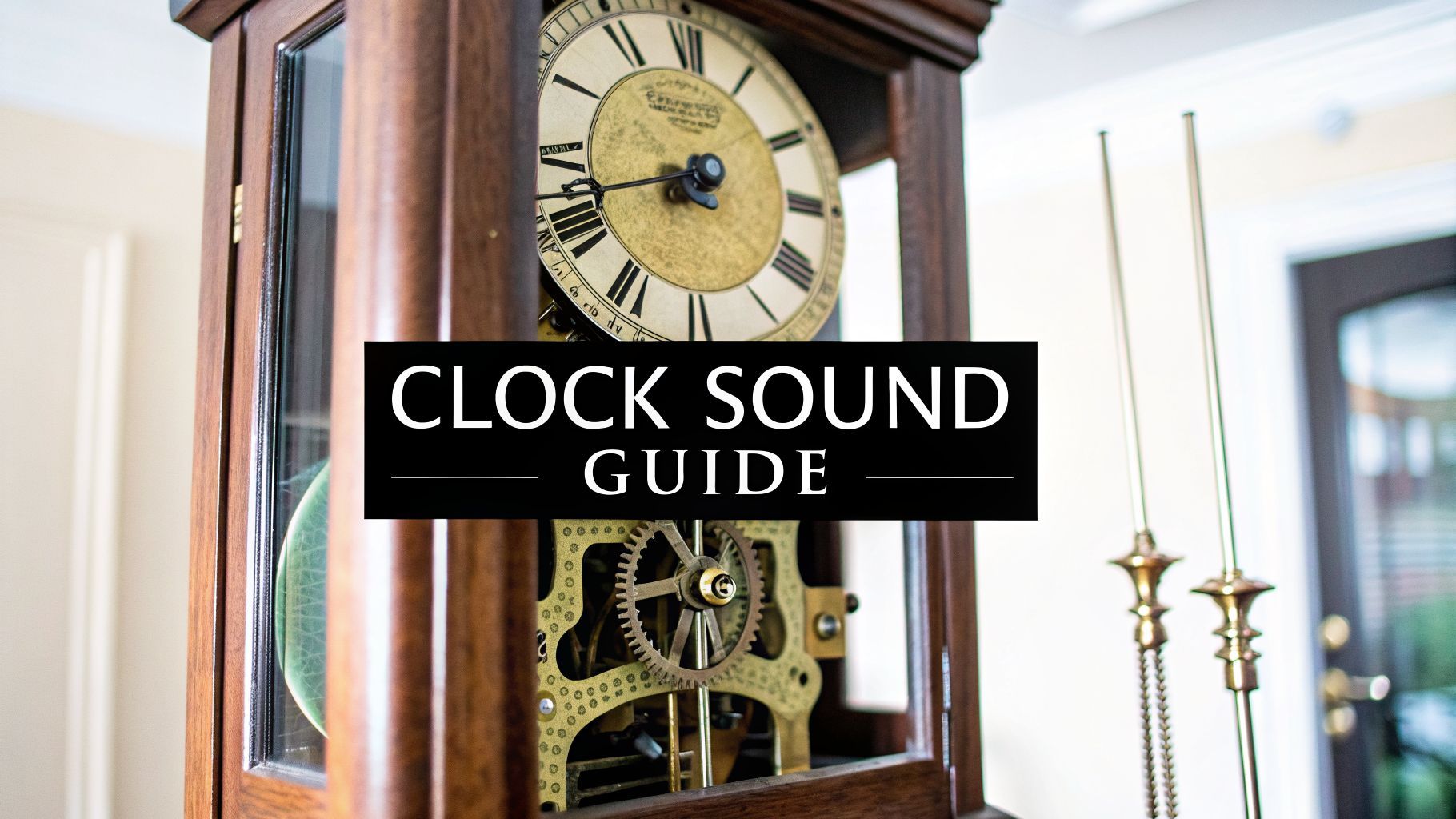
There’s more to a grandfather clock than just telling time. Its sound is an instant scene-setter, packed with nostalgia and atmosphere. From that steady, rhythmic tick-tock to the deep, resonant chimes on the hour, these are iconic grandfather clock sounds that can transport a listener completely. As a sound designer, learning to craft this classic audio is one of the most rewarding challenges you can take on.

The power of these sounds is all about mood. In a film, a clock’s chime can ratchet up the tension or simply mark the quiet passage of years. For a video game, it can ground a historical setting, making the world feel authentic and lived-in. Even a podcaster can use it as a potent storytelling tool. It’s a classic for a reason.
There's also a sense of comfort in the clock's predictable rhythm. What's interesting is that this consistency isn't just for aesthetics; these kinds of predictable, looping noises can be great masking sounds for people who need to block out distractions to focus or relax.
So, why bother designing a custom clock sound when you can just grab one from a library? It all boils down to creative control and emotional impact. A field recording might be perfect, but it could also be full of room noise you don't want. A generic library effect might be clean, but completely lack character.
When you design the sound yourself, you get to call all the shots.
The real challenge isn’t just about making a clock sound; it's about interpreting it. A truly great grandfather clock effect feels authentic, but more importantly, it serves the story and makes the audience feel something.
I’m going to walk you through my entire process. We’ll break down the sound into its core parts and use modern tools like SFX Engine to build both realistic and stylized versions from scratch. By the end, you’ll have the know-how to design the perfect grandfather clock sound for any project you can dream up.

Before you can build a great sound from scratch, you have to take it apart—aurally, at least. A grandfather clock isn't just one sound; it’s a tiny mechanical orchestra. Understanding each instrument in that orchestra is the key to creating a sound that feels real and has character.
The most famous sound, of course, is the rhythmic tick-tock. This is the clock's heartbeat, the steady pulse driven by the pendulum's escapement mechanism. It’s not just one sound, but two distinct ones. The "tick" is the sharper click of the mechanism releasing, while the "tock" is the slightly softer catch on the pendulum's return swing.
The speed of this rhythm tells a story. A longer pendulum creates a slow, stately pulse, while a shorter one gives you a faster, almost anxious tempo. This mechanism, first introduced by William Clement in 1670, was a game-changer for timekeeping. Its steady beat, often between 60-120 beats per minute, is so familiar that some studies suggest it can even lower our perceived stress. You can dive deeper into the history of these calming mechanical sounds over on The Clock Depot blog.
Once you get past the tick-tock, you find the layers that give a clock its unique personality. We can think of these as the primary components you'll need to record or synthesize.
Each sound plays a specific role, from providing a steady rhythm to announcing the time with melodic flair. When you listen closely to a real clock, you can start to isolate these individual parts in your mind.
| Sound Component | Sonic Characteristics | Typical Role in Sound Design |
|---|---|---|
| Tick-Tock | Sharp, rhythmic, and consistent clicks. "Tick" is often higher-pitched than the "tock." | The core rhythmic driver; establishes the pace and presence of the clock. |
| Chimes | Resonant, melodic phrases played on metal rods. Tone can be warm (brass) or bright (steel). | Adds musicality and character. Often marks quarter-hours (e.g., Westminster chime). |
| Strikes | Percussive, heavy tolls with a long decay. A sharp initial impact followed by a ringing tail. | Announces the hour. The "weight" of the strike defines the clock's perceived size. |
| Mechanical Ambiance | Subtle whirs, gear shifts, weight groans, and wood creaks. | The "glue" that adds realism and a sense of physical presence. |
Isolating these sonic elements is the first practical step in your design process. It gives you a clear shopping list, whether you're heading out with a microphone or sitting down at your DAW.
Beyond the pendulum, the chimes and strikes are where a clock really shows its character. These are its melodic and percussive voices.
Chimes: These are the musical phrases you hear, most famously the Westminster chime on the quarter-hours. The sound is all about the material and length of the chime rods. Brass rods will give you a warmer, richer tone compared to the brighter, clearer sound of steel.
Strikes: This is the big one—the heavy, bell-like toll that counts the hour. It’s a powerful sound created by hammers hitting thick metal rods or gongs. You have the sharp impact of the hammer, followed by the long, ringing decay that gives it that classic, resonant quality.
Finally, don't forget the mechanical ambiance. This is the secret sauce. It’s the subtle whirring of gears, the low groan of the weights slowly descending, and the faint creaks from the wooden case. It’s often quiet, but without it, your sound will feel sterile and lifeless. This layer is what makes your clock sound like a real, physical object sitting in a room.
By deconstructing the grandfather clock sound into these four core pieces—the tick-tock, chimes, strikes, and mechanical ambiance—you're no longer just copying a sound. You're learning its language. This approach gives you the power to make deliberate choices, whether your goal is perfect realism or a completely stylized creation.
Alright, now that we’ve broken down the individual sounds that make up a grandfather clock, we can get to the fun part: actually creating them. This is where a text-to-sound tool like an SFX Engine really shines. Instead of endlessly scrolling through sound libraries hoping to find the perfect fit, you get to be the designer and generate exactly what you need.
It all starts with a text prompt. You’re essentially telling the AI what you want to hear, so the trick is to be as specific and descriptive as possible. Think of yourself as a director giving detailed notes to a foley artist.
For instance, if you're aiming for that classic, warm, and comforting clock sound, you might type something like this:
Prompt Example: Classic & Nostalgic "Authentic 19th-century oak grandfather clock, Westminster chime, deep brass resonance, gentle pendulum tick-tock, slight mechanical whirring, natural room reverb."
This prompt is effective because it spells out the key details: the material (oak, brass), the action (Westminster chime, tick-tock), the character (deep resonance, gentle), and the environment (natural room reverb). The more details you feed the engine, the closer that first generation will be to what’s in your head.
The real creative power comes from tailoring your prompts to fit a specific mood or genre. A grandfather clock isn’t just for period pieces—it can be an incredible sound design tool for horror, fantasy, or even sci-fi.
Imagine you're scoring a horror scene. A cozy, inviting chime just won't do. You need something that puts people on edge.
Ominous, slow grandfather clock tick, heavy metallic echo, low-pitched drone, horror atmosphere, decrepit wood creaks.See how the keywords completely change the vibe? Words like "ominous," "slow," "heavy metallic," and "decrepit" guide the AI to generate a sound that builds tension, not comfort.
Of course, the most requested grandfather clock sound is the famous Westminster chime. This melody has been around since 1793, first heard at the Palace of Westminster in London, so it’s deeply embedded in our collective memory. For sound designers, being able to generate endless variations is a huge plus. You might need a version with a massive hall reverb for a cinematic shot, or a dry, muted version for subtle background foley in a video game. If you're curious about the history, Clockworks.com has some great info on popular antique clock sounds.
Getting that first sound is just the start. The next step is refining it by tweaking specific keywords in your prompt. This is an iterative process where you can really dial in each sonic detail with surgical precision.
Think of these keywords as your main controls:
Material: Try swapping oak or wood for metal, steel, or even glass. This has a massive effect on the resonance. A glass clock will sound bright and fragile, while a steel one feels cold and industrial.
Reverb & Space: Define the environment. Changing natural room reverb to large hall echo, damp stone cellar, or just dry and close instantly places your clock in a new context, which is vital for making it fit seamlessly into your scene.
Pitch & Speed: You can adjust the whole feel of the clock by adding terms like low-pitched, high-pitched, slow pendulum, or erratic ticking. Pitching a chime down can make it feel sinister, and speeding up the tick-tock is a classic way to build anxiety.
Condition: Describe the clock’s age and state. Is it brand new and well-oiled, or is it rusty and broken or ancient and dusty? This adds those little textural details—squeaks, grit, mechanical strain—that sell the realism.
By simply experimenting with these modifiers, you can spin one core idea into an almost infinite number of unique grandfather clock effects. It’s far more efficient than hunting for the perfect pre-recorded sound. If you want to dive deeper into this prompt-first workflow, check out our guide on how to create sounds at https://sfxengine.com/blog/how-to-create-sounds.
Getting a single, complete grandfather clock sound from a generator is a decent first step. But if you want a sound that feels truly professional and detailed, you need to think like a sound designer. The real art isn't in finding one perfect file; it's in building a rich, believable soundscape from individual pieces.
This approach is all about control. We’re going to break down the clock into its core components and give each one its own audio track. Think of it this way: one track for the steady tick-tock, another for the chimes, a separate one for the heavy hour strikes, and maybe even a subtle track for the mechanical whirring inside. Splitting them up is the secret to a polished, mix-ready result.
Once everything is on its own track, the fun begins. This is where we can apply effects and processing to each sound individually, giving our clock a unique personality.
Equalization (EQ) is your best friend here. On the tick-tock track, try boosting the high-mids (around 2-4 kHz) to get a sharper, woodier click, and maybe roll off the low end to clean up any muddiness. For the chimes, a little bump in the high frequencies can bring out a beautiful, shimmering quality. I often find myself cutting a bit around 200-500 Hz to remove that boxy sound and improve clarity.
Next up, grab a transient shaper for the 'tick' sound. By cranking up the attack, you can make that initial click really pop, helping it cut through a dense audio mix without just making it louder. It’s a fantastic trick for adding definition and accentuating the clock's rhythm. For a deeper dive into this workflow, check out our guide on how to layer sound effects in video projects.
The magic of layering isn't just about stacking sounds. It’s about creating space for each sonic element to exist. A well-layered clock feels more realistic and dynamic because you're mimicking the way our ears pick apart complex sounds in the real world.
With the tone of each element dialed in, it's time to put the clock into a room using reverb. The reverb you choose literally defines the space the clock is in, so think about the story you're trying to tell.
This workflow—from prompt to tweak to export—is the foundation for gathering the raw audio layers you'll need before you even touch a processor.

Each part of this process gives you a chance to refine the sounds that will ultimately become your final, layered creation.
Don’t forget to play around with pitch and time, either. Pitching down a chime just a few semitones can instantly make it sound heavier and more ominous. Introducing tiny, randomized variations in the timing of the ticks can make the clock sound ancient and on its last legs. It’s these little details that add character and tell a story.
So, you’ve put in the work designing, layering, and polishing the perfect grandfather clock sound. What now? Getting your audio out of the editor and into your project is the final hurdle, and it involves a couple of key details: exporting and licensing. Nailing these steps is what turns your creative effort into a professional asset.
First things first, you need to choose the right file format. This all comes down to where the sound will ultimately live.
If you're working on a film, a high-fidelity audio project, or just want a master copy for your sound library, you can't beat WAV. It’s the industry standard for a reason—it's uncompressed, which means it preserves every single detail you worked so hard to create.
But for a video game, a mobile app, or a website, those big WAV files can really slow things down. That's where a compressed format like MP3 or OGG is a much smarter choice. You'll sacrifice a tiny bit of audio quality, but the dramatically smaller file size is crucial for quick loading times and smooth performance.
With your files exported, it's time to talk about the boring but absolutely essential part: licensing. This is what keeps you out of legal hot water and gives you the freedom to actually use your sounds in a commercial project.
This is where using a tool like SFX Engine really pays off. Every sound you generate doesn't just land on your hard drive; it comes with a royalty-free commercial license baked right in. This is a game-changer for creators.
Think of a royalty-free license as your creative freedom. It’s the legal foundation that lets you build, publish, and monetize your work with confidence, knowing a surprise legal issue won't derail you down the road.
This is infinitely safer than grabbing random sounds off the internet, which is a fast track to potential copyright claims and legal headaches. For any serious project, starting with a clear license isn't just a good idea—it's non-negotiable.
If you want to dive deeper, we break it all down in our guide on royalty-free sound effects for creators. By handling these final steps correctly, you ensure your custom sounds are not only creatively impressive but also valuable, legally-protected assets for your work.
As you start designing your own clock sounds, you'll naturally run into a few common hurdles. I get asked about these all the time, so let's walk through some of the big questions, from adding realism to twisting sounds for horror.
The single biggest mistake people make is aiming for perfection. A perfectly timed, clean sound will always scream "fake." Realism lives in the messy details and the subtle imperfections.
Your best bet is to think in layers. Generate separate audio files for each core component: the main tick-tock, the chimes, and that almost-unnoticeable mechanical whir of the gears. Then, introduce some chaos. Nudge the timing of the ticks ever so slightly so they aren't perfectly metronomic. Mix in some quiet, almost subliminal sounds like the groan of a shifting weight or a faint creak from the wooden case. These are the organic details that fool our brains into thinking a sound is real.
If you're lucky enough to have a real clock on hand, recording it can give you an incredible, authentic foundation. For capturing the most intimate mechanical details, nothing beats a contact microphone.
By attaching a contact mic directly to the clock's body, you capture the raw vibrations of the mechanism itself—the clicks, gear turns, and tonal resonance of the wood—without any of the room's echo or background noise. It’s like putting a stethoscope right on the clock’s heart.
Here’s a pro-tip I learned the hard way: if you use a contact mic, get a dedicated high-impedance preamp. Plugging a piezo contact mic straight into a standard audio input will sound thin and tinny. You’re basically creating a high-pass filter that strips out all the rich, low-end character you were trying to capture in the first place.
If you don't have a contact mic, a pair of small-diaphragm condenser mics set up in a stereo configuration is a fantastic alternative. This will capture both the direct sound and the natural ambiance of the space it's in.
This is where the fun really begins. Creating a scary clock sound is all about taking something familiar and comforting and twisting it into something that feels wrong.
It’s less about adding new sounds and more about corrupting the ones you already have.
With these tricks, you’re no longer telling time—you’re building dread.
Absolutely, but you have to be smart about it. The golden rule is to only use sounds that come with a royalty-free commercial license.
This is non-negotiable for any serious creator. Pulling sounds from random YouTube videos or unverified websites is a recipe for a copyright nightmare down the line.
When you use a service that provides a clear commercial license, you’re buying peace of mind. It means you can use those sound effects in your films, games, podcasts, or anything else you plan to monetize without ever having to worry about legal trouble or unexpected fees. Before you download anything, always, always check the license.
Ready to stop searching and start creating? SFX Engine gives you the power to design the exact grandfather clock sounds you need with a simple text prompt. Every sound is yours to keep with a full commercial license. Get started for free at SFX Engine.
