March 15, 2026 · Kuba Rogut
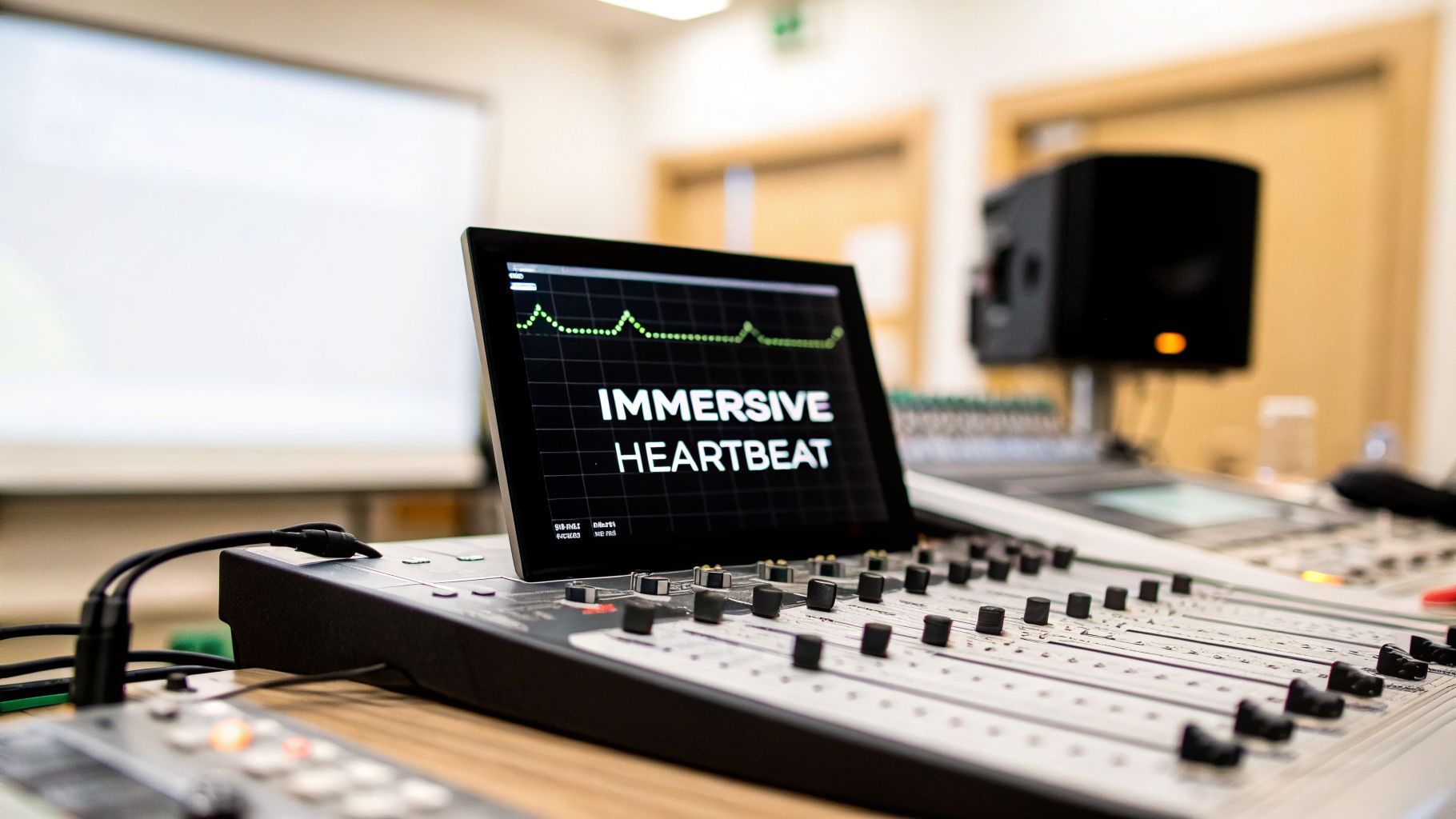
That steady, rhythmic beep of a heart monitor is a sound we all recognize instantly. It's become a cornerstone of storytelling, a piece of audio shorthand that can communicate life, death, and everything in between. Whether it's the tense, accelerating pace in a medical drama or the glitchy, erratic pulse in a survival horror game, that simple sound does some heavy lifting.

I like to think of the heart rate monitor sound as an unseen character in the narrative. Its rhythm is a direct line to the emotional core of a scene, often telling us more than the visuals can on their own. It can ratchet up suspense, signal a character's failing health, or offer a single point of calm stability in an otherwise chaotic moment.
For decades, creators have been stuck with the same handful of generic beeps from stock audio libraries—sounds audiences have heard a thousand times. But we can do better. Using a tool like SFX Engine, we can now design and generate a completely custom, royalty-free heart rate monitor sound that’s unique to our project. This is a huge leap, moving us from one-size-fits-all audio into true, bespoke sound design.
A thoughtfully designed heart monitor sound can make a world of difference. Instead of just being a placeholder for a pulse, it becomes a key part of the experience. The right audio cue can work wonders.
The goal is to make the sound an active participant in the story. A generic beep is just noise; a custom-designed beep is a narrative device. It's the audible pulse of your story's tension and stakes.
It's fascinating how the heart rate monitor evolved from a purely clinical device for post-op patients and athletes into such a powerful symbol in media. Originally, those beeps gave doctors and performance trainers critical, real-time feedback. Today, filmmakers and game developers use that same auditory feedback loop to directly manipulate audience emotion.
Understanding that history helps you see the sound's versatility. You can lean into its clinical, sterile roots for a gritty medical drama or push it into stylized, futuristic territory for a sci-fi thriller. In this guide, we'll walk through the practical steps to craft the perfect heart rate monitor sound for any scenario, making sure your audio is every bit as compelling as your visuals.
The heart of any great AI-generated sound is the prompt. When you're working in SFX Engine, just typing "monitor beep" will give you exactly that—something generic and uninspired. The real trick is to think less like you're searching for a sound and more like you're directing one.
I’ve found that the best results come from layering specific descriptors. You need to combine the technical with the emotional and the environmental. This is how you turn a vague idea into a precise blueprint for the AI to follow.
Think of your prompt as a recipe. Each descriptor is an ingredient, and the more specific your ingredients are, the more distinct and flavorful your final sound will be.
I always start by combining three key elements:
When you put it all together, a simple concept transforms. "Heart monitor" becomes "Distorted, glitchy heart monitor sound, erratic rhythm, in a derelict spaceship." Now that gives the AI something with character to work with. To get even better at this, it helps to understand the fundamentals of AI powered content creation.
A little history can be a surprisingly powerful source of inspiration. That iconic "beep-beep" we all know from movies and TV actually has its roots in the mid-1960s. Monitors started using audible tones to signal each heartbeat, a simple feature that reportedly reduced clinician fatigue by over 30%.
Those early devices created sounds directly from the ECG waveform, long before digital readouts were standard. This gives us a great creative angle.
For a retro feel, try a prompt like: “1960s analog heart monitor tone, monophonic sine wave, slight distortion, 90 BPM.” This instantly taps into that vintage sound, giving your scene a specific time and place.
Modifiers are your secret weapon here. Words like "anxious," "calm," "muffled," "distant," or "futuristic" can completely reshape the audio. Experimenting with these layers is how you translate the vision in your head into a real sound effect.
This back-and-forth process of tweaking your prompts is where the best discoveries happen. If you want to dive deeper into the process, we have a whole guide on how to create sounds using AI that covers more advanced techniques.
Getting that initial heart rate monitor beep from your prompt is a great first step, but the real artistry begins in the refinement process. This is where you get to take the raw sound and sculpt it to perfectly match your scene's needs, whether you're going for gritty realism or something more abstract. Think of your initial prompt as handing you the clay; now, it’s time to shape it.
A common goal is to ground the sound in reality. For example, a crisp, dry beep will feel completely out of place in a scene set in a sprawling, busy emergency room. This is a perfect opportunity to use simple EQ adjustments. By gently rolling off the high frequencies—say, with a high-shelf cut around 8-10 kHz—the sound immediately feels farther away, like it’s echoing from down the hall.
This little trick mimics how sound behaves in the real world; high-frequency details just don't travel as far. To sell the effect even more, add a touch of room reverb. You don't want it to sound cavernous, just enough to give it a sense of place. It’s the subtle difference between a sound that’s simply on the screen and one that feels truly in the scene. If you're looking to dive deeper into creating believable environmental audio, our guide on what is foley sound is a great resource.
While realism is often the goal, sometimes the story demands something more interpretive. This is your chance to get creative and design a signature sound that does more than just track a pulse—it can set a mood, define a genre, or even reflect a character’s inner turmoil.
Here are a few techniques I’ve used to push a simple beep into new territory:
This flowchart breaks down how you can structure your prompt to get a solid starting point for either a realistic or stylized design.

As you can see, layering medical, emotional, and contextual details in your prompt gives you a much richer foundation to build upon with these kinds of effects.
When deciding which path to take, it helps to compare the core approaches side-by-side. The goal isn't just to pick effects randomly, but to match them to the narrative you're trying to support.
| Design Goal | SFX Engine Prompt Modifiers | Processing Techniques | Common Use Case |
|---|---|---|---|
| Realistic | “in a large hospital room,” “distant,” “muffled” | Subtle EQ cuts (highs), short room reverb, light compression | Medical dramas, documentaries, simulation games |
| Stylized | “ethereal,” “glitchy,” “panicked,” “dreamlike” | Heavy reverb/delay, bitcrusher, distortion, flanger | Sci-fi, horror films, video game UI, podcasts |
Ultimately, both approaches start with a clear intention. A realistic sound grounds the audience, while a stylized one guides their emotions.
The sound of medical tech has evolved dramatically over the decades, and this history is a fantastic source of inspiration. The big shift from analog to digital in the 1980s, for example, completely changed the sound of a heart monitor. Holter technology introduced precise digital tones and even pacemaker-specific beeps that could distinguish between atrial and ventricular stimuli with up to 98% accuracy.
As technology advanced, engineers began extracting complex heart rate variability (HRV) metrics, which led to more nuanced beep algorithms. You can actually find in-depth research about these advancements in Holter technology if you want to get really nerdy with it.
To create a uniquely authentic effect, try prompting SFX Engine with something historically grounded. For instance: "1980s digital Holter HRV beep with turbulence detection at 75 BPM irregular." This gives you a sound rooted in real-world tech, adding an incredible layer of authenticity for a medical simulation or a period-specific thriller.
 You can design the most realistic heart monitor beep in the world, but it’s useless if it doesn't match what’s happening on screen. The real impact comes from synchronization, whether you’re tightening the screws in a tense film scene or giving a player critical feedback in a game.
What really sells the effect is making the sound feel like a direct extension of a character's body or a player's situation. It's not just a background sound; it's a vital piece of the storytelling.
For editors and filmmakers, the heart rate monitor is a direct line to a character's inner state. Don't just slap a static beep track on the timeline. Instead, think of it as scoring the scene with a living pulse.
Imagine a tense chase scene. You can start with a rapid, steady beat, but as the threat closes in, you start tightening the space between each beep. The rhythm becomes more frantic. Conversely, after a character survives a close call, you can slowly space the beeps further apart, giving the audience an almost subconscious sense of relief. It's a far more powerful technique than simply messing with the volume fader.
Most editing software gives you the control you need to pull this off:
The goal is to make the heart rate monitor sound like it's driven by the character's physiology, not by a metronome. That subtle, organic fluctuation is what makes the moment feel authentic.
In game design, a heart monitor sound transforms into a core piece of the UI and gameplay mechanics. Here, the audio isn't just following a pre-written script; it's reacting to the player's actions in real time. This kind of dynamic feedback is what makes a game feel incredibly immersive.
The most common use is tying the sound directly to the player's health. Picture this: your player's health drops below 50%. A script kicks in that not only speeds up the beeping but also nudges the pitch slightly higher.
When things get critical, say below 20% health, the rhythm becomes erratic, maybe even distorted with a bit of a crackle. This feeds the player crucial information without cluttering the screen with more visual noise.
In game engines like Unity or Unreal Engine, you can set this up with a simple script that links a player's health variable to audio playback parameters. For instance, a function can check the health stat every frame and adjust the pitch and time between shots of an audio source on the fly. If you want to dive deeper into this, you can learn more about how to sync audio with video for even tighter integration.
So you've crafted the perfect heart rate monitor sound. Now, where do you put it to work? A well-placed beep is so much more than background noise; it's a powerful tool for building tension, driving a story, and giving an audience crucial information without saying a word.
In film and TV, the heart monitor is an absolute master of suspense. We’ve all seen it in medical dramas. That steady, rhythmic beep sets a baseline of calm in a hospital room. But when that rhythm stutters or accelerates, you feel the tension in the room instantly rise.
The most potent use? The silence. A single, slowing beep that hangs in the air, followed by the dreaded flatline tone, can create a moment of pure, gut-wrenching drama. For thriller directors, a distorted or glitchy monitor sound can be even more terrifying, suggesting that something is deeply wrong not just with the patient, but with reality itself.
It's funny to think that the sound we associate so strongly with hospital dramas actually has its roots in sports. The heart monitor beep really broke into the mainstream when Polar Electro gave the first wireless EKG monitor to Finland's National Cross-Country Ski Team back in 1977.
That device used accelerating beeps to signal different intensity zones. It was a revolutionary training method, reportedly boosting the performance of elite athletes by 15-20%.
Its distinct 'tick-tick-tick' became a staple of fitness culture after retail sales took off in 1983, selling over 1 million units globally by 1990. The audio cue, where the pitch might climb from 400 Hz at rest to 2 kHz during max effort, quickly bled into popular culture. It's estimated that this sound influenced 60% of action sports media, used to mirror the pulse-pounding feel of a climax. You can dig into the full story of the evolution of the heart rate monitor to see just how deep its influence runs.
In the world of gaming, the heart rate monitor is an essential tool for communicating directly with the player. It’s a clean, non-visual way to convey a character’s state, keeping the screen free of clutter.
I’ve seen it used in some incredibly effective ways:
In gaming, this sound isn't just window dressing—it’s a core part of the gameplay loop. It guides player decisions, ratchets up the tension, and pulls you deeper into the world by making your character's physical state your own.
And for my fellow podcasters and audio drama producers, the heart monitor is a brilliant shortcut. A single, steady beep can instantly transport your listener to a hospital, no narration needed. This kind of sonic efficiency is exactly why having a library of custom, royalty-free sounds from a tool like SFX Engine is a game-changer for anyone telling stories with sound.
Whenever I'm designing a heart monitor sound, a few questions always seem to come up. Whether you're a filmmaker trying to dial up the tension, a game developer crafting audio feedback, or a podcaster painting an audible scene, the details are what sell the moment. Let's walk through some of the most common creative and technical sticking points I see.
To get that feeling of anxiety or panic, it’s all about breaking the steady, predictable rhythm. You need to introduce a sense of instability with both the timing and the pitch.
When prompting the AI, think like a director giving an actor a note. Use phrases that imply chaos:
Once you have your base sound, the real work begins. I’ve found that tightening the decay on each beep makes it feel more sudden and stressful. In your video editor or DAW, resist the urge to lock it to a grid. Instead, manually place the beeps so they speed up and slow down unpredictably. This perfectly mimics a character’s spiraling panic.
A truly effective flatline isn't just one sound; it's a short story. It’s about building suspense and then pulling the rug out from under the listener. I always approach this as a two-part design.
First, you need to capture the heart failing. A good prompt to start with is something like, "Hospital heart monitor beep slowing from 60 BPM to 30 BPM over 5 seconds."
Then, you’ll generate the flatline tone itself as a separate file. Try a prompt like, "Sustained high-pitched tone, medical monitor flatline, sterile."
In your timeline, arrange the slowing beeps, making the space between each one progressively longer. Then, cut hard to the sustained tone.
The real emotional punch comes from the silence. That brief moment of quiet between the final, fading beep and the start of the continuous tone is what truly creates the dramatic impact.
Realism is all about context. The same beep will sound completely different in a large, tiled hospital hallway versus a small, carpeted bedroom. You have to place your sound in its environment.
Start by giving the AI some spatial clues in your prompt, like "muffled from behind a door" or "distant in a large hospital room." After you've generated the sound, you can dial it in with some simple processing. For instance, a quick EQ cut on the high frequencies (anything above 8kHz) can instantly make a sound feel like it's coming from the next room. A touch of room reverb is also crucial to give it a sense of space and keep it from sounding disconnected from the visuals.
Yes, and this is a huge weight off your shoulders. When you use an AI sound generator like SFX Engine, every single sound effect you create is cleared for commercial use. They are 100% royalty-free.
This means you can drop your custom heart monitor sounds into films, video games, podcasts, or music tracks without ever worrying about future fees or legal headaches. Once you make the sound, it’s yours to use forever.
Ready to move beyond generic stock audio? With SFX Engine, you can design the perfect heart rate monitor sound for any project in seconds. Start creating unique, royalty-free audio for free at https://sfxengine.com.
