December 30, 2025 · Kuba Rogut
Game sound design is a fascinating blend of art and science. At its heart, it boils down to three core techniques: capturing real-world audio, known as Foley or field recording; creating sounds from scratch with synthesis; and, most importantly, combining multiple audio files through layering. This is how we turn simple noises into the powerful, memorable moments that define a game.
Think about the massive explosion you heard in that last big shooter. It wasn't just a single "boom" sound file. It was a meticulously crafted stack of different sounds—a deep, chest-thumping thump for the initial impact, the sharp crackle of flying debris, and maybe even a high-frequency sizzle to sell the intense heat.
This approach is absolutely central to how professional game audio is made. Each technique plays a crucial part in building a game's unique sonic identity.
Every sound effect starts with sourcing the raw audio. As a designer, my first step is always to decide whether to record something real or build it digitally.
Foley and Field Recording: This is all about capturing sounds from the real world. Think about recording the actual clink of a sword, the crunch of boots on gravel, or the gentle rustle of leaves. These recordings provide organic, believable textures that really help ground the player in the game's environment.
Synthesis: But what about sounds that don't exist? A magical spell, a sci-fi laser blast, or the roar of a fantasy creature? That's where synthesis comes in. Using specialized software, we shape basic digital waveforms into complex, entirely new sounds.
These two methods give us the raw ingredients. The true artistry, however, happens when we start combining them through layering and processing. By stacking different recordings and synthesized elements, a sound designer can craft an effect with far more depth, punch, and emotional weight than any single component could ever have on its own.
Key Takeaway: A single game sound effect is rarely just one recording. It's almost always a composite, blending real-world Foley, synthesized elements, and multiple layers to create a rich, believable audio event.
Let's break down these core techniques to see where each one shines. The table below gives a quick overview of how these methods are used in practice.
| Technique | Description | Common Game Examples | Key Tools |
|---|---|---|---|
| Foley & Field Recording | Capturing audio from the real world using microphones. | Footsteps, weapon handling, clothing rustle, environmental ambience (wind, rain). | Microphones, Portable Recorders (Zoom, Tascam), DAWs. |
| Synthesis | Creating sounds electronically from basic waveforms (sine, square, saw). | Sci-fi lasers, magical spells, UI beeps and clicks, drone tones. | Synthesizers (Serum, Massive), DAWs (Ableton, Logic). |
| Layering & Processing | Combining and manipulating multiple sounds to create a complex final effect. | Explosions, creature vocals, complex machinery, impactful hits. | DAWs, Audio Plugins (EQ, reverb, compression). |
As you can see, most sounds in a game are actually a thoughtful mix of these approaches.
Traditionally, building a solid sound library meant countless hours spent on recording sessions or diving deep into incredibly complex synthesizers. But today, the game is changing.
AI-powered tools like SFX Engine are popping up, allowing creators to generate a nearly infinite number of royalty-free sound variations just by typing in a simple text prompt. This dramatically speeds up the workflow, giving developers and designers instant access to custom audio without the time and expense of the old-school methods. It’s an exciting new way to approach the fundamental question of how game sound effects are made.
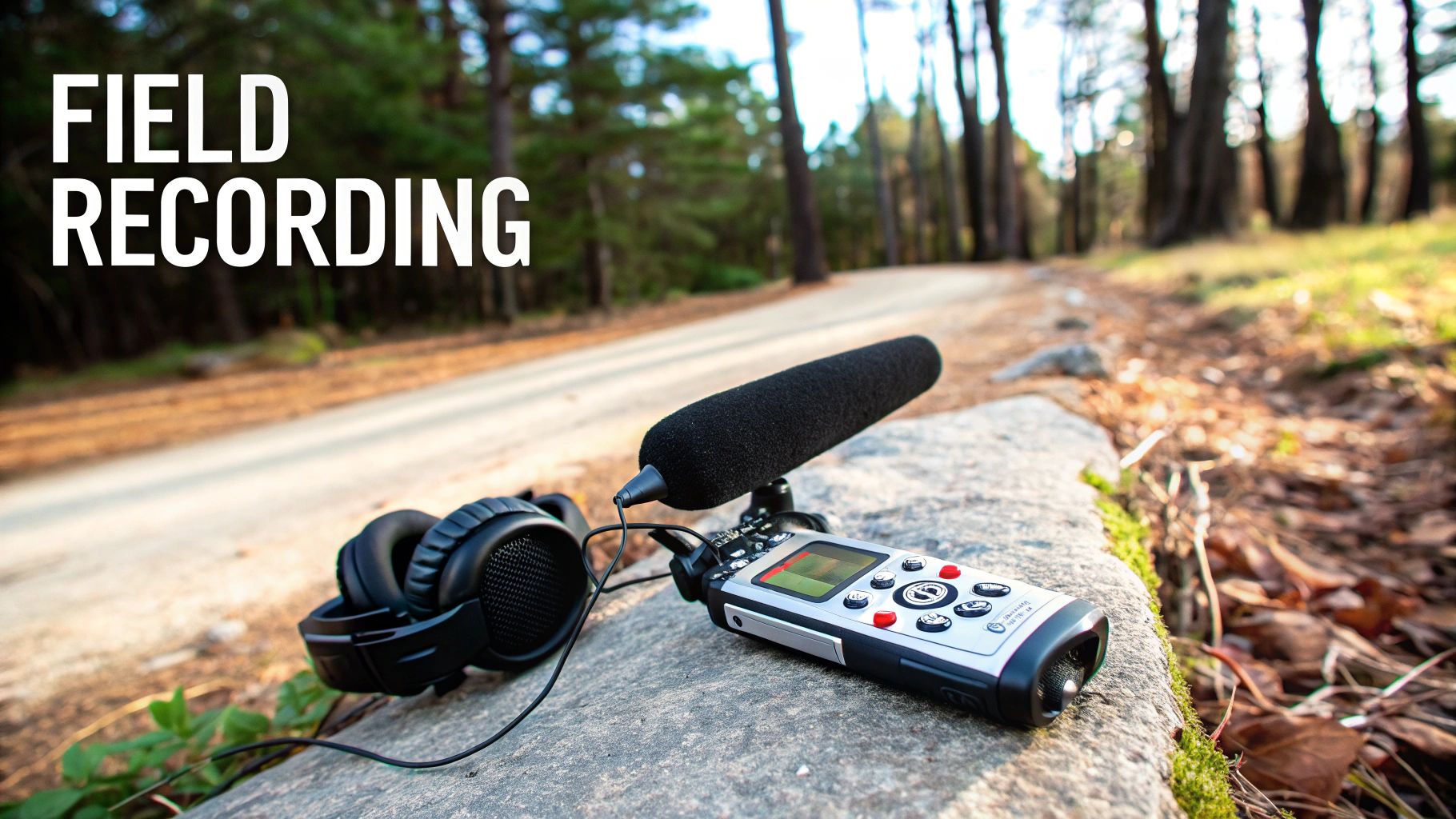
Before you can twist, stretch, and layer a sound in a digital audio workstation, you first have to get your hands on it. This is where the magic of field recording and Foley comes in—the art of sourcing audio from the real world to build believable, immersive game environments.
When you hear leaves crunch under your character's boots or the subtle jingle of their armor, you're hearing the result of this meticulous work. It’s never just about pointing a microphone at something; it’s about capturing a performance that feels right and serves the story the game is trying to tell.
Believe it or not, some of the most powerful sounds in games come from the most unlikely everyday objects. This hands-on approach, a staple since the 1990s, is all about creative problem-solving. Think smashing watermelons for the meaty punches in God of War, or Naughty Dog snapping celery stalks for bone breaks while building a library of over 10,000 sounds for The Last of Us. This pursuit of hyper-realism pays off. In fact, a 2023 game sound design market analysis found that immersive Foley can boost player engagement by as much as 70% in AAA titles.
You don’t need a Hollywood budget to get started, but a few key pieces of gear are non-negotiable if you want clean, usable audio. Your smartphone can work in a pinch for practice, but dedicated equipment will elevate your work instantly.
With this gear in hand, you can head out and start hunting for sounds—a process that's part science, part pure creative exploration.
Pro Tip: Don't just record the obvious. Capture tons of variations of each sound. Record them at different distances, with different intensities, and using slightly different objects. You never know which take will be the perfect one for the final mix.
A great recording session is all about preparation. You can't just wander outside and hope for the best. A little planning will save you a world of headaches and help you build a sound library you can actually use.
First, make a "shot list" of every sound you need. If you're working on a fantasy RPG, that list will probably include sword clangs, magical whooshes, and leather creaks. For a modern shooter, it’s all about realistic weapon handling, shell casings, and explosions. A list keeps you focused.
Next, scout your locations. To get clean recordings, you need quiet. Think parks far from traffic, abandoned buildings, or even just your own closet. Early mornings are often a goldmine for outdoor recording since there's far less ambient noise. Also, pay attention to the acoustics. A sound recorded in a massive, empty warehouse will have a beautiful natural reverb you can't easily fake. For Foley, a quiet, controlled room is best, letting you get right up on the mic. To learn more about this craft, check out our guide on what Foley sound is and how it works.
Once you're ready to hit record, always capture a few minutes of "room tone"—the ambient sound of the space itself. This recording of the location's unique silence is invaluable for cleaning up your other recordings later and making them sit perfectly in the game's world. It's a simple step that separates the amateurs from the pros.
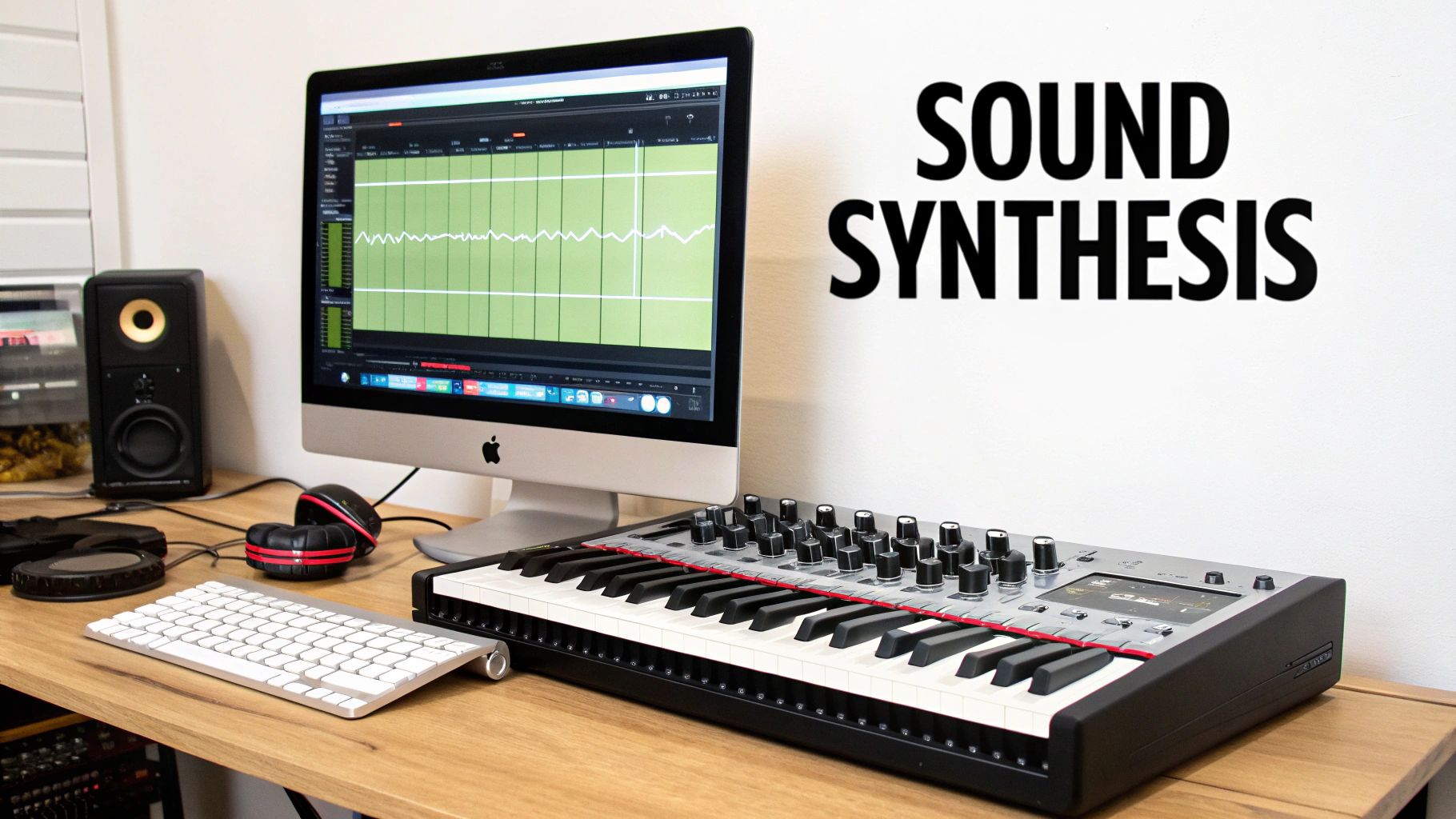
Sure, you could try to record a real car crash, but that's a massive (and dangerous) undertaking. And what about sounds that simply don't exist? How do you mic up a magical portal or capture the crackle of a futuristic laser rifle?
This is where sound designers roll up their sleeves and dive into the world of synthesis. It’s the art of building brand-new sounds from scratch.
Instead of capturing existing sound waves, we generate them using hardware or, more commonly, software synthesizers. Think of it like being an audio sculptor. You start with a basic block of digital clay—a simple waveform—and mold it into something entirely new. This process is the secret sauce behind the sounds of sci-fi, fantasy, and any game that steps outside of our everyday reality. It gives you absolute control over every detail, from pitch and texture to how a sound evolves over a split second.
At its heart, synthesis always starts with an oscillator. It’s just a fancy name for a tool that generates a repeating electronic signal, or waveform. These are the raw ingredients, the primary colors of the sound design world.
You'll most often work with these four:
From these simple starting points, a sound designer can sculpt incredibly complex audio. Different methods offer unique workflows. For example, subtractive synthesis starts with a rich waveform (like a sawtooth) and carves away frequencies with filters. Additive synthesis does the opposite, building a sound by carefully stacking lots of simple sine waves.
Here's a good way to think about it: Subtractive synthesis is like carving a statue from a block of marble—you start with a lot of material and remove what you don't need. Additive synthesis is like building that same statue out of tiny Lego bricks, piece by piece.
Let's make this real. Imagine your task is to create a classic laser blast from scratch.
First, you'd choose a source. A bright, aggressive sawtooth wave is a perfect candidate. On its own, it’s just a steady, annoying buzz.
Next, you need to shape its pitch. A pitch envelope lets you control how the pitch changes over time. For that iconic "pew!" sound, you'd create a very fast downward sweep, dropping the pitch from high to low in milliseconds.
The sound is still a bit too clean and polite. Time to run it through a distortion effect to add some aggressive grit. This makes it sound more powerful and dangerous, like it's tearing through the air.
Finally, you need to place it in a space. A touch of reverb gives the laser a sense of environment. A short, tight reverb might make it sound like it was fired in a small corridor, while a long, cavernous reverb could place it in a massive starship hangar.
Just like that, a boring buzz has become a dynamic, exciting sound effect. This is the day-to-day magic of a sound designer who specializes in synthesis.
The use of synthesis in gaming absolutely exploded once powerful software synthesizers became affordable in the early 2000s. By 2010, tools like Massive and Serum were staples in every sound designer's toolkit, making it possible to create otherworldly sounds that were previously unimaginable. In League of Legends, for instance, Riot Games synthesized over 5,000 unique ability SFX, blending various techniques for everything from magical explosions to sci-fi energy beams. You can dig deeper into the game sound design market and its evolution on datainsightsmarket.com.
Today, that power is more accessible than ever. AI tools like SFX Engine essentially automate this professional workflow. Instead of tweaking dozens of knobs, you can just type "fast laser blast with electric crackle" and get an instant, unique, royalty-free result. It's a way to get the power of synthesis without the steep learning curve.
A single recording, whether you captured it with a microphone or built it in a synth, rarely tells the whole story. A raw "swoosh" lacks weight, and a lone "thump" just feels thin. The real magic happens when you start blending these individual pieces into a single, cohesive, and impactful whole.
This is the art of layering. Think of yourself as a chef. You’re not just cooking one ingredient; you're carefully combining several to create a final dish with real depth. That epic sword swing you hear in a game? It’s not one sound—it’s a composite. It might be a sharp metallic "swoosh" for the blade cutting air, a deep low-end "thump" for force, and maybe a gritty "scrape" to hint at the blade's texture.
By stacking these sounds, we build something far more powerful and believable than any single element could ever be on its own. It's a fundamental technique that separates amateur work from professional-grade audio.
Of course, just dropping three audio files on top of each other will usually result in a muddy, chaotic mess. True layering is a delicate balancing act. Each sound needs its own space to breathe, and that’s where audio processing comes in.
Processing is how we polish our raw audio, shape it, and make sure every layer works together harmoniously. This involves using a whole toolkit of digital plugins inside a Digital Audio Workstation (DAW) to sculpt the final sound.
Key Insight: Great sound design isn't about finding the one perfect sound. It’s about creating it by blending multiple, imperfect sounds and processing them so they fit together perfectly.
Your most important tool for layering is the Equalizer, or EQ. An EQ lets you boost or cut specific frequencies in a sound. Think of it as a highly precise set of volume knobs, but for different pitches—from the deep rumble of the bass to the crisp hiss of the treble.
When you layer sounds, their frequencies often overlap and compete. This creates what's called frequency masking, where one sound drowns out another, leading to that undefined, muddy result. It’s the enemy of clarity.
This technique, called subtractive EQ, is all about carving out a specific sonic pocket for each layer. When every sound has its own space, the final composite is clean, clear, and powerful.
Once your layers are EQ'd and balanced, you'll often want to give them more impact and control their dynamics. That’s the job of a Compressor. A compressor is basically an automatic volume fader. It turns down the loudest parts of a sound, making the overall volume much more consistent.
This gives us two huge benefits for game audio:
Layering is the foundational secret behind almost every major sound in blockbuster games. Professionals routinely stack anywhere from 5 to 20 individual elements to forge complex audio events, a method that became standard with the rise of DAWs in the 1980s. For Grand Theft Auto V, Rockstar Games layered up to 12 different tire squeals, engine roars, and gravel sounds just for a car chase, managing over 100,000 total assets. On a smaller scale, a single muddy footstep might be composed of a boot scrape (40% volume), a cloth rustle (20%), and a reverb tail (40%), each carefully EQ'd to fit. You can find more insights about the technical scale of modern game sound design.
Processing is a deep topic, but a few key tools form the backbone of almost all sound design work. Understanding what they do is the first step to using them effectively.
| Processing Tool | What It Does | Practical Application Example |
|---|---|---|
| Equalizer (EQ) | Boosts or cuts specific audio frequencies (bass, mids, treble). | Cutting low frequencies from a "whoosh" layer to make room for a bassy "impact" layer, preventing a muddy sound. |
| Compressor | Reduces the dynamic range by lowering the volume of the loudest parts. | Making a gunshot feel punchier and more consistent, so every shot is heard clearly without being painfully loud. |
| Reverb | Simulates the sound of an acoustic space by adding reflections and echoes. | Adding a "cathedral" reverb to a magical spell to make it sound epic and feel like it's being cast in a large, ancient hall. |
| Limiter | A type of extreme compressor that prevents a signal from ever exceeding a set volume threshold. | Placed on the master audio channel to prevent the final mix from distorting or clipping, ensuring a clean output to the player. |
| Delay/Echo | Repeats a sound after a specific period of time, often fading out with each repetition. | Creating a sci-fi laser blast that echoes through a canyon, giving a sense of distance and environment. |
| Distortion | Intentionally clips or "overdrives" the audio signal to add grit, warmth, or aggression. | Making a robot's voice sound damaged and glitchy, or giving an explosion a raw, fiery texture. |
Mastering these tools is what allows you to take simple recordings and transform them into cinematic, immersive audio experiences.
Finally, your perfectly layered and compressed sound needs to feel like it belongs in the game world. If your sword swing was recorded in a silent room, it’s going to sound jarringly out of place when the character is standing in a giant cavern.
This is where Reverb comes in. Reverb simulates the natural echoes and reflections of a physical space. By adding a touch of reverb, you can sonically "place" your sound effect in any environment you can imagine, from a tight metal corridor to a vast open forest.
It's the final touch that glues the sound to the game's visuals, creating a truly immersive and believable experience for the player.
So you've recorded, synthesized, and layered the perfect sound effect. It sounds incredible, but right now, it's just an audio file sitting on your computer. To a game, it doesn't exist yet. The final, and arguably most technical, step is integration—getting that sound out of your audio software and into the game world where it can truly come alive.
This is where we shift gears from pure sound creation to a more technical, logic-driven mindset. We’re not just making a sound anymore; we’re defining the rules for how that sound behaves in response to a player's every move.
It's definitely not a simple drag-and-drop process. Modern games need audio that feels dynamic and interactive. A gunshot shouldn't sound identical indoors versus in a wide-open field. A character’s footsteps have to change when they move from concrete to grass to mud. This is all managed with specialized software known as audio middleware.
Think of middleware as the brain of your game's audio. It’s a powerful bridge sitting between your library of sounds and the game engine itself (like Unity or Unreal Engine). The industry standards here are tools like FMOD and Wwise, which give sound designers a staggering amount of control without having to write a single line of code.
Instead of just telling the game engine to "play gunshot sound," a designer using middleware builds complex audio events. These are containers that can hold dozens of sound variations, conditional logic, and real-time effects that are all triggered by data fed from the game.
For instance, a footstep event in Wwise might be built with:
This is how developers build worlds that feel truly responsive. The middleware handles all the complex audio logic, freeing up the game’s programmers to worry about everything else.
Key Takeaway: Audio middleware is what transforms static audio files into dynamic, interactive events. It empowers sound designers to build complex audio behaviors that respond directly to gameplay, making the game world feel genuinely alive.
The diagram below shows a simplified look at the layering process—the creative stage that happens before a sound ever makes it into the integration pipeline.
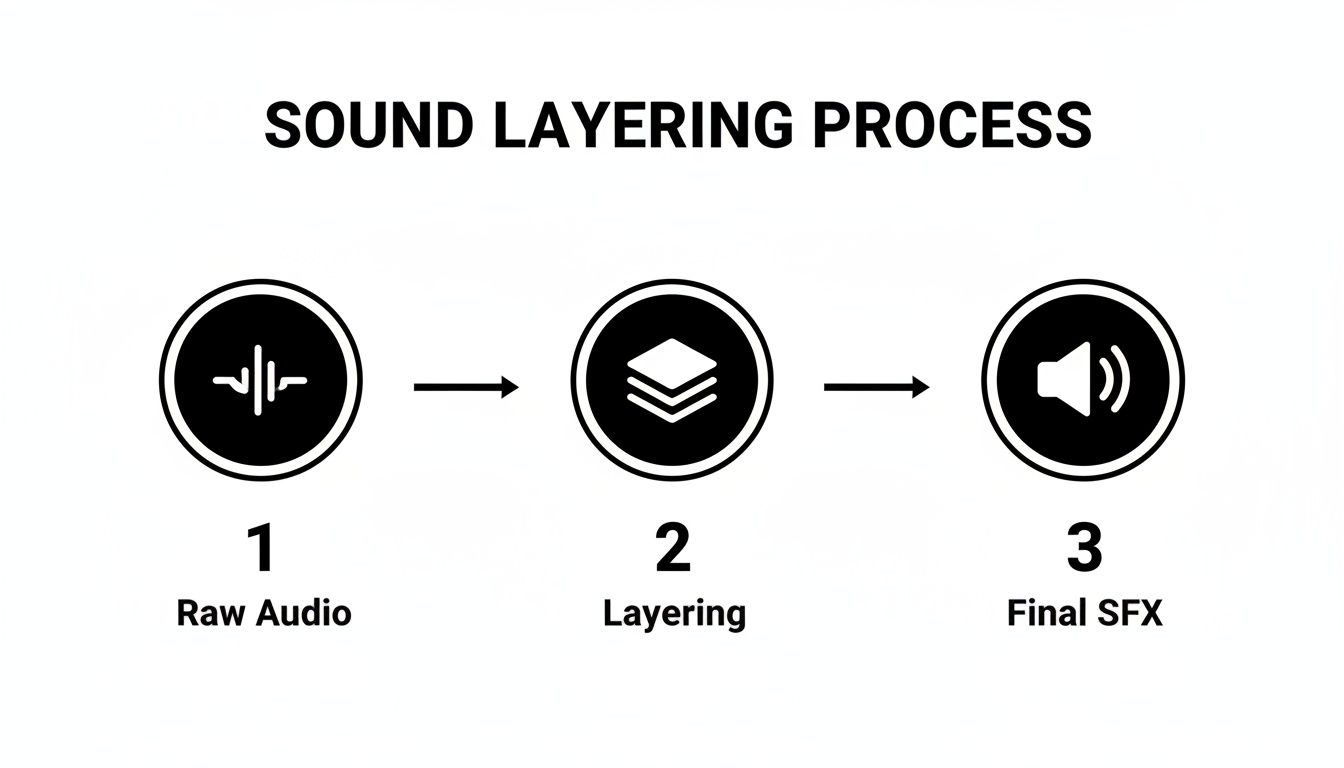
This workflow is all about building up the raw audio. Once we have that final, polished effect, we import it into a tool like FMOD or Wwise to start building the in-game logic.
Every game has a tight performance budget. The engine is juggling graphics, AI, physics, networking, and audio all at once, in real-time. Unoptimized audio is a silent killer of performance—it can hog CPU resources and gobble up memory, leading to stuttering frame rates and a terrible player experience.
Because of this, optimization isn't an afterthought; it's a non-negotiable part of the integration process.
Our main goal is to strike the perfect balance between audio quality and performance. A high-quality, uncompressed WAV file sounds fantastic, but a game with thousands of them would be gigantic and run like a slideshow. This is where file formats and compression become our best friends.
| Format | Best For | Compression | Key Consideration |
|---|---|---|---|
| WAV | Short, repetitive sounds (footsteps, UI clicks) | Lossless (uncompressed) | Highest quality, but largest file size. It's the go-to for sounds played constantly where artifacts are unacceptable. |
| OGG | Music, ambient loops, long dialogue | Lossy (compressed) | Fantastic compression with great quality. It can dramatically reduce file size with minimal audible loss. |
| MP3 | Music, voice-overs (less common now) | Lossy (compressed) | Everyone knows MP3, but OGG usually gives better quality at similar or smaller file sizes for game assets. |
Middleware gives us granular control to set compression settings for every single sound. A massive, cinematic explosion might be left as a high-quality WAV, but a quiet background ambient loop can be compressed heavily into an OGG file, and no one will ever know the difference.
This level of control is absolutely essential for managing a game's memory footprint. If you want to see how these concepts are put into practice, a great resource is this guide on how to implement sound effects in Unity, as the core principles are relevant no matter which engine you use. This is the technical pipeline that finally breathes life into the sounds you've worked so hard to create.
Knowing how to make a great sound effect is only half the job. You also have to make sure you actually have the legal right to use it, especially if you plan on selling your game.
Every single audio file—whether you recorded it yourself, synthesized it, or grabbed it from a library—is a creative asset, and that means it comes with legal strings attached. This is where understanding licensing isn't just a good idea; it's absolutely essential.
Most sound libraries you'll find operate on a royalty-free license. This term trips a lot of people up. It doesn't mean the sound costs nothing. It means you pay a one-time fee to license the audio, and after that, you can use it in your game (and other projects) as much as you want without paying ongoing fees or "royalties" to the creator.
The critical detail to look for is the right for commercial use. Your license must explicitly state that you can use the asset in a product you intend to sell. Without that, you're opening yourself up to a world of legal trouble down the road.
Traditional sound libraries are staples for a reason, but they have their limits. You could burn hours digging for the perfect "heavy metallic impact," only to find the same few options that thousands of other developers have already used in their games. This is exactly where AI-powered platforms are changing the game.
Tools like SFX Engine let you generate entirely new, one-of-a-kind sound effects just by describing them in plain English. Imagine typing in "a giant’s heavy footstep on wet mud with a slight rocky crunch" and getting a custom sound back in moments.
The real magic here is that every sound you generate is 100% royalty-free and includes a commercial license right out of the box. All that legal ambiguity? Gone. It’s also interesting to see how this technology fits into the broader trend of using AI for generating audio elements like music and voiceovers across different creative fields.
The Bottom Line: AI sound generation offers a nearly infinite well of custom audio, letting you sidestep the creative constraints and licensing headaches that often come with static, pre-recorded sound libraries.
This approach is a massive time and money saver. Instead of buying huge, expensive libraries or blocking out days for field recording sessions, you get tailored assets on demand. For anyone building a large game sound effects library, this offers a scalable and legally solid path forward.
By using these tools the right way, you can keep your focus where it belongs—on the creative side of sound design—without constantly looking over your shoulder at the legal fine print. It’s a smart way to ensure your game’s audio is not only unique but also compliant from day one.
Even with a clear workflow, a few questions always seem to pop up, especially when you're first diving into the world of game audio. Let's tackle some of the ones I hear most often.
To get started, you'll need a Digital Audio Workstation, or DAW. My go-to recommendation for anyone new to the field is Reaper. It's incredibly affordable and has a ridiculously generous, fully functional free trial period.
Honestly, Reaper has all the muscle you need for professional layering, editing, and processing. You're not sacrificing power for price. While you might eventually move on to industry staples like Pro Tools or Ableton Live, you could absolutely ship a AAA game using only Reaper. It’s also light on your computer's resources and backed by a massive, supportive user community.
This is the big question, isn't it? The truth is, it varies wildly depending on your experience, where you live, and whether you're freelancing or salaried at a studio.
Here’s a rough breakdown based on what I’ve seen in the industry:
Freelancing is a different beast altogether. Your rates will be project-based or even priced per sound effect, which offers more freedom but a lot less predictability.
Your portfolio and professional network are everything. Building those two things is the most reliable way to climb the ladder and earn more in this competitive field.
You absolutely can. Synthesis will be your best friend. With a software synthesizer—something like Serum or the fantastic (and free) Vital—you can generate an unbelievable variety of sounds from scratch. Think UI beeps, magical whooshes, futuristic weapon blasts, and sci-fi ambiences, all created entirely inside the box.
And when it comes to character sounds, you're not out of luck either. For unique creature growls or specific dialogue needs, you can explore tools that generate AI character voices for games, opening up another avenue for creativity without a single recording session.
Ready to create custom, royalty-free audio for your own project? At SFX Engine, you can generate unique sound effects from simple text prompts in seconds. Skip the expensive gear and endless library searches—get exactly the sound you need, right now. Try it for free and start building your perfect soundscape at https://sfxengine.com.
