January 7, 2026 · Kuba Rogut
Indie game development is all about being clever with what you have. This "less is more" mindset is especially true for sound design, where success hinges on smart planning and creative resourcefulness rather than a massive budget. It’s about scoping your audio needs early, zeroing in on sounds that make the gameplay pop, and finding the right mix of sound libraries, DIY recordings, and even AI tools to build a world that feels alive.
Great sound in an indie game is never an accident. It's born from a deliberate, well-thought-out strategy. Before you even touch a microphone or open a DAW, you need a blueprint. This plan is your best defense against scope creep, helps you spend your audio budget wisely, and most importantly, makes sure every sound serves the game’s core vision.
Without a clear plan, you're just guessing. You could waste weeks designing intricate soundscapes for a level that eventually gets cut, or drop a chunk of your budget on a huge sound library when you only needed a handful of specific effects. A solid strategy keeps you focused on what truly matters.
The foundation of your entire sound strategy is the Audio Design Document (ADD). Don't let the name intimidate you; it's basically a master list—a bible for every single sound your game will need. It's a living document that will evolve with your project.
Start by breaking down your game's audio needs into simple categories. Think about what the player hears moment to moment:
For each sound, jot down its purpose, a quick description of the vibe you're going for ("crunchy and impactful" vs. "light and magical"), and a priority level. This simple act of organization transforms the vague concept of "game audio" into a concrete, actionable checklist. If you're new to this, our guide on game audio basics for beginners is a perfect place to start.
When you're working with a tight budget, you can't afford to treat every sound equally. Prioritization is everything. You need to pour your time and resources into the sounds that deliver the biggest bang for your buck in terms of player experience.
So, what gets top billing? Anything that gives the player direct, crucial feedback. Think about satisfying hit markers that confirm a shot landed, clear audio warnings for an incoming attack, or the distinct, rewarding chime of a rare item drop. These are the sounds that make a game feel responsive and fair.
To get a better handle on the core audio categories and their importance, it helps to think in terms of "sound pillars."
This table breaks down the essential audio categories, what they do, and why they're so critical for a compelling player experience.
| Pillar | What It Covers | Why It's Critical |
|---|---|---|
| Player Feedback | Footsteps, attacks, jumps, item interactions, damage sounds | Creates a direct connection between the player's actions and the game world, making controls feel responsive and satisfying. |
| UI & Menu | Button clicks, notifications, screen transitions, inventory sounds | Guides the player through non-gameplay sections, provides confirmation for choices, and establishes the game's overall tone. |
| Ambiance & Environment | Wind, rain, city hums, forest chatter, room tones | Establishes the mood, sense of place, and immersion. A good ambient track can make a static screen feel alive. |
| Key Events & Alerts | Level up, quest complete, enemy alerts, low health warnings | Communicates critical gameplay information instantly, often faster than visual cues can, and rewards player progress. |
Focusing on these pillars ensures that even with a limited asset list, your game will have the foundational audio it needs to feel polished and immersive.
This decision tree gives you a great visual for how your game's vision and scope should guide your audio sourcing strategy.
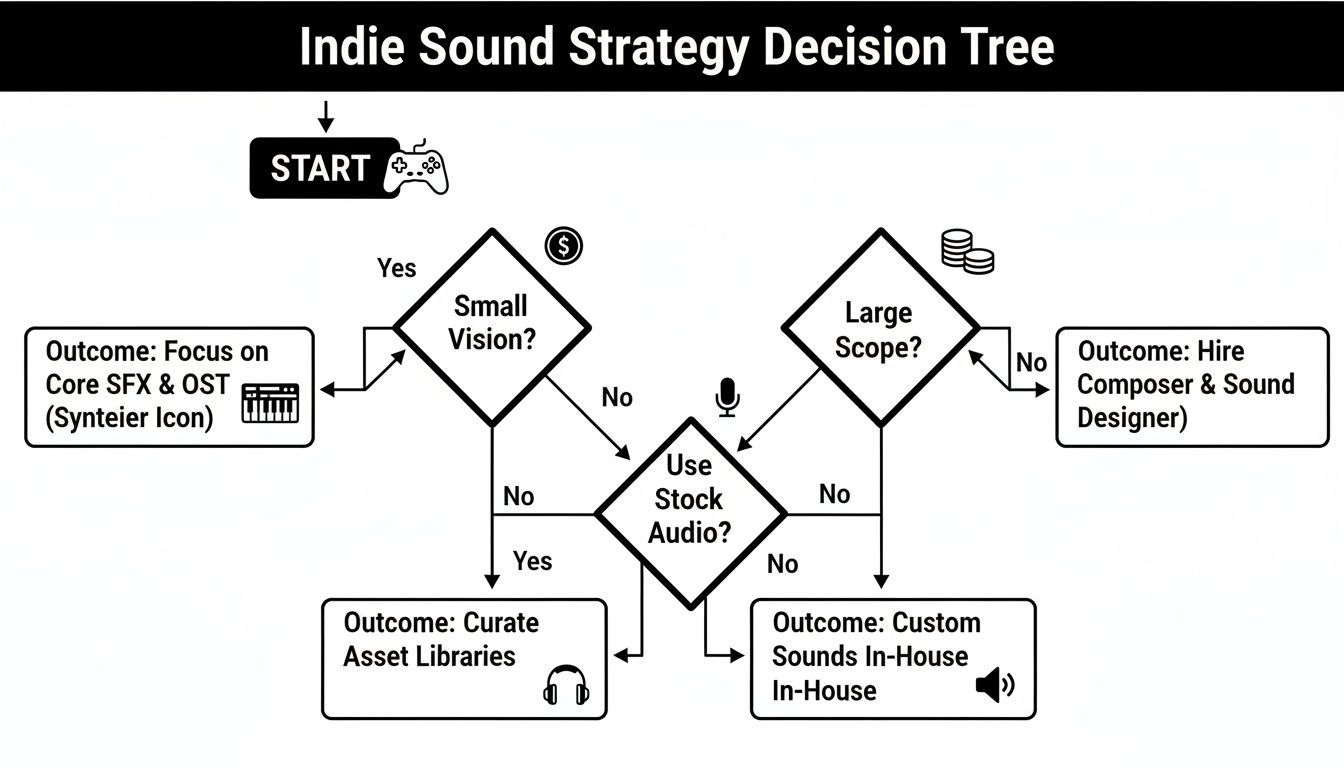
As you can see, a smaller, more focused game might get by perfectly with a lean mix of libraries and some creative custom recordings. A larger project, on the other hand, might need to budget for specialized tools or even some freelance help for specific, high-impact assets.
In the indie world, the sound designer is often a jack-of-all-trades, handling everything from recording foley in their closet to implementing the final audio in-engine. The Game Audio Industry Survey found that only 17-22% of professional audio specialists reported working on indie games, which really underscores the tight constraints that force this multi-talented approach. But this reality also sparks incredible creativity, pushing developers to be as resourceful as they can be.
With your audio blueprint locked in, it’s time for the fun part: actually making the sounds. Indie sound design is really an exercise in resourcefulness. It’s all about squeezing every ounce of sonic goodness from affordable gear, clever techniques, and some powerful new tools to build a soundscape that feels way bigger than your budget.
Forget the image of a massive studio with a dedicated foley artist. Your journey into sound design often starts with whatever you have on hand. A decent smartphone or an entry-level field recorder can honestly be your most valuable asset.
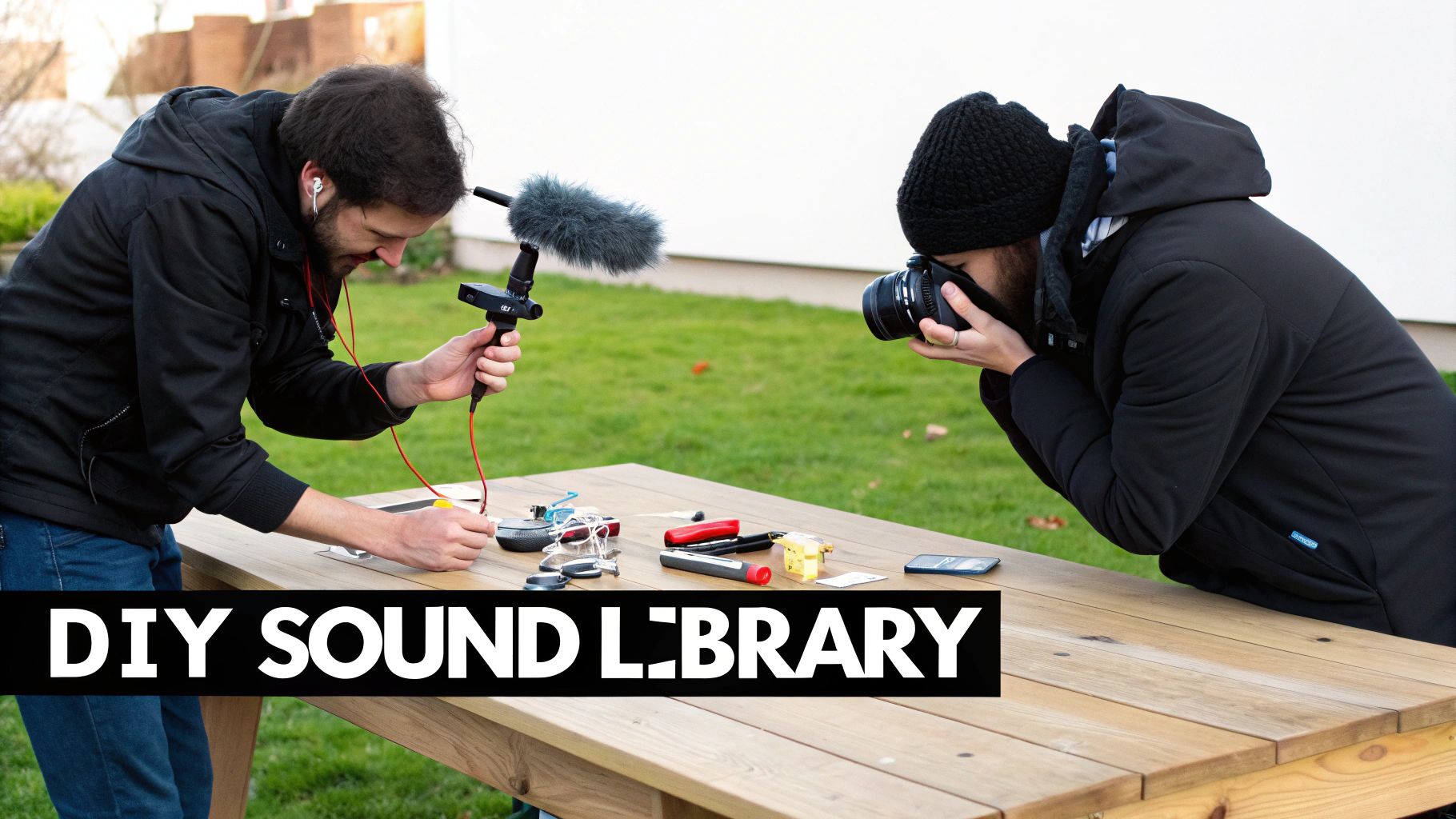
This is where your game’s sonic identity begins. Field recording—the art of capturing audio from the world around you—gives you a library of completely original, royalty-free material to twist, warp, and layer.
The real magic happens when you drag these recordings into your Digital Audio Workstation (DAW). Suddenly, you can pitch-shift, reverse, and stack them into sounds no one has ever heard before. If you're just starting out and watching your budget, you can explore some of the best free DAWs for sound design to get going without spending a dime.
Let's be real: you can't record everything. Sound libraries are a necessary part of the toolkit for filling in the gaps, but it's incredibly easy to get lost or burn through your cash. The trick is to be surgical.
Instead of dropping money on a massive, all-in-one library, hunt down smaller, specialized packs that fit your game’s theme. If you're making a sci-fi game, a "Futuristic User Interfaces" pack will give you way more bang for your buck than a generic "Ultimate Sound FX" collection. You can learn more about this strategic approach in our guide to building the right game sound effects library.
Pro Tip: Always look for libraries that provide multiple variations of a single sound. Having five slightly different sword swings or monster growls is infinitely more valuable for avoiding repetition than having five completely different, unrelated sounds.
The most exciting new frontier for indie audio is, without a doubt, AI sound generation. This tech is a massive equalizer, letting small teams create totally custom, high-quality effects in seconds. It completely bypasses the need for expensive recording sessions or endless library searches.
The global game sound design market is projected to hit $4.3 billion by 2032, and a huge driver is the demand for more immersive experiences. For indies, that means the pressure is on to deliver top-tier audio on a shoestring budget. AI tools are helping small teams punch above their weight by slashing development time.
Tools like SFX Engine, for example, let you just describe the sound you need in plain English.
Take a look at how simple text prompts can generate some pretty complex audio.
The interface here shows how a prompt like "Magical Crystal Shattering" can be instantly turned into a real sound effect, complete with options for different variations.
Instead of spending hours digging for that perfect "ethereal crystal shattering in a deep cave," you just generate it. Tweak it. Get a few variations. It lets you prototype at lightning speed and creates assets that are perfectly tailored to your vision—a capability that used to belong exclusively to big studios with big audio teams. This is what modern, scrappy indie sound design looks like.
So, you’ve got a folder packed with awesome sound effects. That’s a fantastic start, but they’re just sitting there, silent. The real magic happens when you get those sounds into your game, and for that, you'll need to get familiar with audio middleware.
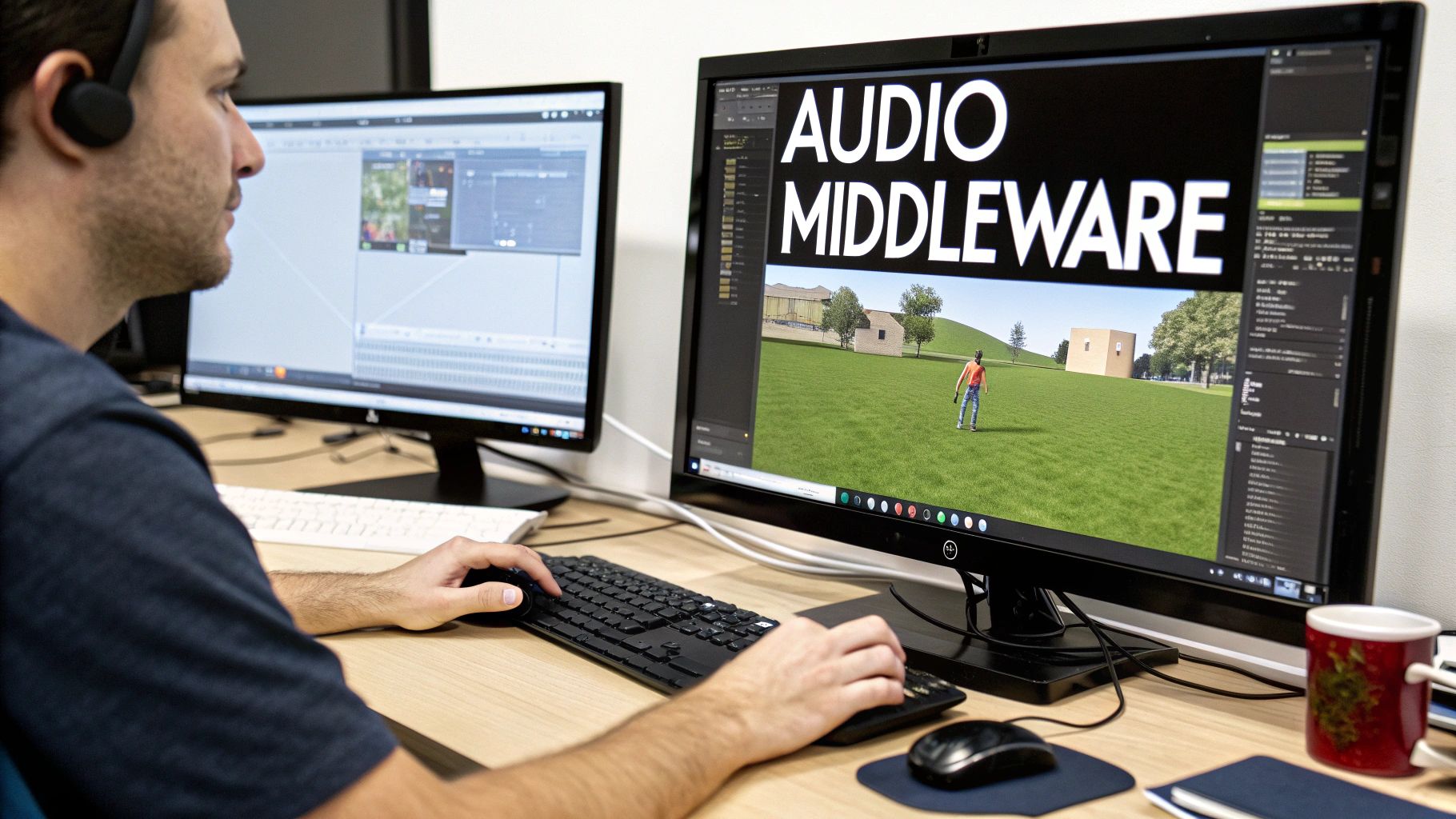
Think of middleware as the central nervous system for your game's audio. It's the bridge that connects your sound files to the game engine, letting them react and change based on what the player is doing.
Instead of bugging a programmer to write code for every single sound trigger ("play this sound when the player jumps"), middleware gives the sound designer a powerful, visual interface to build complex audio behaviors. For small teams, this workflow is an absolute game-changer.
When it comes to middleware, two names dominate the conversation: FMOD and Wwise. Both are industry-standard powerhouses, but they’re built for slightly different needs and team dynamics.
The industry data paints a pretty clear picture for indies. The 2025 Game Audio Industry Survey from GameSoundCon shows that the Unity and FMOD combination is a massive favorite. Why? It's fast, it’s intuitive, and it doesn't require a dedicated audio programmer to get great results—a luxury most small studios simply don't have.
Here’s a quick look at the most popular audio solutions for indie developers, highlighting their strengths.
| Tool | Ideal For | Common Engine Pairings | Key Indie Advantage |
|---|---|---|---|
| FMOD | Sound designers, solo developers, and small teams looking for a fast, intuitive workflow. | Unity, Unreal Engine | Its user-friendly interface is often compared to a DAW, making it very approachable for audio-focused creators. |
| Wwise | Larger teams, complex projects needing deep data management and granular control. | Unreal Engine, proprietary engines | Offers extremely powerful profiling and debugging tools, ideal for managing massive numbers of audio assets. |
| Unity Audio | Very simple projects, rapid prototyping, or developers on a strict "no external tools" policy. | Unity | It's built directly into the engine, so there's no setup required. However, it lacks advanced features. |
While Wwise is an absolute beast for AAA projects with enormous complexity, I find that FMOD hits the sweet spot for most indie developers. Its workflow feels immediately familiar if you’ve ever used a music production DAW, which means you can spend less time fighting the tool and more time being creative.
The heart of any middleware workflow is the "event." You don't just "play a .wav file" anymore. Instead, you create an event in FMOD—let's call it Play_Footstep.
Inside that single event, you can work all sorts of magic:
Once you’ve designed this logic in FMOD, your programmer only has to write one line of code in the game engine to call the Play_Footstep event. That's it. From then on, you—the sound designer—can go back into FMOD and tweak, add, or completely replace those footstep sounds without ever touching a single line of game code again. This separation of roles is what makes middleware so essential for efficient indie teams.
A well-implemented sound provides crucial feedback that visuals alone cannot. When a player hears a distinct thud as their character lands from a jump, it reinforces the feeling of weight and physicality, making the world more believable and the controls more satisfying.
This event-based system is the foundation of modern interactive audio. To see how this all connects, check out our guide on how to implement sound effects in Unity. It’s the perfect next step for bridging the gap between sound creation and a living, breathing game world.
This is where the real magic happens. If you want to know how an indie developer on a shoestring budget can compete with AAA studios on sheer immersion, this is it. It’s the art of making your game’s soundscape feel less like a pre-recorded track and more like a living, breathing entity that reacts to everything the player does.
Static, looping sounds are the fastest way to break a player's immersion. When the world responds audibly to their actions and the environment shifts around them, it creates a powerful feedback loop. Suddenly, everything feels more impactful and believable.
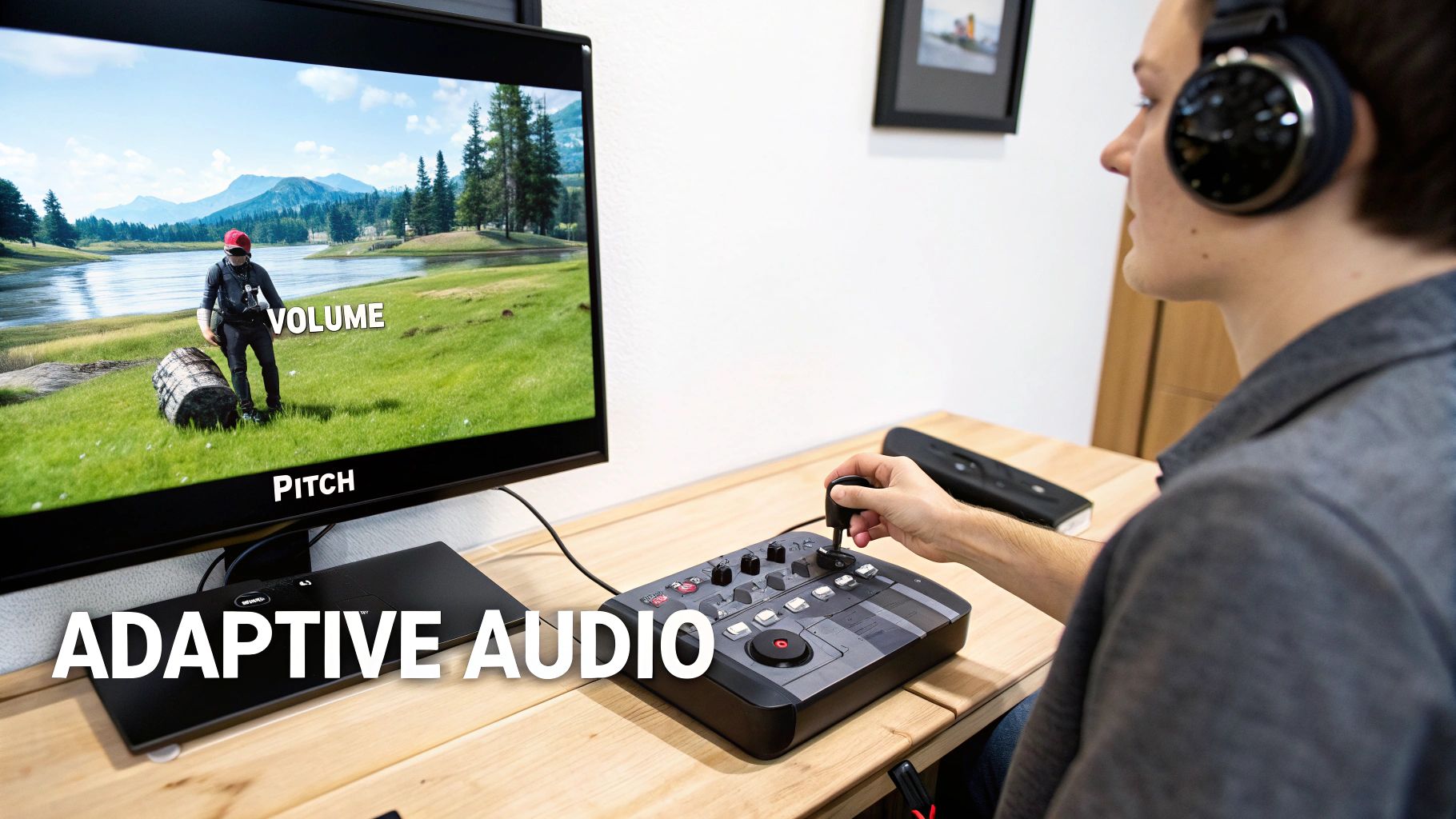
This isn't about having a massive library of expensive sounds; it’s all about smart implementation. Adaptive audio works by connecting in-game data—we call these parameters or variables—directly to the properties of your sounds.
Let's take a simple horror game. A monster is stalking the player, but it’s just out of sight. Instead of just playing a generic "tense music" loop, you can make the audio far more dynamic by tying it to the monster's actual distance from the player.
Here's how that might work:
With a simple technique, you've transformed the audio from a passive backdrop into an active gameplay mechanic. The sound itself becomes a crucial source of information, telling the player how much danger they're in far more effectively than any visual meter ever could.
A common mistake I see in how indie games do sound design is using one single, monolithic ambient track for an entire level. A much better approach is to build your soundscape from multiple, independent layers that you can control separately.
Think about a fantasy forest. Instead of one "forest.wav" file, you might have several smaller, looping sounds:
Now you can tie these layers to in-game conditions. When day turns to night, you can fade out the birds and fade in the crickets. If it starts to rain, you bring in a new rain layer and trigger occasional thunder claps. The world feels alive because its sonic texture is constantly shifting and evolving with the environment.
The goal of adaptive audio is to erase the line between the game and its soundtrack. When you do it well, players shouldn't consciously notice the "sound design"; they should simply feel more present and connected to the world you've built.
Nothing screams "video game" more than hearing the exact same footstep or gunshot sound over and over. Thankfully, middleware like FMOD makes this incredibly easy to fix. The simplest and most powerful trick in the book is randomization.
For any sound that players will hear frequently, never use just one recording. Instead, create a container or event that holds multiple variations of that sound.
Then, you can apply some simple randomization rules:
These small, easy-to-implement adjustments make a massive difference in the overall polish of your game's audio. It's a classic low-effort, high-impact technique that is absolutely fundamental to good sound design.
So, you’ve got all your sounds created and implemented in the engine. That’s a huge win, but we're not quite at the finish line yet. This last stretch is all about taking that raw audio and polishing it until your game feels like a professional product, not just a prototype. It's time to mix, optimize, and test until everything is perfect.
The mixing stage is less about just fiddling with volume knobs and more about establishing a clear sonic hierarchy. You have to ask yourself: what absolutely needs to be heard for the player to succeed?
A player's gunshot, an incoming enemy attack, or a critical low-health alert—these are non-negotiable. They are vital gameplay information disguised as sound. Everything else, from the beautiful ambient textures to the soaring musical score, needs to be artfully sculpted around these core cues. If you don't, you end up with a wall of noise that just fatigues the player.
As an indie dev, optimization is your best friend. Bloated audio files can cripple your game's build size and gobble up memory, leading to poor performance, especially on platforms like the Nintendo Switch or older PCs. Choosing the right file format is your first line of defense.
The decision almost always comes down to .wav vs. .ogg.
Many of the same principles of ensuring clarity and using compression in game audio are also found in other fields; you can even see parallels in some podcast post-production techniques.
Key Takeaway: You don't have to pick just one. The best approach is a hybrid one. Use
.wavfiles for all your short, high-frequency sound effects and save.oggfor your music and longer ambient tracks. This strategy gives you the best of both worlds: quality, performance, and a manageable file size.
You can't mix in a vacuum. The only way to know if your mix works is to play the game. A lot. Grab a good pair of headphones and just dive in.
Listen for everything. Are some sounds annoyingly repetitive? Do crucial gameplay cues get lost when the action heats up? Does the ambiance actually match the environment you're in?
This is where the real magic happens—in the loop of playing, making a small tweak, and playing again. It's tedious, but it's the only way to achieve a truly polished feel. And don't just rely on your own ears; you've heard these sounds a thousand times. Get a friend to play and watch them. Ask them if any sound was grating or if they felt overwhelmed. Their fresh perspective is invaluable for turning a collection of sounds into a cohesive, immersive experience.
Diving into game audio can feel like a lot, especially when you're just getting your bearings. I've seen countless indie devs hit the same walls and ask the same questions when trying to figure out how indie games do sound design with limited resources. Let's break down some of the most common ones.
There's really no single "best" tool, but a solid, modern toolkit for an indie developer usually has three core pieces.
First, you need a Digital Audio Workstation (DAW). My go-to recommendation for indies is often Reaper. It's incredibly powerful, customizable, and its price point is a lifesaver for small teams.
Next up is audio middleware. Tools like FMOD or Wwise are game-changers for actually getting your sounds into the game engine and making them interactive. FMOD, in particular, has a great workflow with Unity and lets you build complex audio behaviors without having to write a line of code yourself.
Finally, a tool that's quickly becoming indispensable is an AI sound generator like SFX Engine. It's perfect for creating those custom, royalty-free assets you can't find anywhere else. Instead of spending hours hunting through sound libraries (or spending a fortune buying them), you can just type a prompt and generate unique monster roars, magical spells, or ambient textures in seconds.
A killer indie audio workflow isn't about finding one magic bullet. It's about combining the strengths of a few great tools. A flexible DAW for creation, intuitive middleware for implementation, and an AI sound generator for custom assets covers all your bases.
This is the big one, isn't it? The secret is to be clever, not expensive.
First, focus on quality over quantity. A handful of really impactful, well-designed sounds will do more for your game than a hundred generic ones that just create a wall of noise. Think about the most important player actions and nail those first.
Embrace layering. This is where you can get really creative. Take a simple sound you recorded on your phone—maybe the snap of a carrot—and layer it with a low-end thump from a free sound library and a weird, crackly texture you generated with AI. Suddenly, you have a completely unique and satisfying bone-break sound that cost you nothing.
Most importantly, obsess over the mix. A good mix is often what separates amateur from professional-sounding audio. You have to carve out space for everything. Make sure crucial gameplay cues (like an enemy attack warning) always cut through, and that the overall soundscape isn't just a loud, fatiguing mess.
Theoretically, you could, but you'd be missing out. The best approach is almost always a hybrid one. AI tools are absolute life-savers for generating specific, hard-to-find sounds, creating tons of variations to keep things from sounding repetitive, and just trying out ideas super fast.
They're fantastic for things like:
But for sounds that need a very specific human performance, like character voice-overs, or really intricate mechanical sounds, you might still want to turn to a high-quality library or a microphone. Think of AI as your creative partner. Use it to generate foundational layers or unique elements, then bring those into your DAW to tweak, layer, and process them into something perfect for your game.
Without a doubt, the single most damaging mistake is treating sound as an afterthought.
So many developers push audio to the very end of a project, thinking they can just "sprinkle some sound on" before release. This never works. The result is always a disconnected audio experience that feels completely tacked on.
Sound design needs to be part of the conversation from day one. You should be planning your audio scope right alongside your game mechanics. Even if you're just using temporary placeholder sounds during prototyping, it allows you to see how audio can inform gameplay and vice versa. The feel of a weapon, the feedback from a jump—these things are a marriage of art, code, and sound.
When you wait until the end, you miss the opportunity for that synergy. That, and a bad mix. Nothing screams "amateur" louder than a game where every sound is fighting for attention at the same volume, creating an unintelligible mess that's physically draining to listen to.
Ready to create unique, high-quality sound effects for your indie game in seconds? SFX Engine lets you generate custom, royalty-free audio from simple text prompts. Start creating for free at sfxengine.com and give your project the sound it deserves.
