January 6, 2026 · Kuba Rogut
In today's fast-paced digital landscape, creating standout social media content requires more than just a good idea—it demands efficiency, creativity, and the right technology. Juggling video production, graphic design, audio mixing, and scheduling can quickly become overwhelming. This guide cuts through the noise, providing a curated list of the 12 best social media content creation tools designed to streamline your workflow, elevate your output, and give you a competitive edge. We'll move beyond generic feature lists to offer practical use cases, honest limitations, and pricing insights for each tool, helping you build the perfect creative stack for 2026.
This comprehensive resource is built for creators who need to produce high-quality assets without spending hours navigating complex software. We have organized the tools by their primary function, from all-in-one design suites like Canva and Adobe Express to specialized video editors like CapCut and Descript. You'll also discover platforms for sourcing unique audio, such as SFX Engine and Epidemic Sound, alongside marketplaces for templates and repurposing tools that maximize your content's reach.
Each entry includes a direct link and screenshots to give you a clear view of the user interface before you commit. We'll explore specific features that solve common content creation bottlenecks, such as generating custom sound effects or automatically transcribing video dialogue. While these platforms help you create content, remember that when you post is just as critical. For optimizing the timing and consistency of your posts, exploring the best social media scheduling tools can be incredibly beneficial. This guide focuses on the creation process, empowering you to find the right tool for your specific needs, whether you're a filmmaker, audio producer, or game developer.
SFX Engine distinguishes itself as a premier tool for social media content creation by offering unparalleled control over custom audio. It leverages generative AI to produce unique, studio-quality sound effects from simple text prompts. This capability empowers creators to design the perfect sonic atmosphere for their content, moving beyond generic stock audio libraries. Whether you need the subtle ambient noise of a bustling café for a lifestyle vlog or a dramatic whoosh for a product reveal Reel, SFX Engine delivers bespoke audio that elevates production value.
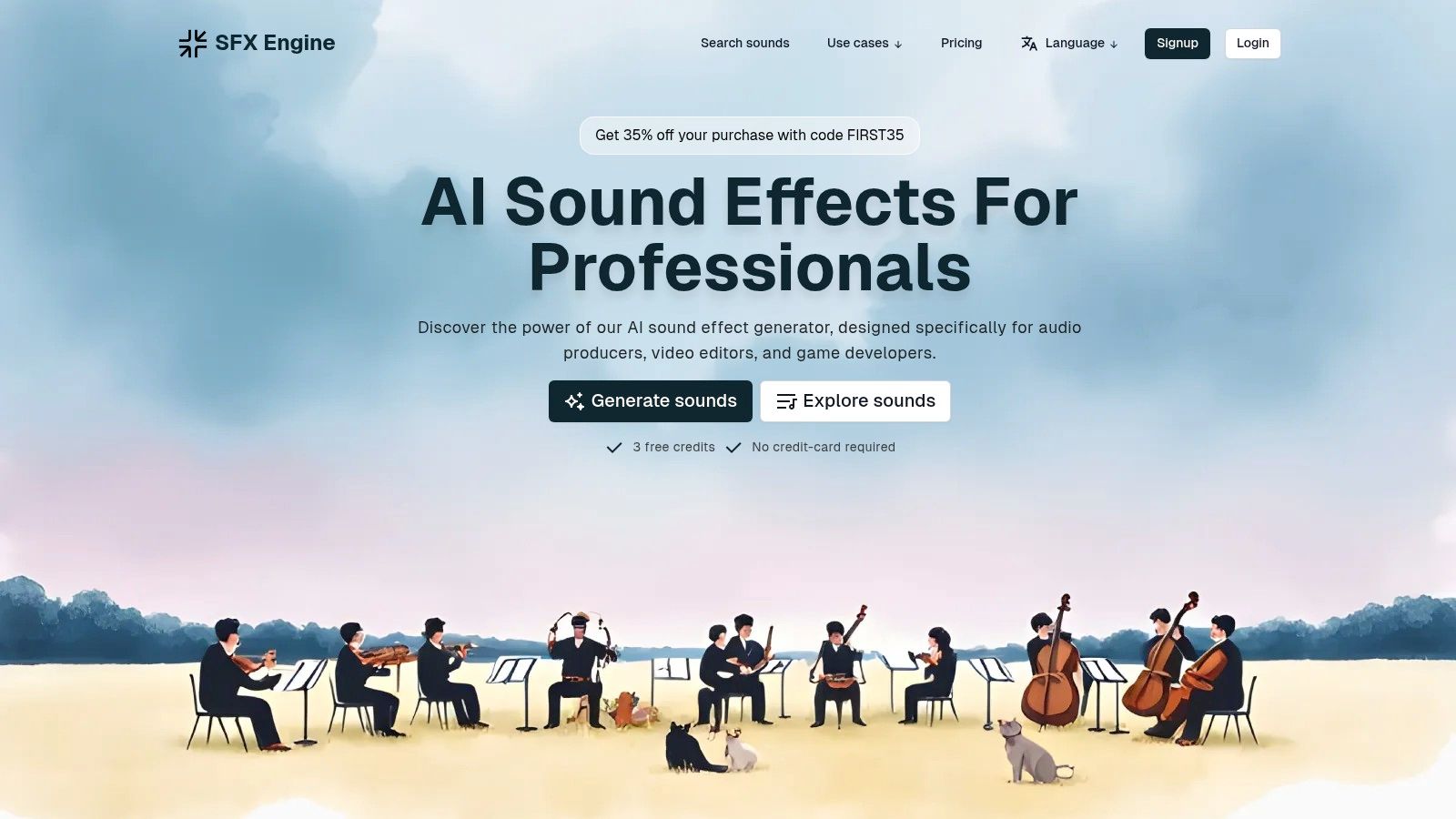
The platform is built for professionals who require both speed and specificity. Its core strength lies in its highly customizable generation process. Users can input a detailed description, like "a gentle rain tapping on a windowpane with distant, soft thunder," and then fine-tune parameters to adjust the intensity, duration, and texture. This granular control ensures the final sound aligns perfectly with the visual narrative, a critical factor for engaging social media content.
One of the most significant advantages for social media creators is the platform's clear and inclusive licensing. Every sound effect generated comes with a commercial license and is 100% royalty-free, eliminating legal worries when using audio in monetized content, advertisements, or sponsored posts. This is a crucial distinction from many free sound libraries that often have restrictive usage terms. Trusted by organizations like Wildlife Studios and the Art Institute of Chicago, it provides a reliable audio solution for projects of any scale.
Website: https://sfxengine.com
Adobe Express serves as a powerful all-in-one design app for social media managers and creators who need to produce high-quality content quickly. Its tight integration with the broader Adobe Creative Cloud ecosystem makes it a standout choice for teams already using Photoshop or Illustrator, allowing for seamless asset transfer. The platform combines intuitive drag-and-drop video and photo editing with robust features like brand kits, one-click resizing for different social platforms, and background removal tools.
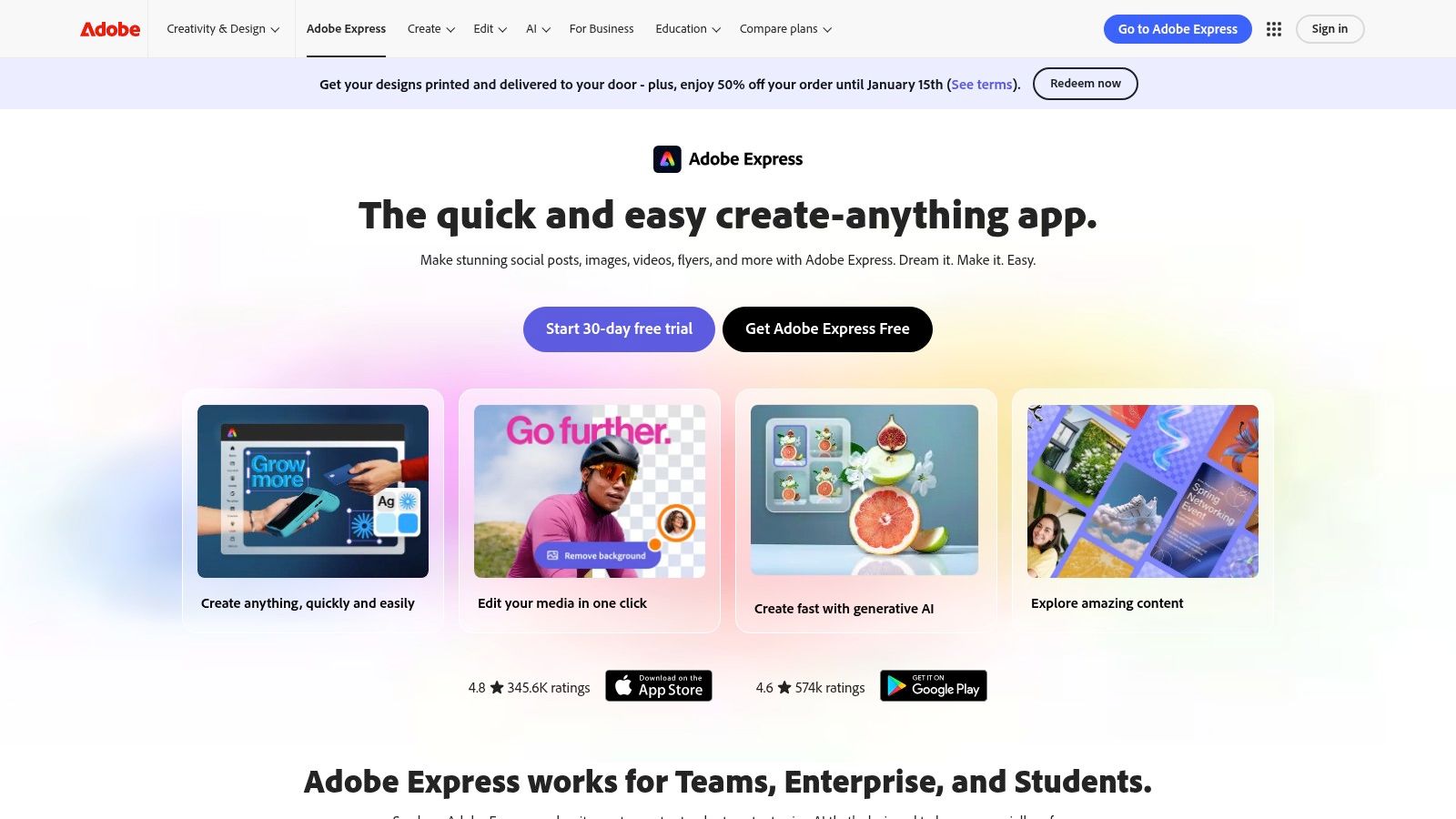
Among the most impressive social media content creation tools, Express includes commercially safe Firefly generative AI credits, enabling users to create unique images and text effects directly within their projects. This feature, combined with access to Adobe's extensive stock photo and font library, significantly streamlines the creative process from concept to publication. The built-in content scheduler further enhances its utility, letting you design, plan, and publish content from a single dashboard.
Website: https://www.adobe.com/express
Canva has established itself as the go-to design suite for millions, from solo creators to large enterprise teams, seeking to produce professional-grade social media content with remarkable speed. Its core strength lies in an incredibly accessible drag-and-drop interface paired with an enormous library of templates for every conceivable format, including Instagram stories, TikTok videos, and multi-page carousels. This combination empowers users to bypass the steep learning curve often associated with more complex design software.
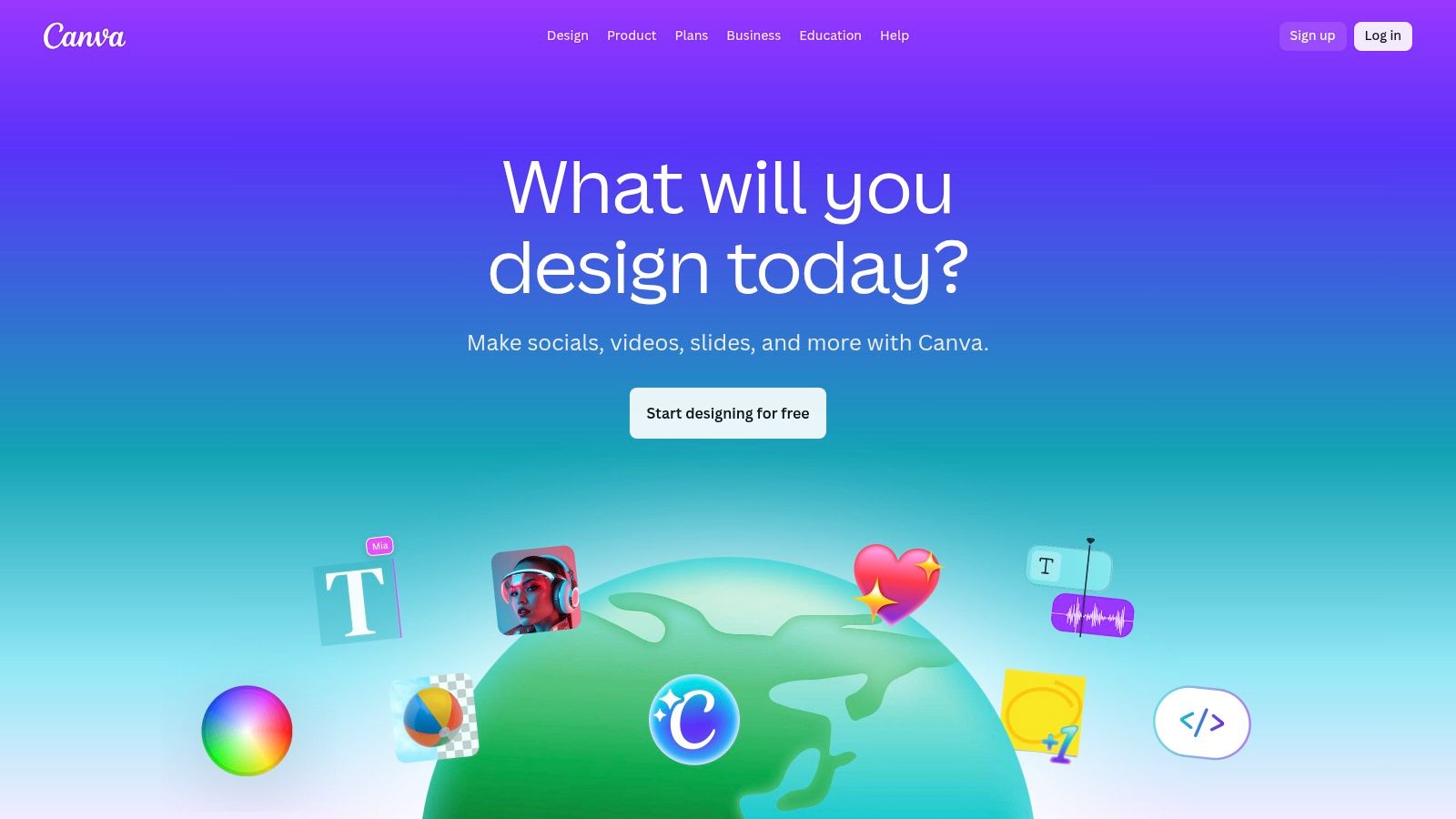
Among the most popular social media content creation tools, Canva excels in team collaboration, offering features like brand kits, shared asset libraries, and real-time co-editing that streamline workflows. The introduction of its Magic Studio brings a suite of AI-powered tools, including background removal, Magic Resize for adapting designs to different platforms instantly, and generative text and image capabilities. Its cross-platform availability on web and mobile ensures that creativity is never confined to a desk, making it one of the best apps for content creators on the move.
Website: https://www.canva.com
CapCut has rapidly become a go-to video editor for social media creators, especially those focused on short-form content for TikTok, Reels, and YouTube Shorts. Available across mobile, desktop, and web, it offers a surprisingly powerful suite of editing tools in a user-friendly package. Its key strength lies in its vast library of trending templates, effects, and sounds, allowing creators to quickly replicate popular formats and styles without starting from scratch.
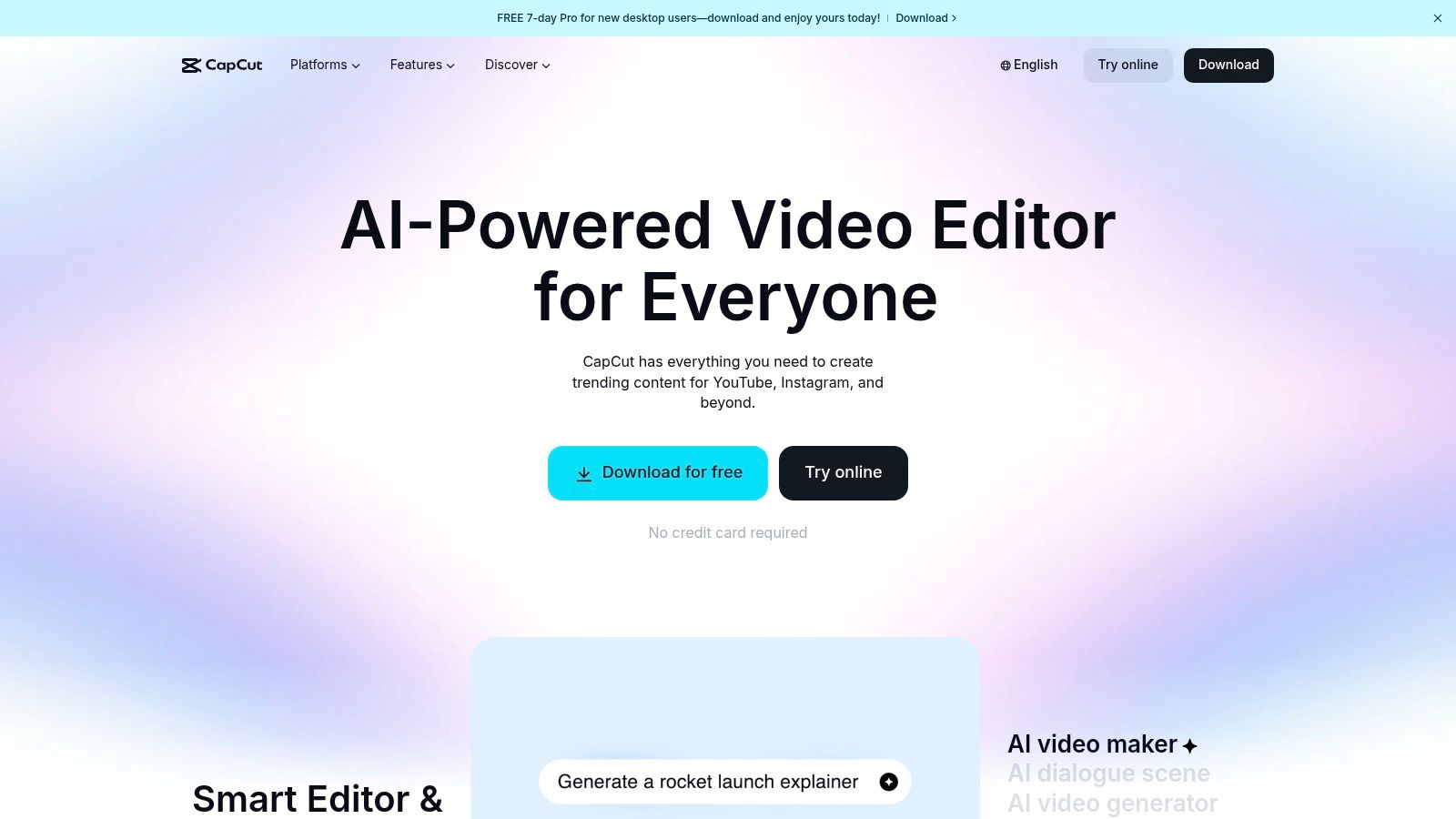
As one of the most accessible social media content creation tools, CapCut excels with its smart AI features, including one-click background removal, auto-captions with customizable styles, and motion tracking. These tools drastically reduce editing time, making it ideal for high-volume content production. The platform's cloud-based projects also enable seamless transitions between devices and basic collaboration, which is a significant advantage for creators working in small teams or on the move. For those looking to improve their editing flow, exploring professional YouTube video editing tips can further elevate content produced with tools like CapCut.
Website: https://www.capcut.com
Descript revolutionizes video and audio editing by making it as simple as editing a text document. This platform is a game-changer for creators producing dialogue-heavy content like podcasts, interviews, or tutorials. Instead of scrubbing through a timeline, you edit the auto-generated transcript, and the corresponding video or audio cuts are made automatically. This unique workflow dramatically speeds up the process of creating and repurposing content for social media.
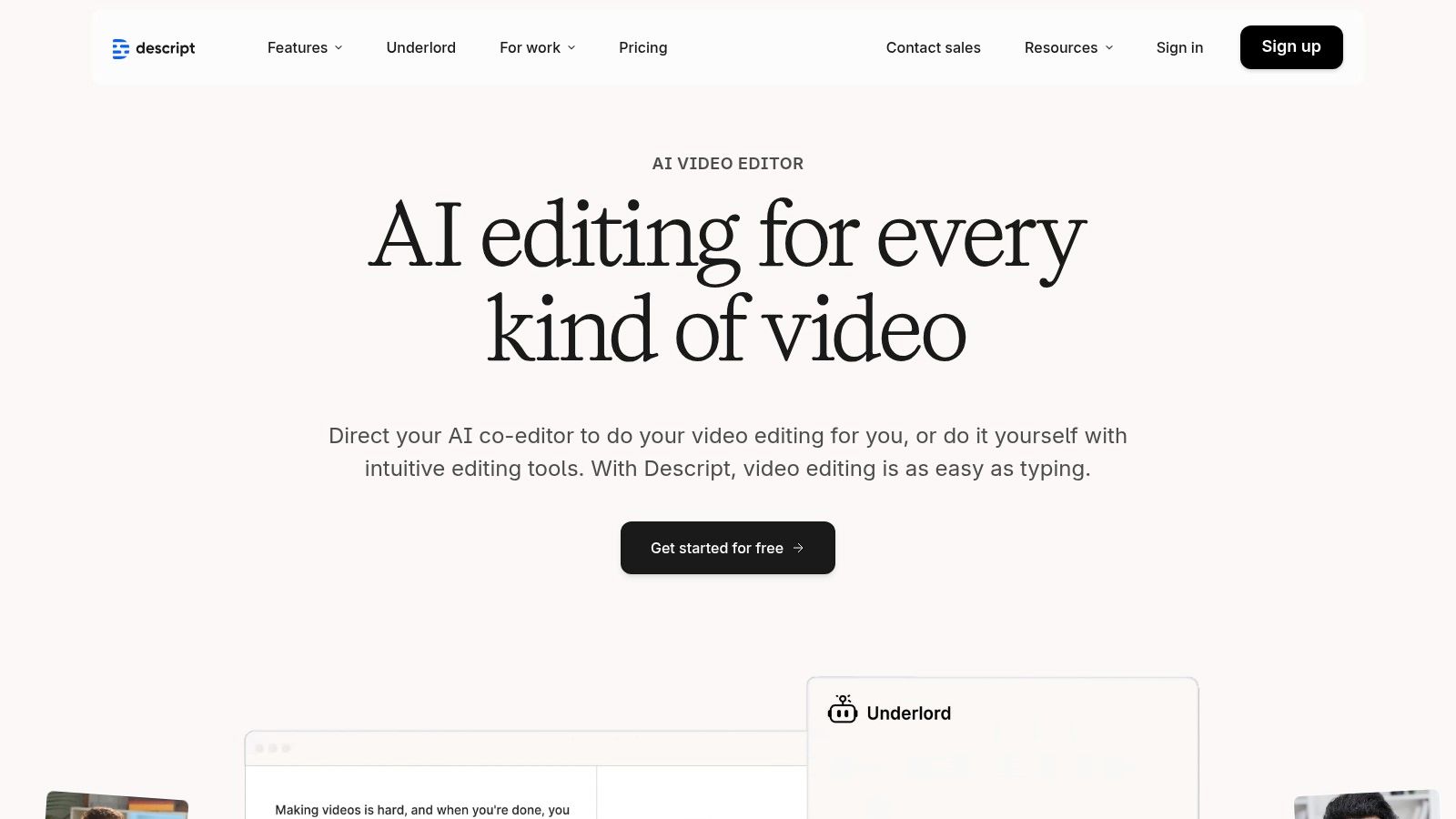
Among the most efficient social media content creation tools for video podcasters, Descript excels at turning long-form recordings into engaging short-form clips. Its powerful features include one-click filler-word removal ("um," "uh"), Studio Sound to enhance vocal quality, and AI-powered tools for generating audiograms or social clips. The built-in screen recorder and Overdub feature, which lets you create an AI clone of your voice to correct mistakes, further streamline content production from start to finish.
Website: https://www.descript.com
Kapwing positions itself as a collaborative, browser-based video studio designed to simplify and accelerate content workflows. Its core strength lies in making video editing accessible without requiring powerful hardware or software downloads, making it an excellent choice for teams. The platform shines with its AI-powered features, particularly the Repurpose Studio, which can automatically identify key moments in long-form videos and generate multiple short-form clips optimized for platforms like TikTok, Reels, and Shorts.
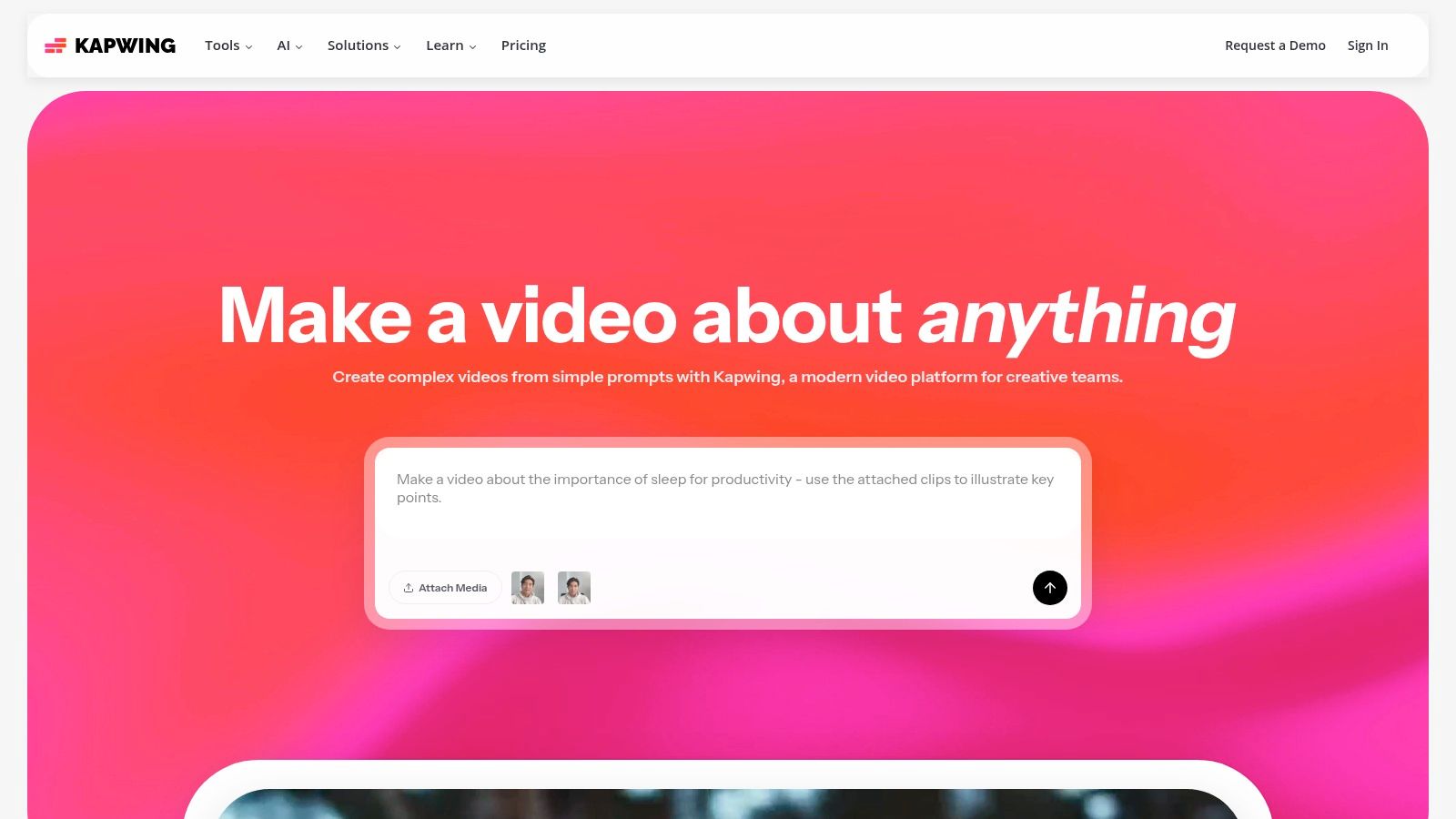
As one of the most intuitive social media content creation tools for video, Kapwing streamlines tedious tasks with features like automatic subtitling, smart cutting, and transcript-based editing. It operates on a transparent credit system for AI tasks, so users know exactly what each action costs. This combination of powerful AI, team-focused features, and an easy-to-use interface makes it ideal for creators and businesses looking to efficiently scale their video output across multiple channels.
Website: https://www.kapwing.com
InVideo is a template-driven video creation platform designed for speed, making it an ideal choice for social media teams needing to produce professional-looking videos quickly. It excels at transforming text into engaging video content with its AI-powered script-to-video feature, which automates much of the creation process. This focus on efficiency allows users to generate feed posts, stories, and promotional ads in minutes by leveraging a vast library of customizable templates.
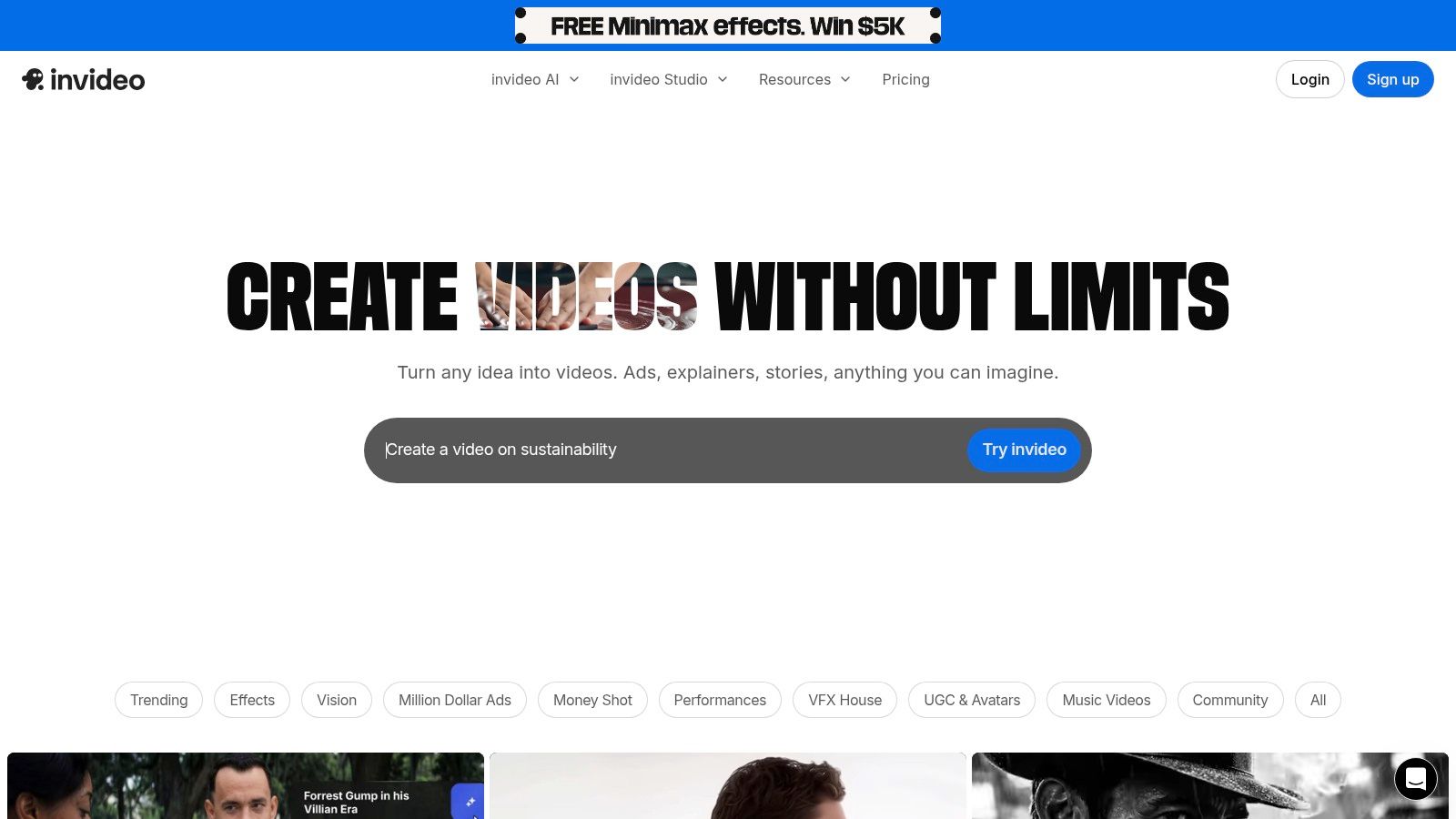
What sets InVideo apart among social media content creation tools is its structured, credit-based system and integrated stock media access. Plans come with specific quotas for iStock media and AI generation minutes, making costs predictable for teams with consistent output needs. Higher-tier plans unlock advanced features like AI voice cloning and custom avatars, catering to brands that want to build a unique and consistent on-screen presence without complex production setups. The cloud-based editor and team collaboration features further streamline the workflow for agencies and marketing departments.
Website: https://invideo.io
Envato Elements is a powerhouse subscription service for creators who need a constant supply of diverse digital assets. Instead of purchasing items individually, a single subscription provides unlimited downloads from a massive library of video templates, stock footage, royalty-free music, sound effects, graphics, fonts, and more. This model is exceptionally valuable for social media managers and video editors producing content at scale, as it consolidates asset sourcing into one predictable monthly cost.
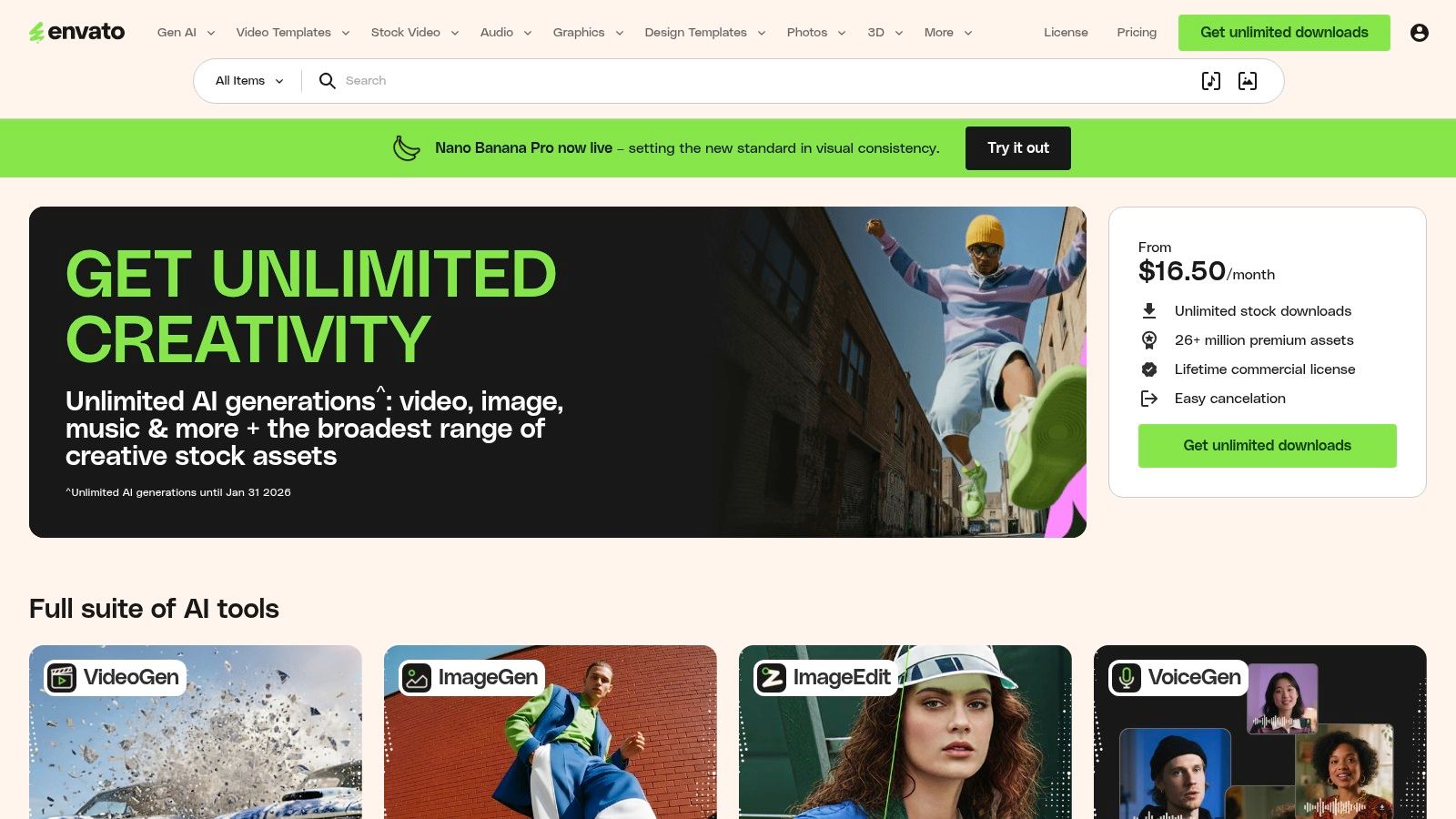
Among the most versatile social media content creation tools, its key strength lies in its sheer volume and variety. You can find everything from After Effects templates for Instagram Stories and lower thirds for YouTube videos to background music for TikToks and presentation templates for webinars. The simple, broad commercial license covers most online use cases, removing the guesswork often associated with asset licensing and allowing creators to focus on production rather than legal complexities.
Website: https://elements.envato.com
Creative Market operates as a massive online marketplace for design assets, connecting social media managers with a global community of independent creators. Unlike subscription-based platforms, its primary model is based on single-purchase assets, making it an excellent resource when you need a specific, high-quality template, font, or mockup without a recurring commitment. The platform excels at offering unique, niche-specific social media kits, from elegant carousel layouts to trendy Instagram Story templates and professional Lightroom presets.
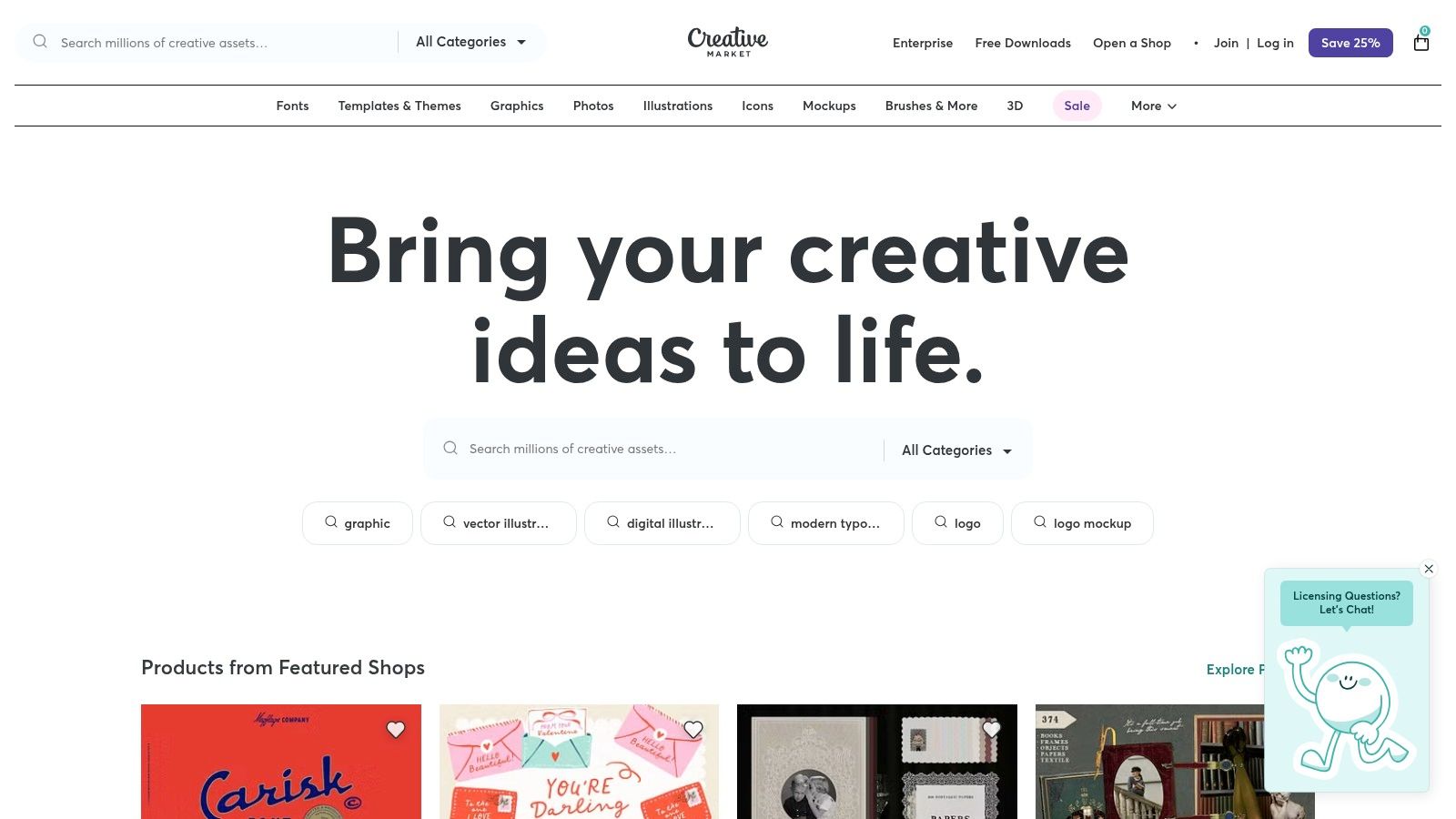
This a-la-carte approach gives creators complete ownership and flexibility over their purchased assets. As one of the most diverse social media content creation tools for raw materials, Creative Market is ideal for building a unique brand aesthetic that stands apart from the more common templates found on all-in-one design apps. Its clear licensing tiers define usage rights for social media, commercial projects, and end products, ensuring you stay compliant while sourcing unique graphics, fonts, and video LUTs directly from talented designers.
Website: https://creativemarket.com
AppSumo isn't a single tool but a deals marketplace that offers lifetime and heavily discounted annual licenses for emerging software. For budget-conscious creators and agencies, it's a treasure trove for discovering and acquiring powerful social media content creation tools without committing to expensive monthly subscriptions. The platform specializes in limited-time offers, making it a strategic resource for building a versatile toolkit at a fraction of the standard cost.
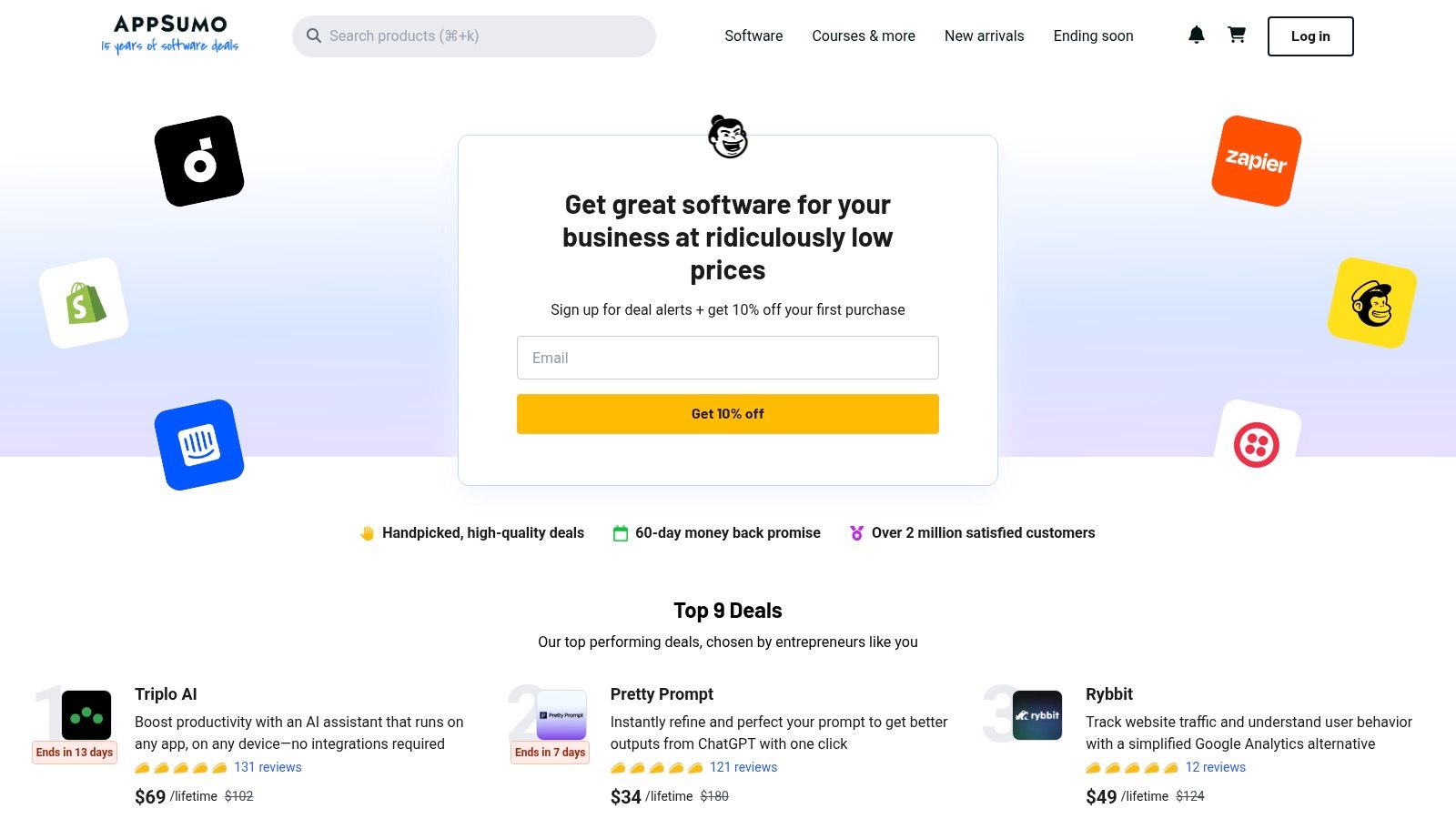
The primary value of AppSumo lies in its 60-day money-back guarantee, which allows teams to thoroughly test a tool within their actual workflow before committing. This is crucial, as the quality and long-term viability of the software on offer can vary. By carefully reading user reviews and testing tools during the refund window, social media managers can find hidden gems in scheduling, AI writing, video editing, and graphic design that provide immense value for a one-time payment.
Website: https://appsumo.com
Meta Business Suite is the official, all-in-one management tool for creators and businesses operating on Facebook and Instagram. It provides a centralized dashboard to create, schedule, and publish content across both platforms simultaneously, eliminating the need for third-party schedulers for basic posting. Its primary strength lies in its native integration, ensuring that posts, Stories, and Reels are published with maximum compatibility and access to the latest platform features like specific stickers or music.
While its design tools are not as advanced as specialized apps, the suite offers a convenient planner that suggests optimal posting times based on audience activity. It also provides essential performance insights, allowing users to track reach, engagement, and audience growth directly. For those looking to amplify their content, the platform includes simplified options for boosting posts and running basic ad campaigns, making it one of the most practical free social media content creation tools for anyone focused exclusively on the Meta ecosystem.
Website: https://business.facebook.com
Epidemic Sound is a go-to resource for creators seeking high-quality, royalty-free music and sound effects with licensing built for the social media landscape. It solves a major pain point for video producers by offering a massive catalog where every track is cleared for use on YouTube, Instagram, TikTok, and other platforms, eliminating the risk of copyright strikes or demonetization. The platform’s strength lies in its straightforward subscription model, which provides unlimited downloads and clear usage rights.
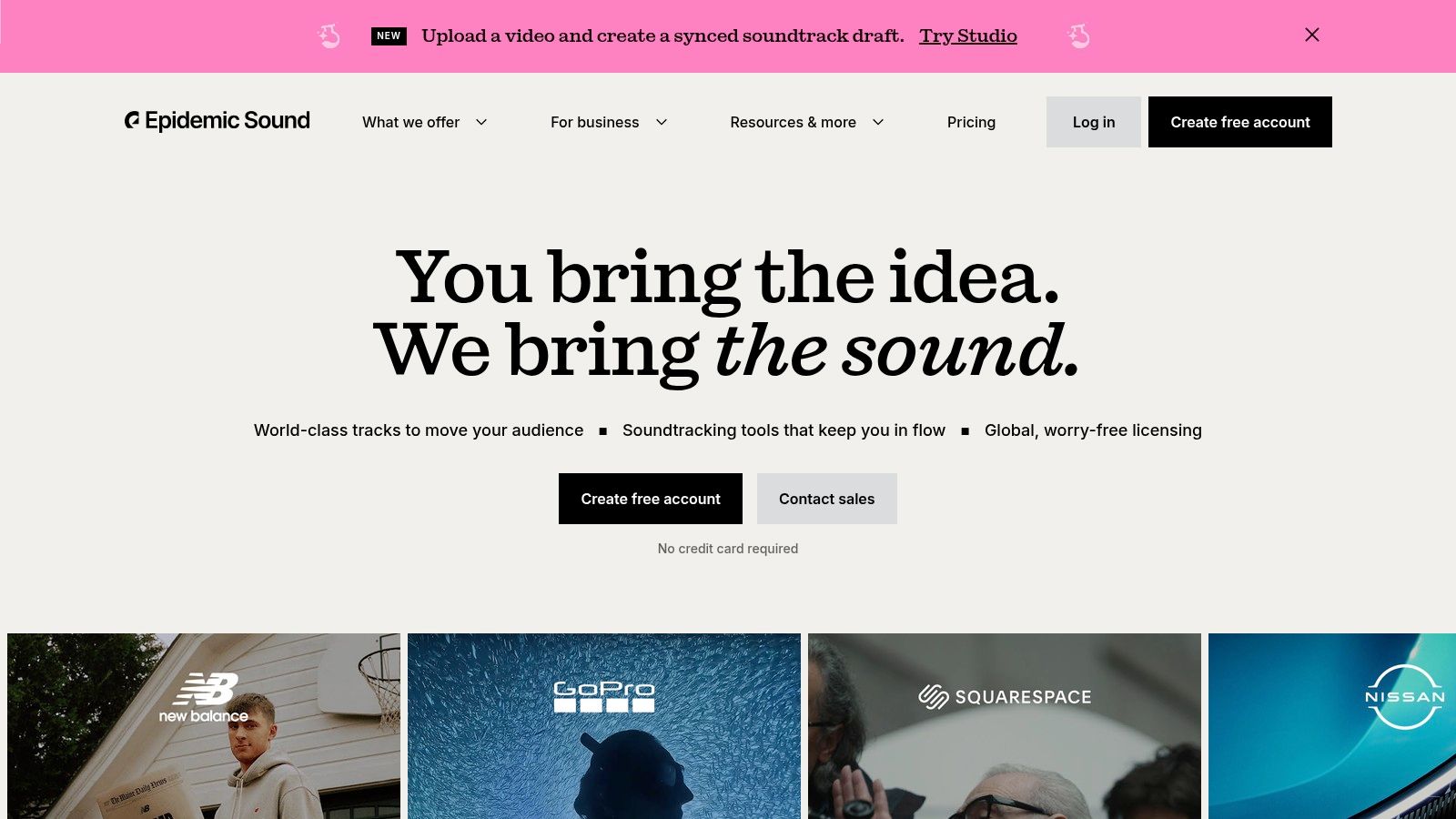
As one of the most comprehensive social media content creation tools for audio, Epidemic Sound offers a library with over 50,000 tracks and 200,000 sound effects. A key differentiator is the availability of stems for many tracks, allowing editors to isolate vocals, drums, or melodies for precise creative control. Newer AI-powered tools like "Adapt" help tailor music to fit video clips perfectly, while the channel safelisting feature ensures your content remains secure and monetizable across your designated social profiles.
Website: https://www.epidemicsound.com
| Tool | Core features ✨ | Quality & UX ★ | Pricing & Value 💰 | Target audience 👥 | Unique selling points ✨ |
|---|---|---|---|---|---|
| SFX Engine 🏆 | AI text-to-SFX, adjustable params, API, background music | ★★★★☆ — fast studio-quality output | 💰 Credit-based (free tier + pay-per-effect; Creator/Pro/Enterprise) | Audio producers, video editors, game devs, filmmakers, podcasters | 🏆 100% royalty-free commercial license; highly customizable AI SFX; developer API |
| Adobe Express | Templates, Firefly AI credits, stock assets, scheduler | ★★★★ — quick social asset workflow | 💰 Low-cost Premium; AI/stock limits by plan | Social creators, marketers, small teams | Smooth handoff to Adobe apps; Firefly integration ✨ |
| Canva | Massive templates, Magic Studio, Brand Kits, collaboration | ★★★★ — very fast for non-designers | 💰 Freemium → Teams/Enterprise tiers | Non-designers, teams, marketers | Huge template ecosystem & team workflows ✨ |
| CapCut | AI video maker, templates, captions, motion tools | ★★★★ — mobile-first, quick edits | 💰 Strong free tier; regional Pro pricing | Short-form creators, TikTok/shorts editors | Mobile/desktop parity with social-optimized exports ✨ |
| Descript | Transcript-based editing, Studio Sound, Overdub voices | ★★★★ — ideal for dialogue workflows | 💰 Plan tiers with media-minute & AI credit buckets | Podcasters, interview editors, educators | Edit by text + powerful AI voice/cleanup tools ✨ |
| Kapwing | Repurpose Studio, auto-subtitles, collaborative workspaces | ★★★★ — browser-first, team-friendly | 💰 Freemium; transparent AI credit usage | Small teams, content repurposers | No-install browser studio; clear AI credit billing ✨ |
| InVideo | Script-to-video, social templates, voice cloning/avatars | ★★★★ — template-driven speed | 💰 Credit/media-minute system; team plans | Marketers, agencies, promo creators | Social-first templates + predictable credits ✨ |
| Envato Elements | Unlimited downloads: templates, stock, music, SFX | ★★★★ — vast library (quality varies) | 💰 Unlimited subscription — high value for heavy use | Agencies, frequent asset users | All-in-one asset library under a simple commercial license ✨ |
| Creative Market | Single-purchase templates, fonts, mockups | ★★★★ — buy-once convenience | 💰 Pay-per-item — good for one-offs | Designers, small businesses, indie creators | Indie creator marketplace with niche packs & clear licenses ✨ |
| AppSumo | Time-limited deals, lifetime offers, refund window | ★★★ — bargain discovery (vet vendors) | 💰 One-time deals → potential deep savings | Budget-conscious teams, tool hunters | Limited-time lifetime licenses + 60-day refund window ✨ |
| Meta Business Suite | Native FB/IG post/reel scheduling, insights | ★★★★ — reliable native publishing | 💰 Free with Page | Businesses focused on Facebook & Instagram | Native scheduling, boosting and platform compatibility ✨ |
| Epidemic Sound | 50k+ tracks, 200k+ SFX, stems, channel safelisting | ★★★★☆ — high-quality searchable catalog | 💰 Subscription (personal/business tiers) | Creators needing licensed music/SFX for monetized content | Clear social-ready licensing, large SFX & stem library ✨ |
Navigating the vast landscape of social media content creation tools can feel overwhelming, but the journey from creator to powerhouse producer begins with a strategic toolkit. As we've explored, the goal isn't to subscribe to every platform on the market. Instead, it’s about assembling a lean, powerful, and synergistic "stack" that amplifies your unique creative vision and streamlines your workflow.
The right combination of tools acts as a force multiplier. It automates repetitive tasks, unlocks new creative possibilities, and ultimately frees up your most valuable resource: your time. By focusing on a core set of platforms that align with your primary content format, you can build a more efficient and less stressful production process.
So, where do you begin? The answer lies in a simple audit of your needs. Start by identifying your biggest bottleneck or your most common content type.
Once you've chosen your core platforms, think about augmentation. How can you fill the gaps? A subscription to a template marketplace like Envato Elements can provide a steady stream of fresh assets, while a scheduling tool like Meta Business Suite ensures your content reaches your audience at the optimal time. The key is to select tools that complement each other. For example, you might design a graphic in Canva, add motion and a custom sound from SFX Engine in Kapwing, and then schedule it for release.
Remember that high-quality audio is a non-negotiable element for professional content. Background noise, echo, and inconsistent levels can immediately cheapen an otherwise polished video or podcast. To ensure your audio is always crystal-clear, complement your stack with specialized tools. Discover the 12 Best Audio Cleaning Software Tools to find the perfect solution for polishing your sound before it ever reaches your audience.
Ultimately, the best suite of social media content creation tools is the one that gets out of your way and lets you create. Experiment with the free tiers offered by many of the platforms listed here. Test their workflows. See which ones feel intuitive and align with your creative process. By investing a small amount of time upfront to build your perfect stack, you set the stage for sustainable growth, greater creative freedom, and content that truly connects.
Ready to elevate your audio and make your content unforgettable? Stop searching for the perfect sound effect and start creating it with SFX Engine. Generate unique, royalty-free audio tailored to your exact needs in seconds and give your social media content the sonic identity it deserves.
