Optimize your reach with tiktok sound effects tips
Boost engagement with practical tiktok sound effects tips: learn timing, layering, and AI-driven audio to elevate your videos.
Kuba RogutPublished 26 min read
In the hyper-competitive world of TikTok, high-quality video is only half the battle. The other, often underestimated, half is sound design. Sophisticated audio is no longer a luxury reserved for professional creators; it's a fundamental requirement for capturing attention, driving engagement, and satisfying the platform's algorithm. Generic, low-effort sound can actively harm your content's reach, while a strategic audio mix can transform a simple video into a viral sensation.
This guide moves beyond obvious advice, providing a deep dive into advanced tiktok sound effects tips that top creators use to dominate the platform. We will explore the nuanced techniques that separate amateur content from professional-grade productions. You will learn actionable strategies for everything from the technical precision of frequency matching to the creative application of generative AI for unique audio signatures. To integrate your advanced sound effect techniques into a coherent plan for measurable impact, consider how these tips fit within a comprehensive content marketing strategy template, which can guide your efforts.
Get ready to master the following concepts:
- Layering and Timing: Creating rich, complex soundscapes that sync perfectly with visual cues.
- Trend Integration: Using popular sounds as a foundation for customized, original audio.
- Audio Engineering: Mixing frequencies and leveraging silence to avoid muddiness and create impact.
- Immersive Audio: Crafting ASMR and binaural effects that pull the viewer in.
- Generative AI: Using AI tools to create endless, unique sound variations for your content.
These techniques are designed to give you a distinct competitive advantage, helping your content not only get noticed but also remembered.
1. Layering Multiple Sound Effects for Depth and Richness
Layering is the technique of combining two or more sound effects to create a single, richer audio experience. Instead of relying on one isolated sound, this professional method stacks multiple audio files to add complexity, emotion, and realism to your video. A single "thud" sound is simple, but a "thud" layered with a low-frequency rumble and a subtle high-frequency crackle becomes a cinematic impact that grabs a viewer's attention. This is one of the most fundamental tiktok sound effects tips for elevating your content beyond the basics.
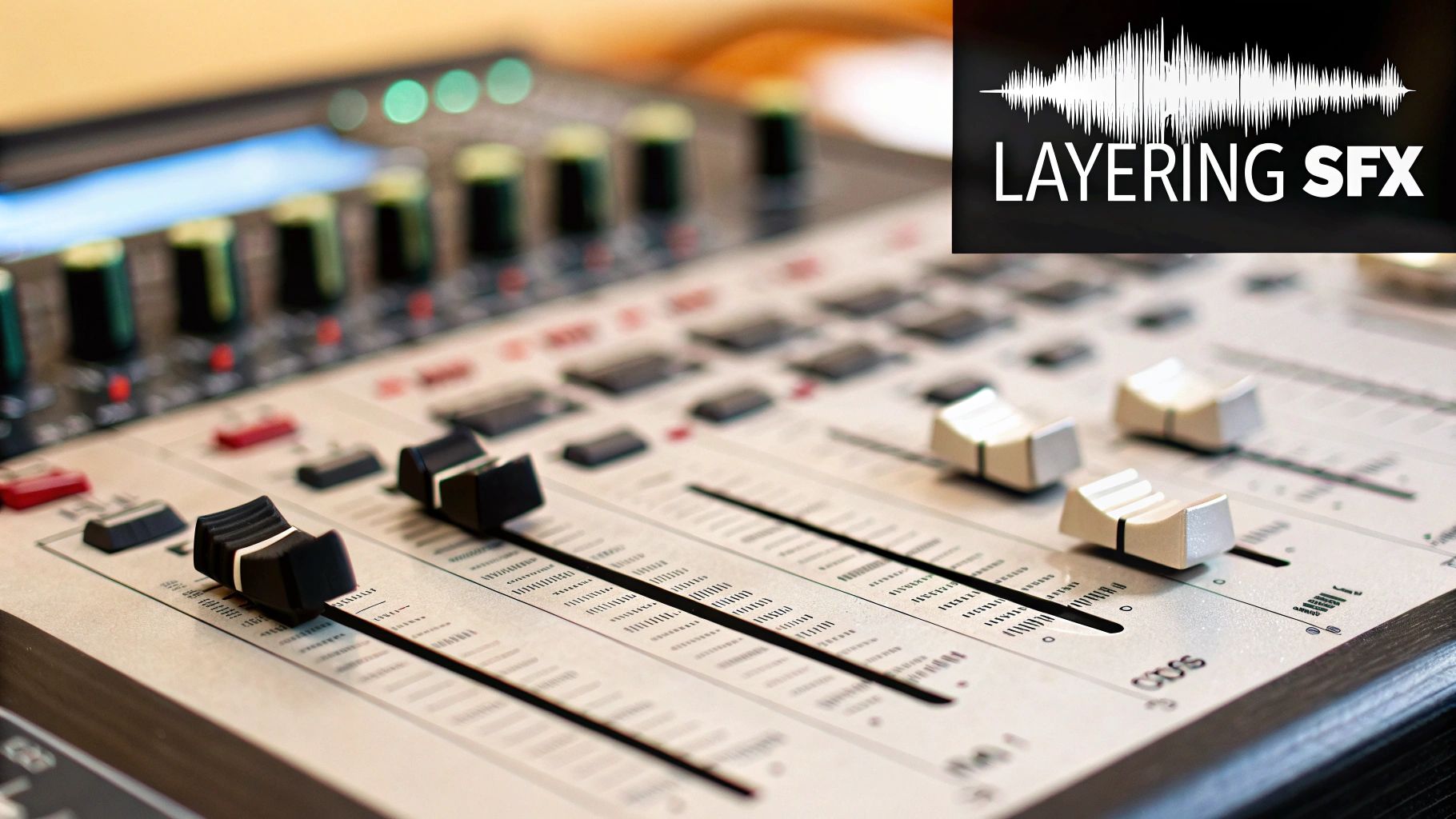
This approach is popular among top creators like Zach King, who uses intricate sound design to sell his visual magic, and James Hoffmann, who layers crisp ASMR sounds to create immersive coffee-making videos. The goal is to build a sound that feels more substantial and believable than any single effect could on its own.
How to Implement Sound Layering
To get started, think of sound layering like building with blocks. Each sound is a block with a specific purpose: a base, a detail, and an atmospheric element.
- The Base Layer: This is your primary sound, the one that defines the action. Examples include a sword clash, a footstep, or a door closing.
- The Detail Layer: This secondary sound adds texture and character. For a sword clash, this might be a metallic scrape or a high-pitched shing. For a footstep, it could be the crunch of leaves or the creak of a floorboard.
- The Atmospheric Layer: This optional third layer adds environmental context. A subtle reverb can make a sound feel like it's in a large hall, while a low, ambient hum can build tension.
For instance, a gaming creator might layer a sword clash (base), an electric spark (detail), and a short reverb echo (atmosphere) to create a powerful, cinematic fight scene. An unboxing video could combine a paper rustle, a soft thump, and a subtle swoosh to enhance the ASMR appeal.
Actionable Tips for Effective Layering
Key Insight: Start with two or three layers. Overcomplicating the sound can make it muddy. Master simple combinations before attempting more complex designs.
- Prevent Phasing: Avoid stacking sounds directly on top of each other. Leave tiny 10-20 millisecond gaps between the start times of each layer to prevent phase cancellation, which can make your audio sound thin or hollow.
- Test on Mobile: Always preview your final audio mix on a phone speaker. Complex, bass-heavy layers that sound great on headphones can sound distorted or completely disappear on small speakers where most TikTok content is consumed.
- Pan for Immersion: Use a video editor that allows audio panning. Pan one effect slightly to the left channel and another to the right to create a wider, more immersive stereo field. This simple trick makes the audio feel much bigger.
- Generate Variations Quickly: Experimentation is key. Use a tool like SFX Engine to generate multiple variations of a single sound prompt. This gives you a library of complementary effects to test in your layers without spending hours searching for the perfect combination.
For a deeper dive into the technical aspects, you can learn more about how to layer sound effects in video and take your audio design to the next level.
2. Timing Sound Effects to Visual Cuts and Transitions
Perfect synchronization is the technique of precisely matching a sound effect to a visual event, like a cut, transition, or on-screen movement. The human brain is hardwired to find satisfaction in audiovisual sync, and a well-timed sound can make an edit feel punchy, seamless, and professional. This isn't just about adding noise; it's about making the visual and aural elements feel like a single, cohesive experience. When a "whoosh" perfectly matches a swipe transition, it’s one of the most powerful tiktok sound effects tips you can use to hold viewer attention.
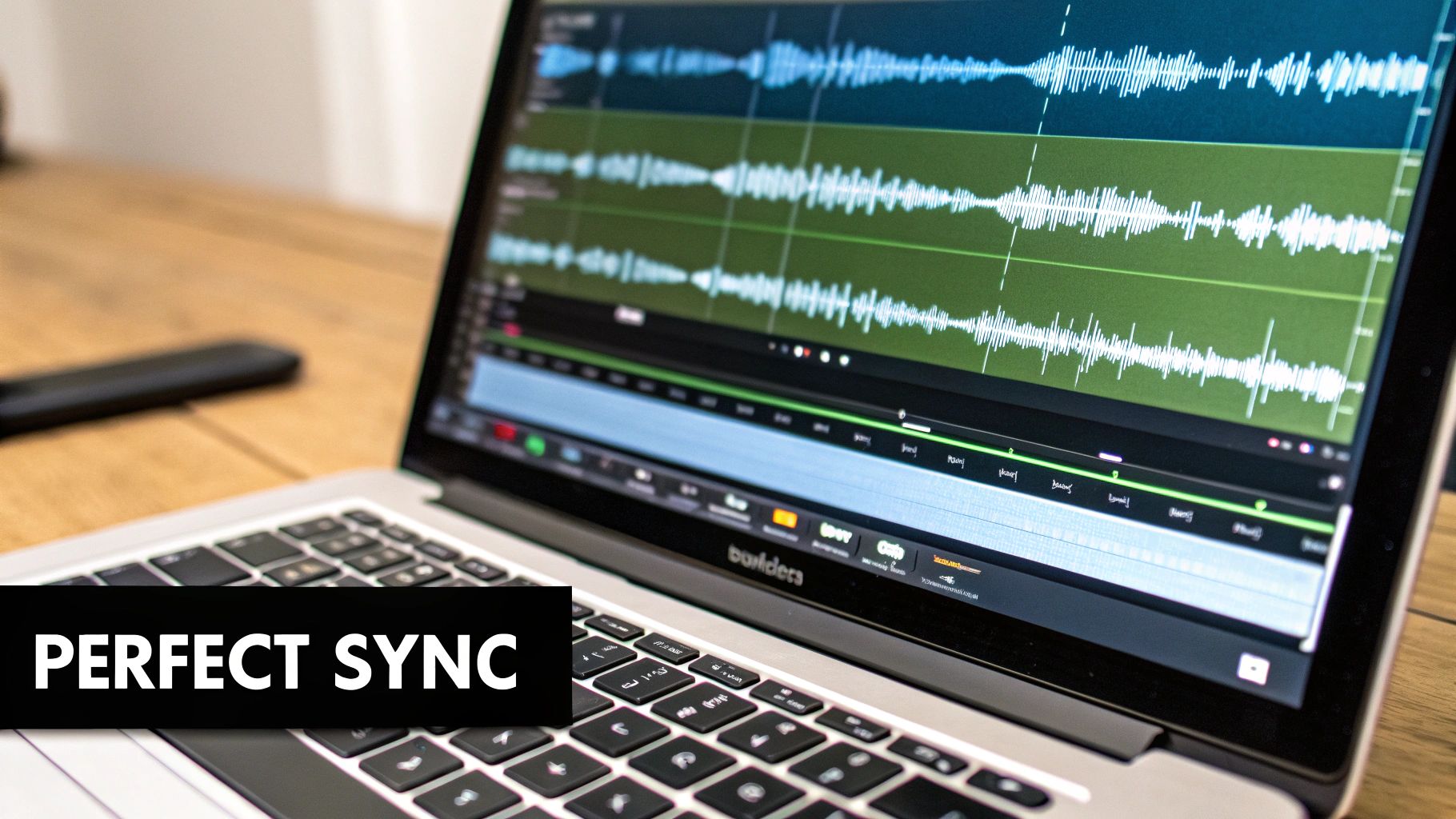
This method is famously used by cinematic creators like MrBeast, whose fast-paced edits rely on perfectly synced sounds to drive momentum, and dance trendsetters like Charli D'Amelio, who often lock cuts to the beat. The goal is to create a rhythm that the audience can feel, making your video more engaging and re-watchable.
How to Implement Perfect Timing
Think of your video's timeline as a series of precise beats. Your job is to land the sound effect directly on the beat created by a visual change. This applies to cuts, text reveals, character actions, and more.
- Identify Key Visual Cues: Watch your video frame-by-frame and mark the exact moment a transition starts, a text box appears, or an action occurs. These are your sync points.
- Select the Right Sound: Choose a sound effect whose "transient" (the loudest, sharpest part of the waveform) aligns with the action. A "whoosh" works for a fast swipe, while a sharp "ding" is perfect for a sudden reveal.
- Align the Waveform: In your editor, zoom in on the timeline. Align the very beginning of the sound effect's waveform with the visual cue you identified. The goal is to be accurate within 100-200 milliseconds.
For example, a product reveal video could use a crisp ding or pop sound precisely as the product appears on screen. A dance video could sync a sharp drum hit or clap sound effect to a jump cut, making the edit feel like part of the choreography.
Actionable Tips for Flawless Synchronization
Key Insight: Don't just rely on your eyes. Close them and listen. If you can "feel" the moment the sound should hit without seeing the visual, you're on the right track.
- Use Waveform Visualization: Your video editor’s timeline is your best friend. Use the visual representation of the audio waveform to align the peak of the sound with the exact frame of the visual cut or action.
- Test on Multiple Devices: Sync can feel different on various devices due to minor latency. Check your video on a phone, tablet, and computer to ensure the timing holds up across different playback environments.
- Generate Sound Variations: A "whoosh" that is 100 milliseconds too long can ruin the effect. Use a tool like SFX Engine to generate 3-4 variations of the same sound with slightly different lengths and attacks. This gives you options to find the one that fits your timing perfectly without manual editing.
- Nudge Your Audio: Don't be afraid to shift the audio a frame or two forward or backward. Sometimes, placing the sound effect just before the visual cut (anticipation) or just after (reaction) can create a more dynamic and impactful feel.
To master this essential skill, you can learn more about how to sync sound effects with video and ensure every cut and transition in your TikToks lands with maximum impact.
3. Using Trending Sounds as Foundation Before Customizing
Instead of starting from scratch, top-tier creators often use trending audio as a base and then layer custom sound effects on top. This hybrid approach combines the algorithmic benefits of using a popular sound with the originality needed to stand out. It’s a powerful strategy that balances discoverability with differentiation on an oversaturated platform, making it one of the most effective tiktok sound effects tips for growth.
This method allows you to tap into the visibility that TikTok’s algorithm provides for trending content while ensuring your video isn't just another copy. Creators like Bella Poarch are known for taking viral sounds and adding their unique audio flair, while members of collectives like The Hype House frequently customize trends with signature sound effects to maintain their brand identity.
How to Implement a Hybrid Audio Approach
The goal is to enhance, not overshadow, the trending audio. Think of the trending sound as your canvas and your custom effects as the unique brushstrokes that make the art yours. This creates a familiar yet fresh experience for the viewer.
- The Foundation: This is the trending sound or song itself. It should be easily recognizable to capitalize on its existing popularity. Examples include the latest viral song clip or a widely used comedy soundbite.
- The Custom Layer: These are your unique, added sound effects. They should complement the foundation and add a new dimension. This could be a dramatic whoosh, a funny cartoon bonk, or crisp ASMR foley that syncs with your actions.
- The Impact Point: This is the specific moment in the video where your custom layer is introduced, often timed to a key visual cue or the climax of the trending audio (like a beat drop).
For example, a dance creator might use a trending song (foundation) but add sharp whoosh and cloth rustle sounds (custom layer) that sync perfectly with their movements. A comedy creator could use a popular dialogue clip (foundation) but add a custom record scratch or cinematic impact (custom layer) to punctuate the joke.
Actionable Tips for Effective Customization
Key Insight: The goal is to make the trending sound better with your additions, not to drown it out. The viewer should still recognize the trend but be intrigued by your unique take on it.
- Balance Your Mix: Keep the trending audio as the dominant element. A good rule of thumb is to set the trending sound’s volume to around 60-70% and your custom effects to 30-40%. This ensures the original sound is still recognizable to the algorithm and viewers.
- Identify Trends Quickly: Use TikTok's "For You" page, the Discover section, and sound-specific analytics to spot rising audio trends. The earlier you adopt and customize a trend, the higher your potential for visibility.
- Time Your Effects for Impact: Add your custom sounds at the most engaging moments. This could be during a transition, at the peak of the song’s chorus, or to emphasize a specific punchline or action.
- Generate Unique Variations: To make your content truly stand out, use a tool like SFX Engine to generate five or ten unique variations of a sound effect concept, like "magic sparkle" or "glitch transition." This gives you a custom palette to layer over any trend, creating a signature audio style.
4. Matching Sound Effect Frequency Ranges to Avoid Muddiness
Professional sound design isn't just about what you hear; it's about making sure every sound has its own space. This is achieved by managing frequency ranges: bass (lows), midrange (mids), and treble (highs). When multiple sounds compete for the same frequency, the result is a "muddy" or cluttered mix that sounds unprofessional and fatigues the listener. By ensuring your sound effects occupy different frequency spaces, you create clarity and impact, a crucial skill for audio that shines on mobile devices. This is one of the more advanced tiktok sound effects tips that separates good content from great content.
This technique is a cornerstone of professional audio engineering and is championed by sound design educators like SADAK and technical creators like In Depth Cine. The goal is to treat your audio mix like an orchestra, where each instrument (or sound effect) has a distinct role and tonal range, preventing them from clashing and creating noise. When done right, each sound is perfectly audible without needing to be excessively loud.
How to Implement Frequency Management
Think of your audio spectrum as three main lanes on a highway. You want to keep traffic flowing smoothly in each lane rather than having all the cars pile into one.
- Bass (Low Frequencies, 20-250Hz): This is where you find deep rumbles, impacts, and sub-bass tones. Use this range sparingly for powerful moments, as too much bass can overwhelm a mix on small speakers.
- Midrange (Mids, 250Hz-4kHz): This is the busiest range, containing the core of most real-world sounds, from footsteps and dialogue to musical instruments. The key is to carve out specific pockets for each primary sound effect.
- Treble (High Frequencies, 4kHz-20kHz): This range adds clarity, crispness, and "air." Sounds like clicks, shimmers, high-hats, and the snap of an impact live here. It helps sounds cut through the mix.
For example, a cinematic punch could be built from three sounds in different ranges: a deep 50Hz sub-bass thump (lows), a sharp 3kHz crack for the main impact (mids), and a crisp 8kHz "air" swoosh for texture (highs). Each element is clear because it isn't fighting for the same sonic space.
Actionable Tips for a Clean Mix
Key Insight: It's often better to cut frequencies from one sound to make room for another than it is to boost a sound to make it heard. Subtractive EQ leads to a cleaner, more natural-sounding mix.
- Prioritize the Mids: Since phone speakers excel in the midrange (roughly 80Hz-8kHz), focus on creating separation there. If a footstep and a door creak happen at the same time, try to EQ one slightly lower in the mids and the other slightly higher.
- Check on Phone Speakers: Your mix might sound epic on studio headphones, but it must translate to a phone. Always do a final audio check on an iPhone or Android speaker. If every element is clear and distinct, you've succeeded.
- Reserve Sub-Bass: The deep rumble below 60Hz is often felt more than heard and won't be reproduced by most phones. Use it for big, cinematic moments where the impact is the main event, but don't let it clutter your entire video.
- Generate and Compare: When creating sounds, use a tool like SFX Engine to generate several variations of the same prompt (e.g., "heavy impact"). Listen to each one and notice their different frequency characteristics. Some will be bass-heavy, others mid-focused. Choose variations that complement each other.
5. Creating ASMR and Binaural Sound Effects for Immersion
ASMR (Autonomous Sensory Meridian Response) and binaural audio are techniques focused on creating deeply immersive, intimate, and often relaxing sensory experiences. Instead of loud, attention-grabbing bangs, this approach uses subtle, high-fidelity sounds like whispers, gentle tapping, and crinkling paper to trigger a pleasant "tingling" sensation in the listener. This method has exploded on TikTok because it fosters a powerful, direct connection with the viewer, often resulting in significantly higher engagement and watch times. This is a crucial one of the tiktok sound effects tips for creators looking to build a dedicated community around a calming, sensory-focused niche.
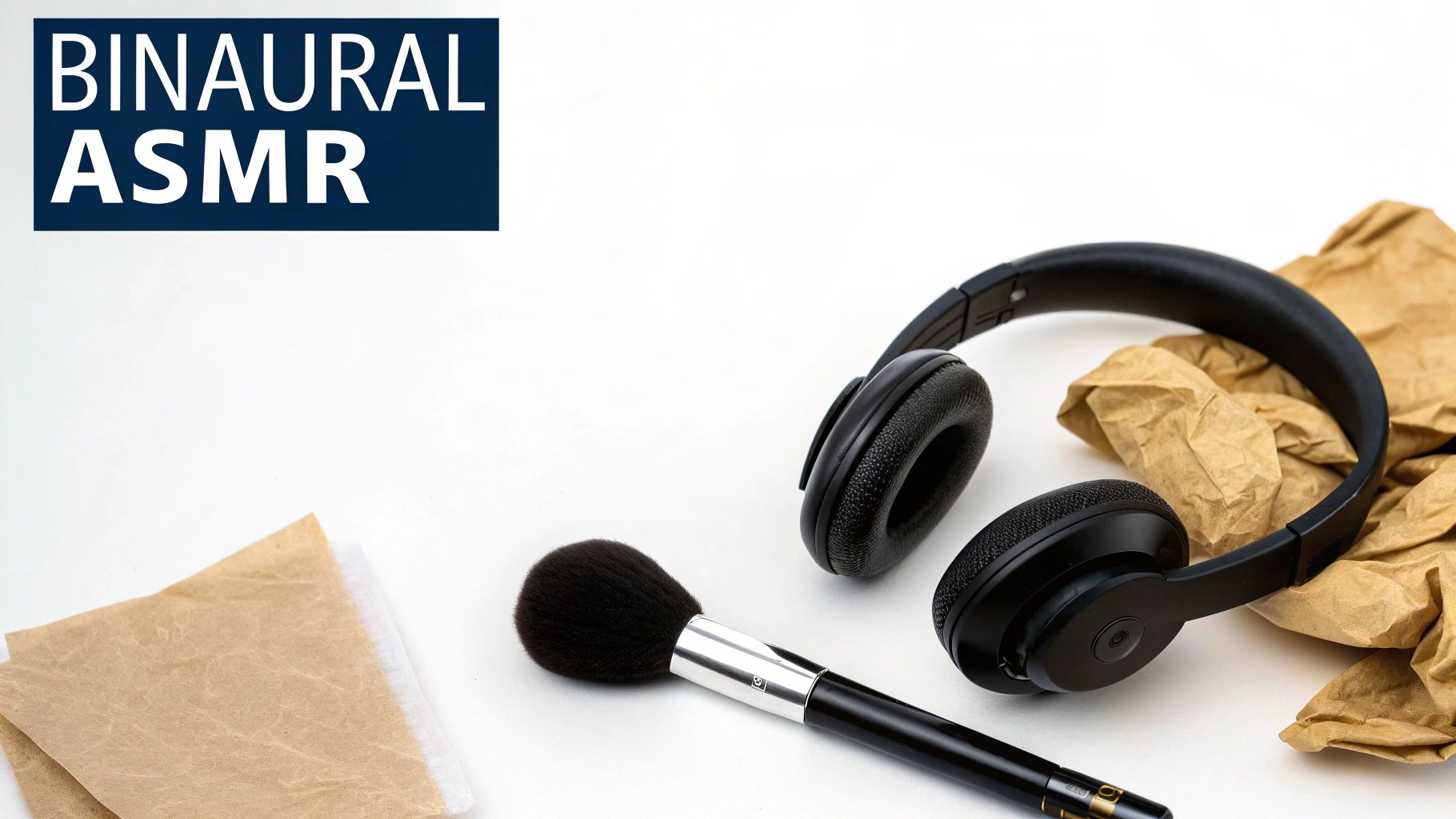
This style is famously used by creators like Tingting ASMR, who focuses on makeup and unboxing sounds, and ASMRMagic, who applies the technique to nature and cooking content. The core principle is to make the viewer feel like they are right there in the room, experiencing the sounds firsthand through a three-dimensional audio landscape.
How to Implement ASMR and Binaural Audio
To effectively create ASMR content, think about microscopic sounds. The goal is to amplify the quiet, satisfying noises that are often overlooked in daily life. Binaural audio enhances this by placing those sounds in a 3D space.
- Identify Trigger Sounds: These are the specific, detailed sounds that evoke the ASMR response. For a makeup video, this would be the soft tap of a compact, the swish of a brush, or a gentle whisper.
- Create Spatial Movement: Binaural audio relies on panning to simulate movement. A sound moving from the left ear to the right ear creates a sense of presence and direction, making the experience far more immersive.
- Maintain a Calm Atmosphere: The pacing of the video and audio should be slow and deliberate. The soundscape should feel uncluttered, allowing each subtle noise to be heard clearly without competition from loud music or effects.
For example, a cooking creator could emphasize the sound of a knife gently slicing through a vegetable, panning it slightly as the knife moves across the board. An unboxing video might feature the slow, crisp tear of plastic wrap followed by the soft rustle of tissue paper, with each sound carefully isolated and amplified.
Actionable Tips for Effective ASMR
Key Insight: Less is more. The power of ASMR comes from clean, isolated, and high-quality recordings of subtle sounds. Avoid background noise and focus on one or two key "trigger" sounds at a time.
- Generate Specific Foley: Use a tool like SFX Engine with detailed prompts to get the perfect texture. Instead of a generic "paper sound," try "gentle tissue paper crinkle, soft, close microphone" or "soft makeup brush bristles on skin."
- Utilize Stereo Panning: This is essential for the binaural effect. In your editor, automate the audio to pan from left to right (or vice versa) to simulate movement. Even a subtle pan can dramatically increase immersion.
- Keep Pacing Slow: The rhythm of your sounds should align with a relaxed state, typically around 60-80 BPM. This gives the viewer’s nervous system time to respond positively to the triggers.
- Ensure Stereo Upload: Always export and upload your video with stereo audio. A mono track will collapse your binaural mix, completely destroying the 3D spatial effect you worked to create.
6. Leveraging Silence and Negative Space for Impact
One of the most powerful tools in audio design is, counterintuitively, the complete absence of sound. Strategic silence, or "negative space," creates anticipation, resets the viewer's attention, and dramatically amplifies the impact of the sound that follows. Instead of filling every second with noise, this technique uses brief pauses to build tension, focus the audience, and prevent audio fatigue. This is one of the most underutilized yet effective tiktok sound effects tips for creating a professional and cinematic feel.
This principle is borrowed directly from high-end filmmaking and music production, where masters like composer Hans Zimmer use silence to make explosive moments feel even bigger. On TikTok, it's the quiet moment right before a magical reveal, the silent beat before a comedic punchline, or the suspenseful pause in a mini-trailer that makes the subsequent sound effect land with maximum force. Silence isn't empty space; it’s an active instrument.
How to Implement Strategic Silence
Think of silence as a punctuation mark for your audio narrative. It guides the listener's ear and controls the emotional pacing of your video, telling the audience, "Pay attention, something is about to happen."
- The Build-Up: This is the sound leading into the silence. It could be a rising musical cue, a sound with a long reverb tail that fades out, or simply the natural ambient noise of your clip.
- The Negative Space: This is the critical moment of silence, typically lasting between 200 and 500 milliseconds. Any shorter and it’s unnoticeable; any longer and you risk losing the viewer's attention.
- The Impact: This is the sound effect that breaks the silence. Its perceived loudness and importance are significantly increased because it emerges from a quiet backdrop.
For example, a magic reveal video might show a transition with a subtle whoosh that fades into a half-second of complete silence, followed by a dramatic magical sparkle or poof sound as the trick is completed. A comedy sketch could build up with dialogue, cut to a silent, awkward stare, and then hit the punchline with a perfectly timed cricket chirp or sad trombone.
Actionable Tips for Using Silence
Key Insight: Use silence to create "chapters" in your video's audio story. A brief pause can signal a shift in scene, topic, or emotional tone, making your content easier to follow.
- Pace for Maximum Impact: For longer videos, consider placing strategic silences around 3-second intervals to break up the flow and continuously re-engage the viewer's focus. This rhythmic pacing is highly effective on the platform.
- Avoid Jarring Transitions: Don't cut abruptly from a loud sound to total silence. Apply a quick audio fade-out (e.g., -6dB over 300ms) right before the silent moment to create a smoother, more professional transition.
- Build Tension with Reverb: A great way to lead into silence is to use a sound with a long reverb or echo tail, like a cinematic hit or a gong. As the tail fades into nothing, the tension builds naturally before the next impactful sound.
- Test on Your Target Device: The perception of silence can change based on device speakers and TikTok's own audio compression. A pause that feels perfect in editing software might feel too long or too short on a phone. Always test your final video on a mobile device.
7. Adapting Sound Effects for Different TikTok Content Formats
Adapting your sound design means tailoring your choice, intensity, and frequency of sound effects to match the specific format of your TikTok video. A dramatic, cinematic whoosh that works in a gaming montage will feel jarring in a calm educational tutorial. This strategy ensures your audio enhances, rather than distracts from, your content, aligning with the expectations of audiences in different niches. This is one of the most crucial tiktok sound effects tips for building a cohesive and professional brand identity.
This principle is visible across the platform. Dance creators like Addison Rae use sharp, percussive sounds to accentuate movements, while educational creators like those behind TED-Ed use subtle, refined audio to maintain a professional atmosphere. The goal is to choose sounds that feel native to the content style, creating a seamless viewing experience that keeps the audience engaged.
How to Implement Format-Specific Sound Design
Think of your sound effect library as a wardrobe: you need different outfits for different occasions. The key is to analyze your content category and select sounds that match its tone and energy.
- Dance Content: Requires sharp, rhythmic, and high-energy sounds. Think beat-synced clicks, sharp swooshes, and punchy percussive hits that align with the music's BPM.
- Comedy Sketches: Benefit from exaggerated, often cartoonish sound effects. Classic examples include boings, slide whistles, and comical bonks to emphasize punchlines and physical gags.
- Educational Content: Calls for a more subtle and professional approach. Use minimalist UI sounds like clicks and chimes, gentle whooshes for transitions, and low-volume ambient backgrounds to maintain focus.
- Gaming Content: Thrives on intense, layered, and dynamic audio. This includes powerful impacts, electric crackles, and immersive environmental sounds that match the on-screen action.
- Lifestyle & ASMR: Focus on elegant, clean, and high-fidelity sounds. Crisp paper rustles, gentle taps, and soft liquid pours create a relaxing and satisfying sensory experience.
Actionable Tips for Effective Adaptation
Key Insight: Don't just copy what's trending universally; study the top creators specifically within your niche. Catalog the exact types of sounds they use and identify the patterns that make their audio effective for their audience.
- Create Format Variations: For a common action like a transition, generate a few different sound effects. Create an intense, impactful whoosh for your gaming videos, a subtle and sleek swoosh for lifestyle content, and a gentle chime for educational tutorials.
- Manage Your Levels: Adjust sound effect volume based on the format. For educational videos, keep non-essential sounds between -20dB and -15dB so they don't overpower the narration. For high-energy gaming or dance content, effects can be much louder to create impact.
- Build a Niche-Specific Library: Organize your sound effects into folders based on content format (e.g., "Comedy," "Tutorial," "ASMR"). This speeds up your editing workflow and ensures consistency across your videos.
- Consider Sound Duration: The length of a sound effect matters. Gaming content can benefit from longer, sustained sounds (0.5-2 seconds) to build atmosphere, while fast-paced dance or comedy videos require short, punchy effects that don't drag.
8. Using Generative AI to Create Unique, Endless Sound Variations
Generative AI represents a paradigm shift for creators, moving beyond searching stock libraries to actively creating entirely new sounds from text prompts. Instead of settling for a generic "whoosh," you can generate a "bright, crystalline whoosh with a metallic shimmer" that is completely unique to your video. This approach gives you endless creative control, eliminates licensing worries, and guarantees your audio is one-of-a-kind. This is one of the most powerful tiktok sound effects tips for creators who want to build a truly distinct sonic brand.
This technique is being rapidly adopted by forward-thinking indie creators, game developers needing hundreds of unique assets, and podcasters looking for custom stings. The core benefit is speed and specificity; you can generate dozens of variations of a complex sound in minutes, auditioning each to find the perfect fit for your content's mood and pacing.
How to Implement AI Sound Generation
Think of an AI sound generator as your personal foley artist. You provide a descriptive brief (a text prompt), and it delivers the audio. The key to success lies in the quality and detail of your description.
- The Core Concept: Define the basic sound you need. Examples include a "footstep," a "magical spell," or a "door creak."
- The Textural Modifiers: Add descriptive adjectives to shape the sound's character. Instead of just "footstep," try "heavy boot footstep on wet gravel."
- The Emotional Tone: Include words that convey a feeling or mood. A "dark, ominous thunder rumble" will sound dramatically different from a "distant, gentle thunder rumble."
For example, a fantasy creator could generate 50 variations of a "mystical magical spark" to find one that perfectly matches their visual effects. A filmmaker might create custom thunder rumbles with varying intensity levels to build tension throughout a scene, ensuring each clap of thunder feels unique and intentional.
Actionable Tips for Effective AI Generation
Key Insight: Volume is your advantage. Generate at least 10-20 variations for every sound concept. The more options you create, the higher the chance you'll find an exceptional sound that elevates your video.
- Use Sensory-Rich Prompts: Be highly descriptive. "Bright, crystalline whoosh with a metallic shimmer" provides far more direction than just "whoosh." Use adjectives related to material, size, and environment.
- Specify Duration and Timing: Guide the AI by including time constraints in your prompt. For example, "a short, 0.5-second impact" or "a long, 3-second atmospheric drone" helps generate a sound that fits your edit perfectly.
- Include Emotional Descriptors: Words like "eerie," "playful," "aggressive," or "serene" directly influence the character of the generated sound, making it easier to match your video's intended tone.
- Build a Monetizable Library: Sounds generated from tools like SFX Engine are often royalty-free. This allows you to build a unique, custom sound library for monetized content without worrying about copyright claims down the line.
To get started with this powerful technology, you can learn more about how to create sounds with AI and unlock a new level of creative audio freedom.
8-Point Comparison: TikTok Sound Effects Tips
| Technique | 🔄 Complexity | ⚡ Resources & Speed | 📊 Expected Outcomes | 💡 Ideal Use Cases | ⭐ Key Advantages |
|---|---|---|---|---|---|
| Layering Multiple Sound Effects for Depth and Richness | 🔄 Moderate–High: requires multitrack editing and balance | ⚡ Medium: DAW/software, royalty-free libraries; time-consuming to fine-tune | 📊 Higher perceived production quality and engagement; richer sonic texture | 💡 Cinematic TikToks, product ASMR, gaming fight scenes, cinematic transitions | ⭐ Unique textures and creative control; cost-effective with ROY-free assets |
| Timing Sound Effects to Visual Cuts and Transitions | 🔄 High: millisecond-precision editing and frame alignment | ⚡ Low (time-intensive): needs waveform view, precise render/export | 📊 Strong boost in professionalism and engagement; satisfying A/V sync moments | 💡 Dance edits, rapid transitions, beat-locked cuts, text pops | ⭐ Tight A/V sync increases viewer retention and perceived polish |
| Using Trending Sounds as Foundation Before Customizing | 🔄 Low–Medium: trend monitoring plus light customization | ⚡ Fast: leverage trending audio then layer brief SFX | 📊 Improved discoverability with added originality; quicker virality potential | 💡 New creators, trend-driven remixes, comedic or dance trends | ⭐ Balances algorithmic reach with differentiation |
| Matching Sound Effect Frequency Ranges to Avoid Muddiness | 🔄 High: requires EQ knowledge and frequency management | ⚡ Medium: parametric EQ, monitoring on phone/earbuds; iterative testing | 📊 Cleaner mixes, better clarity on mobile, reduced listener fatigue | 💡 Multi-layer mixes, music-adjacent content, professional edits | ⭐ Allows more elements without frequency clash; clearer playback on phones |
| Creating ASMR and Binaural Sound Effects for Immersion | 🔄 Medium–High: binaural panning and close-mic technique | ⚡ Medium: stereo/binaural tools or generated binaural SFX; careful recording | 📊 Very high engagement and watch time; strong audience loyalty | 💡 ASMR, intimate product demos, relaxation and sensory content | ⭐ Deep immersion and viral shareability for niche audiences |
| Leveraging Silence and Negative Space for Impact | 🔄 Medium: disciplined timing and restraint in editing | ⚡ Fast to implement but needs testing for duration | 📊 Greater impact of subsequent sounds; improved pacing and tension | 💡 Reveals, comedic punchlines, cinematic trailers, dramatic edits | ⭐ Enhances contrast and emotional stakes with minimal resources |
| Adapting Sound Effects for Different TikTok Content Formats | 🔄 Medium–High: requires format research and iterative testing | ⚡ Medium: organized SFX library and format-specific generation | 📊 Better niche retention and consistent brand audio | 💡 Dance, comedy, education, gaming, lifestyle-specific content | ⭐ Increases authenticity and audience fit per format |
| Using Generative AI to Create Unique, Endless Sound Variations | 🔄 Low–Medium: prompt engineering skills improve results | ⚡ Very Fast: seconds per sound; credit-based, internet required | 📊 High novelty and scale; eliminates licensing risk; many options to choose | 💡 Rapid experimentation, game dev, podcasters, creators needing many variations | ⭐ Unlimited royalty-free variations with commercial licensing and cost efficiency |
Your Next Viral Video Starts with Sound
You've now explored the intricate art and science behind crafting compelling audio experiences on TikTok. The journey from a simple video to a viral sensation is paved with deliberate, strategic sound design. It's no longer enough to just pick a trending song; the creators who truly captivate audiences are those who build an immersive sonic world, even within a 15-second clip. The difference is in the details, the subtle layers, and the perfectly timed auditory cues that make a video feel professional, engaging, and unforgettable.
The techniques covered in this guide are your new creative toolkit. Think of them not as a rigid set of rules, but as building blocks for innovation. By mastering these principles, you move from being a passive content creator to an active sound designer, capable of directing your audience's attention and evoking specific emotions with precision.
Key Takeaways: From Theory to Application
Let's distill the core principles we've discussed into actionable takeaways. These are the concepts that will deliver the most significant impact on your content's quality and reach:
- Sound is a Storytelling Tool: Treat every sound effect as a character in your video's narrative. Whether it’s the subtle rustle of leaves for ambiance or a sharp, synthesized whoosh for a transition, each sound has a purpose. Your goal is to make these elements work in harmony to support your visual story.
- Technical Precision Matters: The technical aspects, such as managing frequency ranges to avoid muddiness and understanding the nuances of binaural audio, are not just for professional audio engineers. These are practical skills that directly translate to a cleaner, more impactful final product that stands out in a crowded feed. Applying these tiktok sound effects tips ensures your audio is crisp and clear, even on mobile devices.
- Innovation Drives Engagement: Leveraging silence for dramatic effect or using generative AI to create completely unique soundscapes are advanced techniques that can become your signature. Don't be afraid to experiment. The TikTok algorithm often rewards novelty, and a distinctive audio style can make your content instantly recognizable.
Ultimately, the goal is to create a multi-sensory experience. When your audio is perfectly synchronized with your visuals, when it adds depth and richness through layering, and when it surprises the viewer with unique, custom-generated sounds, you create a piece of content that is more than just watched; it is felt. This emotional connection is the bedrock of viral potential.
Putting Your Knowledge into Action
The next step is to move from reading to doing. Don't try to implement every single tip at once. Instead, pick one or two concepts that resonate with you and focus on mastering them in your next few videos.
- Start with Layering: For your next video, challenge yourself to add at least three distinct sound layers: one for ambiance, one for a key action, and one for a transition.
- Experiment with AI: Use a generative tool to create a custom sound effect for a specific visual cue. Notice how a unique, non-stock sound can elevate the moment and make it more memorable.
- Analyze and Refine: As your content goes live, pay attention to audience feedback. Comments like "the sound at 0:05 was perfect!" are valuable data. Combine this qualitative feedback with your analytics to see what works.
By consistently applying and refining these tiktok sound effects tips, you will build an intuitive understanding of what resonates with your audience. This skill is invaluable, whether you're creating organic content or designing paid campaigns. To further enhance your content's visibility and impact, consider integrating these sound effect tips within a broader TikTok strategy, as detailed in this comprehensive Tiktok Advertising Guide. Your sound design can become the secret weapon that not only stops the scroll but also drives conversions and builds a loyal following.
Ready to stop searching for the perfect sound and start creating it? With SFX Engine, you can generate unlimited, unique, royalty-free sound effects tailored perfectly to your video's needs in seconds. Elevate your content and bring your creative vision to life by visiting SFX Engine today.