March 5, 2026 · Kuba Rogut
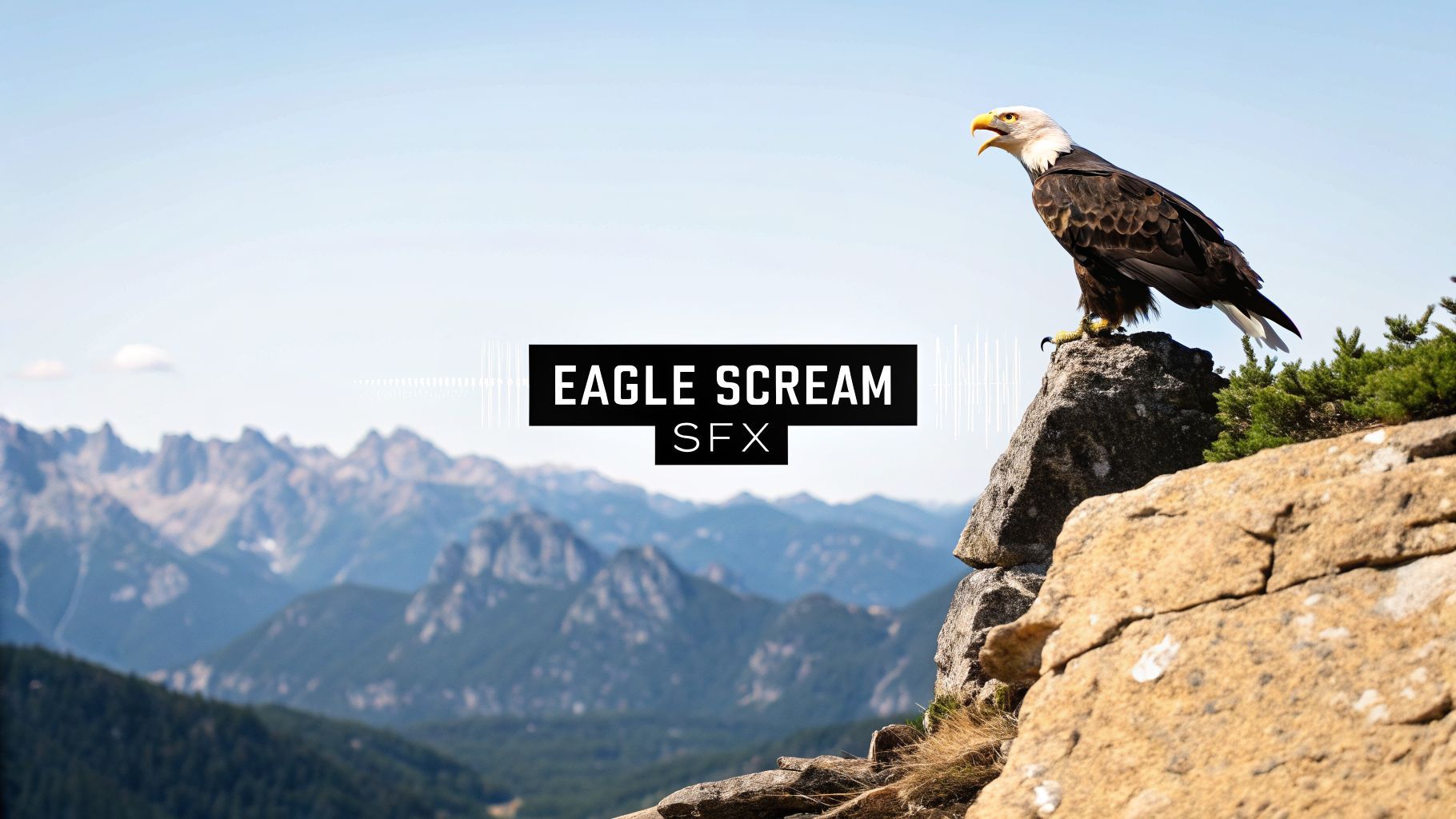
Here’s a little secret from the world of sound design: that terrifying, soaring cry you hear from eagles in movies? It’s almost always a complete fabrication. For decades, we've been using the fierce, piercing scream of a red-tailed hawk instead of the bald eagle’s surprisingly quiet, chirpy call.
 When you picture an eagle, you think of a majestic, powerful bird. Filmmakers need a sound that matches that imposing image. The problem? A real bald eagle's call is a string of high-pitched, almost gull-like whistles. It’s authentic, sure, but it completely lacks the dramatic weight you need for a big cinematic moment.
This is where the red-tailed hawk comes in. Its raspy, descending shriek is intimidating and sounds exactly how we think an eagle should sound. Dubbing this hawk cry over shots of eagles became so common it turned into a standard audio cliché—a piece of cinematic shorthand for untamed wilderness.
The red-tailed hawk's scream is now one of the most recognized stock sound effects in history. It’s so frequently misattributed to eagles and other birds of prey that it’s created a major disconnect between what we expect to hear and what these birds actually sound like. In fact, sound designers estimate that this specific sound effect shows up in over 90% of productions featuring eagles. It's truly cemented in our collective consciousness.
You can learn more about the history behind this famous audio illusion and its widespread use.
This sound swap was never meant to deceive; it’s a creative choice all about emotional impact. A hero standing silhouetted against a desert sunset just doesn't hit the same with a gentle chirp as it does with a ferocious scream echoing across the landscape. Knowing this history is more than just trivia—it gets at a core principle of sound design: sometimes, feeling is more important than fact.
This long-standing tradition highlights the creative license that has always been part of media production. The goal is to evoke a specific emotion, and the "Hollywood eagle scream" does that perfectly, even if it's biologically inaccurate.
For years, creators really only had two options: use that same tired, overused stock sound or spend a ton of time and money hunting down a rare, high-quality alternative. The whole process felt pretty limiting. Today, things are completely different.
Modern tools like the AI-powered SFX Engine put that creative power right back where it belongs—with you. You're no longer stuck with the old sound libraries or forced to follow cinematic tradition. Now, you get to decide exactly what your eagle scream sounds like.
This guide is all about moving beyond that cliché. I’ll walk you through how to generate, shape, and polish a custom eagle scream that is 100% yours—whether you're aiming for raw realism, cinematic grandeur, or the perfect mix of both.

Alright, this is where you get to play director. The heart of creating a convincing eagle scream with an AI tool like SFX Engine isn't just the technology—it's the text prompts you feed it. Your words are what will shape the final performance.
Sure, you can start with a simple prompt like "eagle scream." It's a solid foundation and will get you a sound that's instantly recognizable. But the real artistry comes from using more evocative, descriptive language to coax a specific character and texture out of the AI.
Think of it as moving from a generic stock sound to a custom-designed sonic asset that’s a perfect fit for your project.
The secret is to go beyond just naming the sound. You need to describe the action, the emotion, and even the environment it’s happening in. This gives the AI model the context it needs to deliver the nuance you’re hearing in your head.
Let’s look at the difference it makes:
eagle screamA majestic eagle cries out, its shrill call echoing across a vast, rocky canyonThe first one will probably get you a clean, isolated scream. It’s usable, but generic. The second prompt, however, tells a story. It implies a powerful, heroic cry with built-in natural reverb ("echoing") and a sense of immense scale ("vast canyon"). The results you get from these two prompts will be worlds apart.
A well-crafted prompt is your most powerful tool. It’s the difference between a generic sound file and a bespoke audio moment that elevates your entire production. Specificity is your best friend here.
Let’s dig into how small tweaks in your phrasing can completely change the sound. Your goal is to build a mental library of descriptive words you can mix and match to get the eagle scream sound effect you need.
Here are a few real-world scenarios I often find myself designing for:
For a Tense Scene: I might try something like A lone eagle lets out a sharp, piercing shriek from high above, aggressive and territorial. Words like "sharp," "piercing," and "aggressive" push the AI toward a much more intense and jarring sound.
For an Emotional Moment: You could use a prompt like A mournful eagle call, a long and sorrowful cry in a quiet, misty forest. Here, "mournful" and "sorrowful" set a completely different mood, which will likely produce a longer, more melodic, and melancholic call.
For Biological Realism: As we’ve covered, real eagle calls are a bit different. For that, you could prompt for The chittering, high-pitched whistles of a bald eagle perched on a branch. This gives the AI specific and authentic sonic traits to work with. If you want to dive deeper into sound creation techniques, you can explore our detailed guide on the sound creation process.
To give you a better framework for your own experiments, the table below shows how you can prompt for different results.
See how different text prompts can shape the characteristics of your generated eagle scream sound effect.
| Prompt Example | Expected Sonic Characteristic | Best Use Case |
|---|---|---|
Cinematic eagle scream, powerful, heroic | A strong, clear cry reminiscent of the classic Hollywood sound, with a clean tail. | Epic film trailers, fantasy video games, or any scene requiring a dramatic impact. |
Distant eagle call echoing in mountains | A sound with natural-sounding reverb and delay, with reduced low-end frequencies to simulate distance. | Establishing shots of vast landscapes, nature documentaries, or ambient background sound design. |
Close-up eagle cry, raspy, guttural, aggressive | A detailed, textured sound with harsh, throaty elements. Perfect for intense moments. | Wildlife close-ups, fight scenes in a game, or moments of sudden surprise or threat. |
Multiple eagles calling to each other, varied pitches | A more complex audio file with overlapping calls of different tones and lengths. | Creating a lively, natural environment with a flock of birds, adding realism to a scene. |
This prompting stage is your creative playground, so don't hesitate to try unusual descriptions or combine different concepts. Generating a dozen variations takes only a few minutes but gives you a rich palette to work with. You might find one version has the perfect attack while another has a beautiful reverb tail. Later, you can layer these together to build the ultimate eagle scream sound effect.
 Getting a good initial sound from your prompt is just the starting line. The real magic happens when you start sculpting with the advanced parameters in the SFX Engine. This is where you move beyond the default settings and start treating the AI like a true sound design partner.
Instead of just re-running the same prompt and hoping for a better roll of the dice, these controls let you guide the AI's interpretation. You can strategically steer the generation to get exactly the variation you need. This is how a decent sound becomes a fantastic one.
The duration parameter seems simple, but it’s one of the most powerful tools you have. It doesn’t just change the length of the sound effect; it fundamentally alters the character and emotion of your eagle scream.
Here’s how I think about it for different use cases:
Just by playing with this one slider, you can pull a whole suite of related sounds from a single prompt, which is a huge time-saver and keeps your project's sound palette consistent.
The chaos (or variation) parameter is your secret weapon against the sterile, "too perfect" quality that can sometimes plague AI-generated audio. In nature, no two eagle cries are ever identical. This control injects those subtle, random fluctuations that make a sound feel organic and real.
Think of it as a humanizing touch. A low chaos setting sticks close to your prompt, which is great when you need a clean, predictable result. But nudging it higher gives the AI more creative license.
I love to think of the 'Chaos' setting as a "surprise me" button. It can lead to incredible accidents, like a slight crack in the scream's voice or a unique pitch bend that adds a ton of character you never would have thought to ask for.
For an eagle scream, even a small bump in chaos—say, 10-20%—can be the difference between a static sound and one that feels truly alive. You might get a bit of raspiness at the end, a slight waver in the middle, or a different pitch contour. These are the details that sell the authenticity.
Let's stick with our base prompt: A lone eagle lets out a sharp, piercing shriek. Here's a quick cheat sheet for how I'd tweak the controls for different outcomes:
| Control Adjustment | Resulting Sound Characteristic | Best Use Case |
|---|---|---|
| Duration: 2s, Chaos: 0% | A quick, clean, and predictable shriek. | Quick action cuts or UI sounds in a game. |
| Duration: 6s, Chaos: 25% | A longer, more natural cry with slight variations in pitch and texture. | Background environmental audio to create a sense of place. |
| Duration: 9s, Chaos: 50% | A long, unpredictable wail with significant, unique character. | A key moment for a creature's "hero" call or a signature sound. |
Experimenting with these controls is everything. It’s what takes you from simply typing prompts to truly designing the final sound. The level of detail you can achieve is a lot like using a parametric EQ to sculpt frequencies, giving you precise and powerful command over the final product.
Getting a clean sound from an AI generator is a great first step, but the real magic happens inside your Digital Audio Workstation (DAW). This is where you transform a raw, isolated sound into something with professional polish, depth, and a sense of place. It’s the difference between a simple recording and a sound that feels like it belongs in a cinematic scene.
Your DAW is your creative sandbox, and for this task, we’ll lean on three essential tools: an equalizer (EQ), a compressor, and a reverb. Understanding how they work together is what will make your eagle scream truly soar.
EQ is always my first stop. It’s all about balancing the frequencies in your sound—getting rid of the stuff you don’t want and enhancing the parts you do. Even a clean AI generation can have some muddy low-end rumble or piercing high frequencies that just don't sound natural.
I’m a firm believer in subtractive EQ, which means I listen for problem spots and cut them out before I even think about boosting anything.
Doing this ensures the eagle scream has its own defined space in the sonic spectrum. It will cut through the mix without fighting everything else.
With the frequencies balanced, it's time to control the dynamics. A compressor works by reducing the difference between the quietest and loudest parts of a sound. For an eagle scream, this is your secret weapon for adding punch and making it feel consistently powerful.
Think about the soundwave: it probably has a huge, sharp peak right at the start and then a much quieter tail. A compressor evens that out.
By taming the loudest peaks, compression allows you to increase the overall volume of the sound without clipping or distorting. This results in an eagle scream that feels louder and more impactful, even at the same peak level.
For a really dramatic scream, I like to use a fast attack to instantly catch that initial shriek, paired with a medium release so the effect fades out smoothly. A good starting point for the ratio is around 4:1. This means that for every 4 decibels the sound goes over your threshold, the compressor only lets 1 decibel through.
A single sound effect can sometimes feel a little thin, especially for something as epic as an eagle. The key to a huge, cinematic sound often comes down to layering multiple variations together. Head back to the generator and create a few different screams using slightly different prompts or settings.
Import these takes into your DAW on separate audio tracks. You might find one has a fantastic, raspy beginning, while another has a long, beautiful tail. You can then edit and crossfade between them, essentially building a "hero" scream that combines the best parts of each. Try panning some of the layers slightly left or right to create a wider, more immersive stereo field. To get a better handle on this, check out our guide on how to layer sound effects in your videos.
Finally, you need to give your eagle a world to live in. Right now, it sounds like it’s in a soundproof booth. Reverb is the tool that fixes this by simulating the natural reflections of a physical space. It’s what convinces the listener your eagle is soaring over a canyon or perched high in a forest.
Your choice of reverb is a storytelling decision:
By skillfully blending EQ, compression, and reverb, you're not just tweaking an audio file—you're crafting a sonic experience. You’re building an eagle scream that sounds authentic, powerful, and ready for the big screen.
You’ve done the creative work—now it’s time for the practical stuff. Getting your polished eagle scream ready for action involves a few final, but crucial, housekeeping steps. We need to talk about export formats, metadata, and licensing.
Getting these details right from the start will save you a world of headaches later. It’s all about making your new sound easy to find, easy to use, and legally clear for any project you throw it into.
How you export your sound directly impacts its quality and file size. The two workhorses of the audio world are WAV and MP3, and the right choice really just depends on the job at hand.
My personal rule of thumb? Always export a master WAV file for your archive. From there, you can easily create MP3 versions as needed. This gives you the best of both worlds: pristine quality on deck and lightweight versions ready for deployment.
Before you hit export, remember the processing chain that got you here. It's a logical path from shaping the sound to placing it in a space.

This flow—EQ, then compression, then reverb—is a fundamental part of getting a professional sound before you even think about the final file format.
As your sound library grows, it can quickly turn into a digital junk drawer. That's where metadata saves the day. It’s basically just information you embed into the audio file to keep things organized.
When you export from your DAW, take 30 seconds to add descriptive tags. Think like you're searching for it a year from now: "eagle," "scream," "canyon," "aggressive," "cinematic." This simple habit makes your files searchable and saves you from the future pain of auditioning a dozen files named eagle_scream_final_v2.wav.
Think of metadata as the label on a spice jar. It tells you exactly what’s inside without you having to open it and taste it. For a busy sound designer, that’s not a luxury—it's essential.
Just as critical is understanding your rights. A huge benefit of using a tool like the SFX Engine is the licensing model: every sound you generate includes a royalty-free commercial license. You own it. You can use it in films, games, podcasts, you name it, without ever worrying about extra fees.
This is a massive step up from the old world of stock audio. For instance, the legendary Wilhelm scream, first recorded in 1951, became an inside joke in Hollywood, appearing in over 400 films. While it's one of the most famous stock sound effects, its history highlights a past filled with licensing quirks. With your own custom, fully-licensed sound, you're free and clear for any creative challenge that comes your way.
Even with the best tools, you're bound to hit a few creative hurdles when generating sounds from scratch. It's just part of the process. So, let's walk through some of the common questions and sticking points I see people run into when they're trying to craft that perfect eagle scream.
Think of this as a troubleshooter's guide to get you past the finish line.
This is a classic one. If your sound comes out feeling a bit robotic or "digital," the problem usually lies in the prompt itself. A simple prompt often gives you a simple, sterile result.
The first thing to try is adding much more descriptive detail. Give the AI a scene to work with. Instead of just eagle scream, you could try:
A realistic eagle cries out, its call echoing across a vast, rocky mountain valley, with the sound of natural wind in the background.The raspy, shrill call of an eagle, with a slight crackle in its voice, as if it's perched high on a windy cliff edge.See the difference? You’re painting a picture, which gives the AI richer context. Another great trick is to play with the Chaos or Variation parameter in the generator. Nudging this up by just 10-20% can work wonders. It introduces the small, random imperfections that make a sound feel real and organic, not perfectly calculated.
Finally, here’s a pro tip from my own workflow: layer it. Even the best AI sound can be elevated by blending it with a real-world element. In your DAW, layer your eagle scream over a very quiet recording of wind or distant forest ambience. This simple technique helps ground the sound in a believable space and masks any lingering synthetic artifacts.
Absolutely, and this is one of the biggest reasons to get on board with modern AI sound platforms. The sounds you create, including your custom eagle scream sound effect, are almost always covered by a full commercial, royalty-free license.
This means you have the green light to use your creation in any paid project, anywhere in the world, forever, without owing anyone a dime in royalties. That includes:
For creators, this straightforward licensing is a game-changer. It cuts through the legal red tape and confusing terms you often find with traditional stock sound libraries, giving you complete creative and commercial freedom.
You get to build a personal, high-quality library of custom sounds that are yours to use without having to think twice. It’s a huge weight off your shoulders.
Making a sound feel distant is all about mimicking physics—how sound actually behaves as it travels through the air. You can achieve this convincingly with three key tools you’ll find in any standard Digital Audio Workstation.
First, you need to use an equalizer (EQ) to shape the frequencies. As sound travels, it loses its highest highs and lowest lows.
Second, and most importantly, is reverb. You need to place the sound in an environment. Pick a reverb preset built for a big, open space like 'Large Hall,' 'Canyon,' or a long 'Plate' reverb. The real magic happens in the Wet/Dry mix. You'll want to increase the 'Wet' signal (the reverb effect) and pull back the 'Dry' signal (the original sound). The more 'Wet' it is, the further away it will sound.
Finally, just turn it down! A distant sound is a quieter sound. By combining these three moves—EQ, reverb, and volume—you can place your eagle scream far off on a distant mountain peak and make it completely believable.
Ready to stop searching for generic stock sounds and start creating your own? With SFX Engine, you can generate custom, high-quality sound effects in seconds. Get started today and bring your sonic vision to life.
